WTTB
Resources
Print Services
Bespoke PrintingBook Printing HubEvents & Exhibitions HubCharity Printing HubLeaflet DistributionVideo QR Codes
Trade Print Services
Print Reseller HubImage LibraryPrint ToolsReseller BlogsSample Pack
Benefits
RewardsDeals & Discounts
Help & Support
Print BlogFAQsSupport GuidesArtwork CheckPrint DictionaryContact Us
‎ ‎ Canva
Canva Print Hub
Canva Templates
Canva Tutorials
Canva Checklist
Canva Blogs
Loading...
Books & Brochures
Flyers & Leaflets
Display & Signage
Cards & Stationery
Packaging & Stickers
Promotional
Occasions
Best Sellers

Products

  • Banners
  • Booklets & Brochures
  • Business Cards
  • Flyers & Leaflets
  • Signage
  • Business Stationery
  • Bespoke Printing
  • View all products »

Resources

  • Print Reseller Hub
  • Sample Pack
  • Book Printing Hub
  • Charity Printing Hub
  • Canva Print Hub
  • Print Materials Hub
  • Image Library

My Account

  • Track My Order
  • Dashboard
  • Print Tools
  • Rewards
  • Deals & Discounts
  • Register

Help & Support

  • FAQs
  • Support Guides
  • Print Dictionary
  • Artwork Check
  • WTTB Blog
  • Contact Us

Company

  • About WTTB
  • Meet The Team
  • Terms and Conditions
  • Privacy Policy
  • Cookie Policy
  • Sustainability

Connect

  • icon
    Facebook
  • icon
    Instagram
  • icon
    LinkedIn
  • icon
    Pinterest
  • icon
    TikTok
  • icon
    YouTube

Copyright © 2026 WTTB  All rights reserved

Free Canva tools every print creator should know about

Save time, tweak with ease, and prep your print like a pro

Whether you're selling wall art on Etsy, creating thank you cards for your small business, or uploading designs for print here at WTTB, one thing’s certain: Canva makes design easier.

But while many creators use Canva to design from scratch, not everyone realises just how useful Canva’s free tools can be, especially when preparing artwork for print. From last-minute PDF edits to fast file resizing, Canva offers a suite of features that help you work smarter, not harder.

Let’s explore the best free Canva tools available and how they can help you get print-ready faster.

Why Canva is more than just a design tool

You probably already know Canva is great for creating posters, planners, cards and more, especially with thousands of drag-and-drop templates.

But Canva is also a powerful editing and preparation platform, meaning you don’t always need to start from scratch. Whether you’re tweaking a PDF, repurposing an old design, or preparing multiple formats for print, Canva's free tools are a time-saving gift.

Five free Canva tools every print creator should know

1. Free Online PDF Editor

Best for: Quick tweaks before printing

Found the perfect layout, but need to change a bit of text? Or received a file from a client that needs your logo added? Canva’s free PDF Editor lets you upload, edit and re-download PDFs in just a few clicks. You can:

  • Adjust text, fonts and colours
  • Add new images or logos
  • Rearrange elements or delete unwanted pages
  • Collaborate with others in real time

Ideal for creators who don’t want to start a design from scratch, but need their file to be print-ready and polished.

2. Free Resize Tool (with Templates)

Best for: Adapting artwork to different print sizes

If you’ve designed an A4 print but want to offer it in A3 or postcard format, Canva’s built-in resize function makes it easy to duplicate and adjust your artwork. While full access to “Magic Resize” is a Pro feature, you can still:

  • Manually change dimensions for free
  • Use pre-set print sizes (A5, A3, US Letter, etc.)
  • Align and adjust elements using Canva’s smart guides

Great for scaling wall art or repurposing a greeting card design as a flyer.

3. Brand Kit (Free version)

Best for: Keeping a consistent look

With Canva's free Brand Kit, you can:

  • Set your brand colours and fonts
  • Store logos for reuse
  • Apply consistent styling across multiple files

Even the free version is a huge help for creators who want to keep their Etsy shop or small business branding consistent across postcards, thank you cards, leaflets and stickers.

4. Background Remover (Limited in Free version)

Best for: Product mockups or isolated artwork

While the background remover is mainly a Pro feature, free users get access to it occasionally, or during Canva trials. It's especially handy for:

  • Isolating artwork for stickers
  • Creating clean product mock-ups
  • Removing clutter behind your subject in framed art or card designs

Tip: Use this tool before uploading your artwork to WTTB for print. Clean, isolated files give better results.

5. Print templates and file download options

Best for: Ensuring correct bleed and file formats

Canva offers built-in templates for most standard paper sizes, making it easy to set up designs that match WTTB's products. You can export:

  • PDF Print files (ideal for sharpness and compatibility)
  • With crop marks and bleed added
  • At 300 DPI for professional quality results

At WTTB, we've also created our own Canva-ready print guides so your files are perfectly prepped.

Why these tools work so well with WTTB

Our customers love Canva because:

  • It's easy to learn, even for complete beginners
  • It saves time with templates and editing shortcuts
  • It plays nicely with our print requirements, especially when exporting PDFs

Combine Canva's free tools with WTTB's professional printing and expert support, and you've got a powerful, low-cost setup to launch or grow your print business.

Work smarter, not harder

You don't need to be a full-time designer to create professional-quality print. With Canva's free tools and the right print partner, you can:

  • Repurpose designs
  • Polish PDF files
  • Maintain brand consistency
  • Produce sharp, high-quality print materials

Explore our Canva Print Hub to find templates, guides and expert help to make your next print run flawless.

Posted on June 24, 2025 by Emma Thompson

Related topics:
MarketingeCommerceCanva
Share :

Related Products

A flat lay of design materials, a tablet, cards, a checklist, and stationery on a blue surface.

Custom Canvas Prints

Printed Greetings Cards

Postcard Printing

Custom Posters

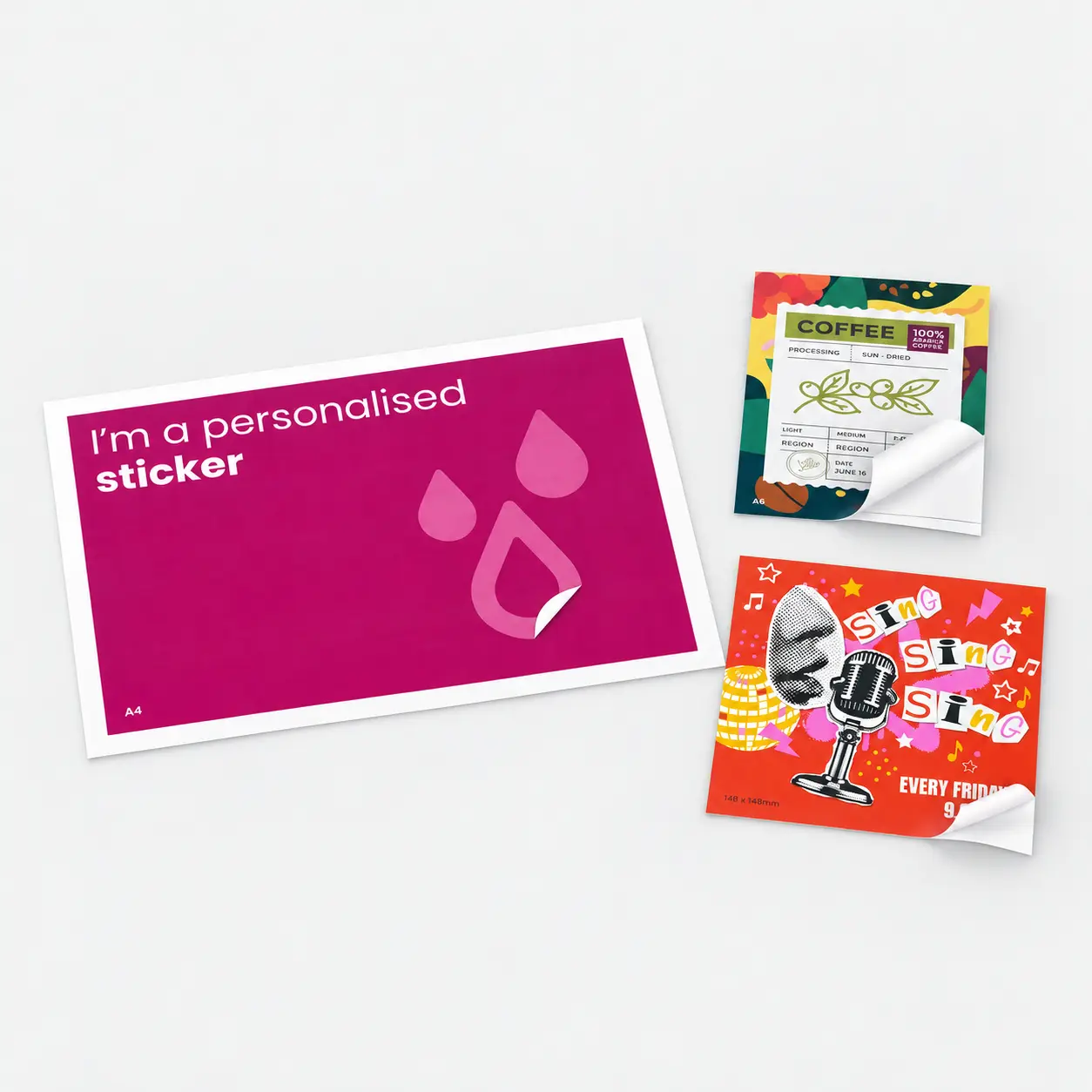
Personalised Stickers

Two colourful, canvas prints with abstract summer-themed cover designs on a grey surface.
A "Good Luck!" printed greetings card and a "thank you" printed greetings card are standing side by side on a gray surface.
Two colourful postcards: one with a bearded man’s portrait, one with "Thank You So Much" text.
Two printed flyers on a light surface; one advertises "Summer," the other a design event.
personalised-stickers

£17.86

£24.59

£22.53

£20.98

£17.71