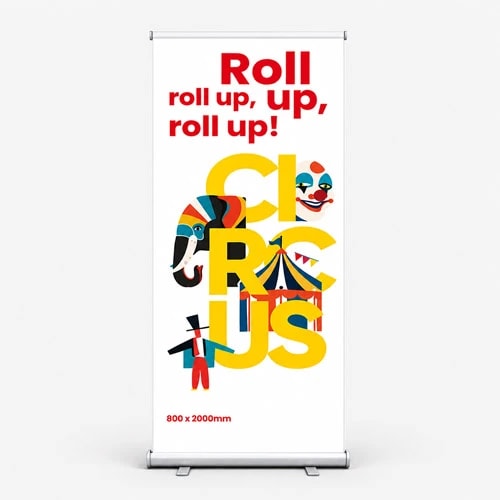
||

Prices


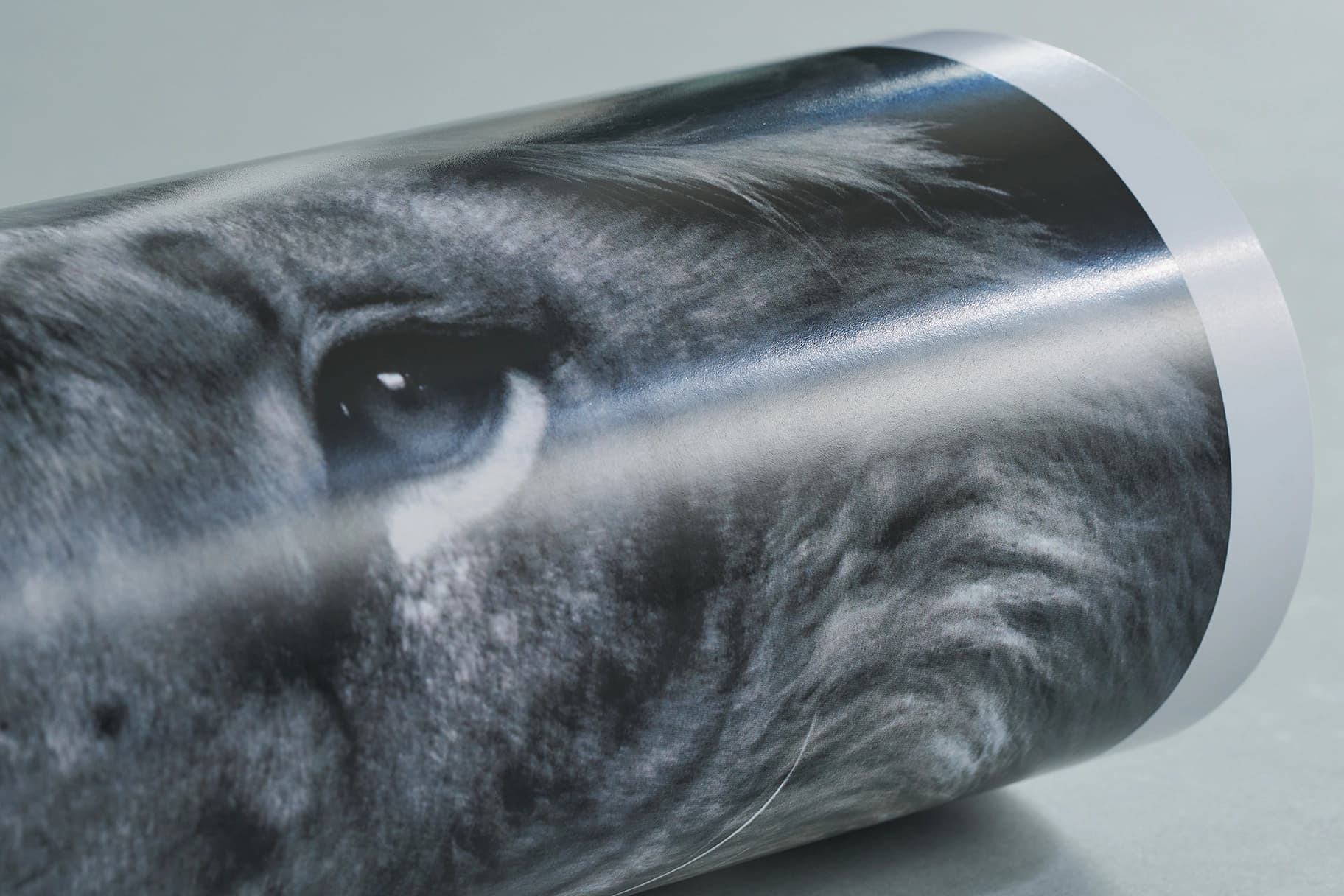
Silk paperFor a slight silk sheen to your print.
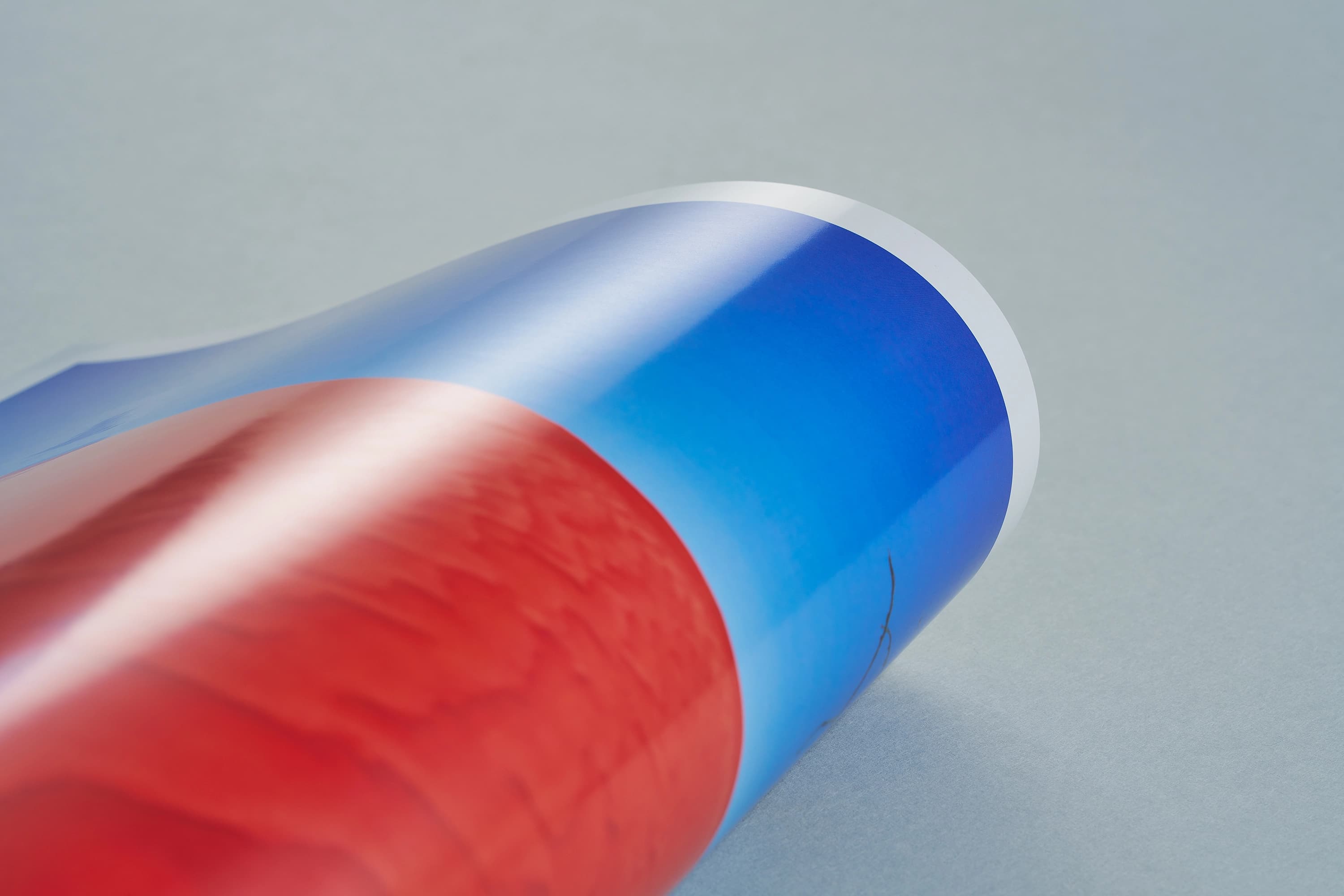
Gloss paperFor a high gloss sheen to your print.
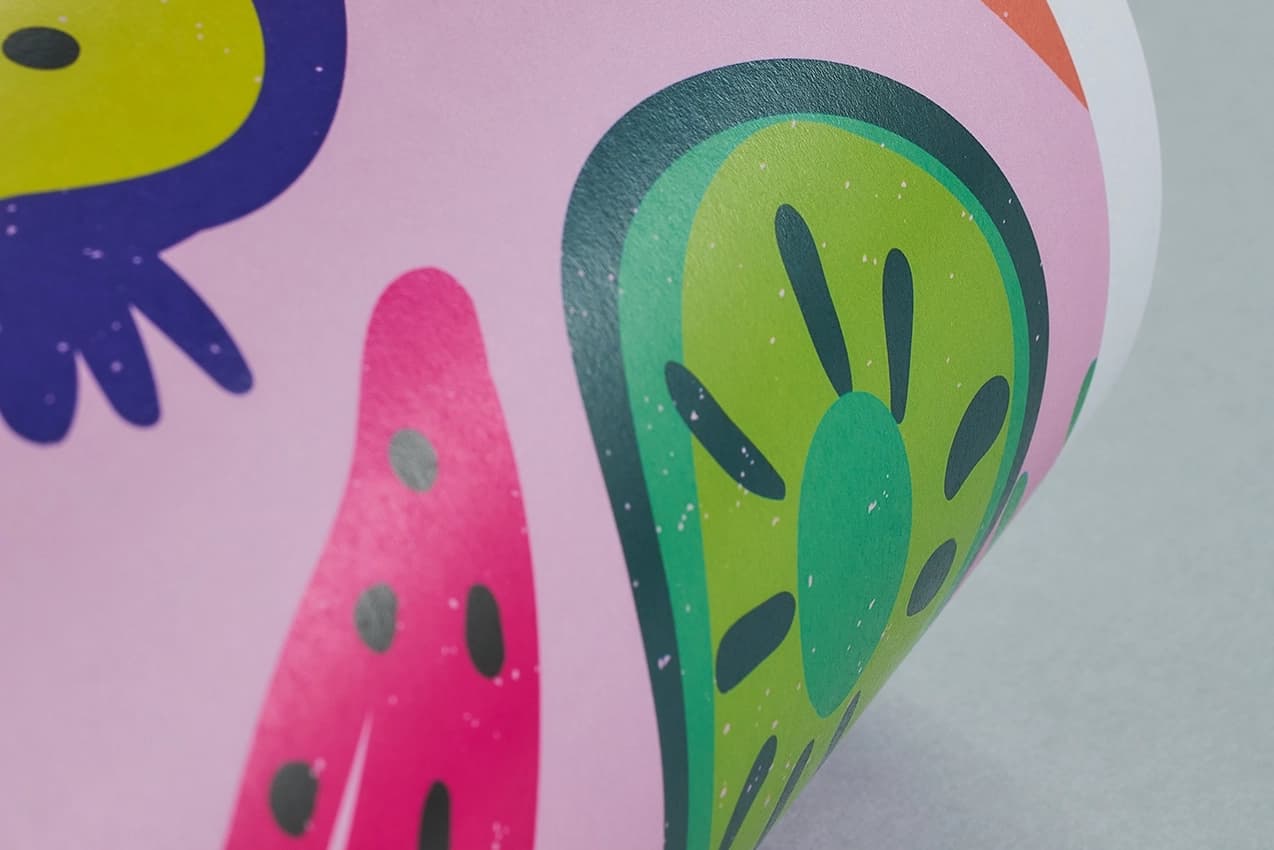
Uncoated paperA smooth, natural matt finish for a clean, classic look
 Unparalleled knowledge,
Size
Orientation
Printed sides
Paper stock
Paper weight
Lamination
Versions
Quantity Per Version
Essential
23-point automated check
Free
Advanced
41-point inspection by a prepress technician
FREE if using your Print Perk Points at checkout
Order summary:
A3 Flyer Printing

Quantity Per Version: x25 | Paper Size: A3 (297 x 420mm) | Orientation: Portrait | Printed Sides: Single Sided | Paper Stock: Silk | Paper Weight: 170gsm | Lamination: None | Print Settings: Small Format Flat Products |
Artwork Technical Check: Essential - FREE
Unparalleled knowledge,See what our customers say about A3 Flyer Printing
Silk paperFor a slight silk sheen to your print.
Gloss paperFor a high gloss sheen to your print.
Uncoated paperA smooth, natural matt finish for a clean, classic look
Product description
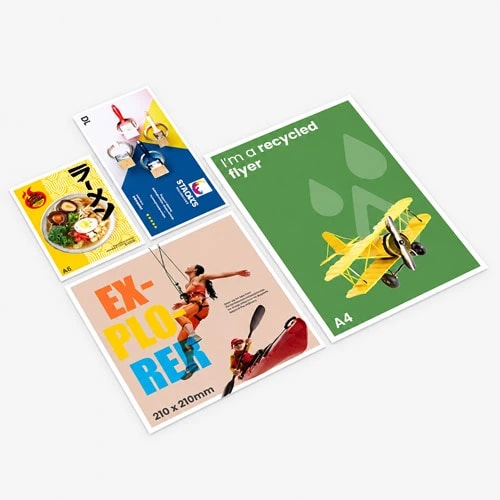
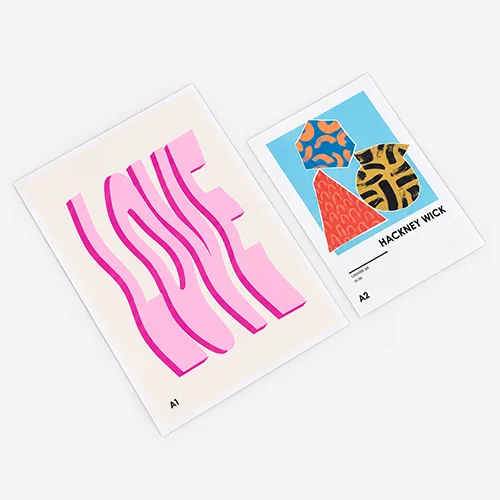
Go big with our Extra Large Flyers, designed to make a statement and capture the attention of passersby. These A2 and A3 flyers offer ample space to showcase your message with impact.
Enjoy the variety of choice with a range of paper stock finishes, with lamination options also available to add extra durability. Whether you opt for single or double sided printing, and portrait or landscape orientations, each large flyer is meticulously crafted to captivate your audience's attention.
Ideal for promoting events, sales and other special offers, our low cost large flyers leave a lasting impression that resonates long after the flyer is seen.
Grand openings, special announcements, event promotions, and more.
Top tip
Prioritise high-resolution images and bold typography to ensure your message is clear and visually striking, even from a distance. This enhances visibility and ensures your message stands out in both busy and open spaces.
Looking for more ways to spread the word? Check out our wide range of flyer and leaflet printing options.
Design guidelines
To make artwork setup simple, download the relevant template from the Production templates section above. Follow the instructions provided and remember to remove the 'Guide' layer before exporting your artwork as a PDF.
For the best printing results, ensure your artwork and images are in CMYK. If you use RGB, Pantone or spot colours, these will be converted to CMYK during production, which may affect how your colours appear in print.
To avoid font issues, make sure all fonts are embedded or converted to outlines before exporting your PDF. For readability, we recommend using a minimum font size of 10pt.
For the best print quality, aim for images between 300dpi and 450dpi at their final print size. Lower resolutions may appear blurry or pixelated, while higher resolutions can increase file sizes. Check product template for any specific requirements.
To avoid alignment issues during cutting, include crop marks with a 10mm offset and document bleed when exporting your artwork as a PDF. Refer to the relevant product template for the required bleed specifications, as these vary by product.
All artwork must be supplied as a print ready PDF. We recommend exporting in Adobe PDF (Print) format, ideally using the PDF/X 1a:2001 standard.
Need more help preparing your artwork Explore our support guides for further guidance.
Designing with Canva
We offer free Canva templates for many of our products, complete with the correct dimensions, bleed and safe zones. Where available, you'll find the Canva template in the Production templates section above, ready to open and personalise.
Once your design is complete, download it as a PDF Print file and return to our website to place your order and upload your artwork. Remember to remove any guide layers before exporting.
Need help getting started? Read our Canva template guide or explore our wider collection of Canva templates for other products.
Canva uses RGB colour mode by default, which is designed for screens rather than print. For the best printing results, make sure you select CMYK when exporting your artwork. Converting from RGB to CMYK can cause slight colour shifts, so always check your exported PDF carefully before uploading to avoid unexpected results.
Need help with colours? Read our Canva colour guide.
Use fonts of at least 10pt to maintain legibility and keep important text within the safe zone. Use images at 300dpi or higher at their final size to avoid blurry or pixelated results.
Need help with image quality? Read our artwork resolution guide or watch our YouTube tutorial on how to export Canva designs for print.
Extend backgrounds, colours and images into the bleed area to avoid unwanted white edges after trimming. Keep important text, logos and design elements within the safe zone, and follow the bleed requirements for your chosen product.
Need help setting up bleed? Read our Canva bleed setup guide.
When exporting your finished design from Canva, select PDF Print and enable 'Crop Marks and Bleed'. This ensures your artwork includes the necessary bleed for printing. Remember to remove any template guides before downloading your file.
Need help exporting your artwork? Explore our Canva Hub for further guidance, or watch our tutorial below.
Product description
Go big with our Extra Large Flyers, designed to make a statement and capture the attention of passersby. These A2 and A3 flyers offer ample space to showcase your message with impact.
Enjoy the variety of choice with a range of paper stock finishes, with lamination options also available to add extra durability. Whether you opt for single or double sided printing, and portrait or landscape orientations, each large flyer is meticulously crafted to captivate your audience's attention.
Ideal for promoting events, sales and other special offers, our low cost large flyers leave a lasting impression that resonates long after the flyer is seen.
Grand openings, special announcements, event promotions, and more.
Top tip
Prioritise high-resolution images and bold typography to ensure your message is clear and visually striking, even from a distance. This enhances visibility and ensures your message stands out in both busy and open spaces.
Looking for more ways to spread the word? Check out our wide range of flyer and leaflet printing options.
Design guidelines
To make artwork setup simple, download the relevant template from the Production templates section above. Follow the instructions provided and remember to remove the 'Guide' layer before exporting your artwork as a PDF.
For the best printing results, ensure your artwork and images are in CMYK. If you use RGB, Pantone or spot colours, these will be converted to CMYK during production, which may affect how your colours appear in print.
To avoid font issues, make sure all fonts are embedded or converted to outlines before exporting your PDF. For readability, we recommend using a minimum font size of 10pt.
For the best print quality, aim for images between 300dpi and 450dpi at their final print size. Lower resolutions may appear blurry or pixelated, while higher resolutions can increase file sizes. Check product template for any specific requirements.
To avoid alignment issues during cutting, include crop marks with a 10mm offset and document bleed when exporting your artwork as a PDF. Refer to the relevant product template for the required bleed specifications, as these vary by product.
All artwork must be supplied as a print ready PDF. We recommend exporting in Adobe PDF (Print) format, ideally using the PDF/X 1a:2001 standard.
Need more help preparing your artwork Explore our support guides for further guidance.
Designing with Canva
We offer free Canva templates for many of our products, complete with the correct dimensions, bleed and safe zones. Where available, you'll find the Canva template in the Production templates section above, ready to open and personalise.
Once your design is complete, download it as a PDF Print file and return to our website to place your order and upload your artwork. Remember to remove any guide layers before exporting.
Need help getting started? Read our Canva template guide or explore our wider collection of Canva templates for other products.
Canva uses RGB colour mode by default, which is designed for screens rather than print. For the best printing results, make sure you select CMYK when exporting your artwork. Converting from RGB to CMYK can cause slight colour shifts, so always check your exported PDF carefully before uploading to avoid unexpected results.
Need help with colours? Read our Canva colour guide.
Use fonts of at least 10pt to maintain legibility and keep important text within the safe zone. Use images at 300dpi or higher at their final size to avoid blurry or pixelated results.
Need help with image quality? Read our artwork resolution guide or watch our YouTube tutorial on how to export Canva designs for print.
Extend backgrounds, colours and images into the bleed area to avoid unwanted white edges after trimming. Keep important text, logos and design elements within the safe zone, and follow the bleed requirements for your chosen product.
Need help setting up bleed? Read our Canva bleed setup guide.
When exporting your finished design from Canva, select PDF Print and enable 'Crop Marks and Bleed'. This ensures your artwork includes the necessary bleed for printing. Remember to remove any template guides before downloading your file.
Need help exporting your artwork? Explore our Canva Hub for further guidance, or watch our tutorial below.
Large flyers are oversized printed materials that are perfect for grabbing attention. Their customisable size and finish make them ideal for high-impact events and promotions, ensuring your message is seen and remembered.
Silk provides a smooth, slightly shiny surface that enhances vibrancy while minimising glare.
Gloss has a reflective, shiny finish that enhances colour vibrancy and makes images stand out.
Uncoated offers a natural, matt texture that absorbs ink for a softer print look.
Yes, flyers larger than A4 are subject to VAT in the UK, as they are typically classified as stationery items and therefore fall under the standard VAT rate.
Turnaround times depend on your chosen product specifications and finishing options. For faster delivery, we offer express production upgrades at an additional cost. (Quantity limits apply) To avoid delays, make sure we receive your artwork before the cut off time shown on the product page and in your basket.
Please note: If your artwork is uploaded after the cut off time, or corrected artwork isn't supplied before the next cut off following rejection, delivery will be delayed by one working day.
Standard UK delivery is free, with optional paid upgrades for faster delivery, including before 10.30am and 12 noon services where available.
Yes, we offer international delivery. Contact our Bespoke team for a shipping quote.
Yes, we can arrange split deliveries to multiple addresses. Contact our Bespoke team with your requirements, and we'll help arrange delivery.
Once you've placed your order, you can upload your print ready PDF artwork using the upload button on the confirmation page. Alternatively, upload your files through the Orders section of My Account.
Need a hand? Watch our step by step video guide to see how to upload your artwork.
Colour matching isn't available on standard online orders. If you need to match a specific colour, submit a bespoke quote request and our team will review your requirements.
Most orders are packaged in boxes, while larger quantities may be secured on a pallet for kerbside delivery. If your location has access restrictions or requires special delivery arrangements, please contact us after placing your order, with your order number to hand.
Large flyers are oversized printed materials that are perfect for grabbing attention. Their customisable size and finish make them ideal for high-impact events and promotions, ensuring your message is seen and remembered.
Silk provides a smooth, slightly shiny surface that enhances vibrancy while minimising glare.
Gloss has a reflective, shiny finish that enhances colour vibrancy and makes images stand out.
Uncoated offers a natural, matt texture that absorbs ink for a softer print look.
Yes, flyers larger than A4 are subject to VAT in the UK, as they are typically classified as stationery items and therefore fall under the standard VAT rate.
Turnaround times depend on your chosen product specifications and finishing options. For faster delivery, we offer express production upgrades at an additional cost. (Quantity limits apply) To avoid delays, make sure we receive your artwork before the cut off time shown on the product page and in your basket.
Please note: If your artwork is uploaded after the cut off time, or corrected artwork isn't supplied before the next cut off following rejection, delivery will be delayed by one working day.
Standard UK delivery is free, with optional paid upgrades for faster delivery, including before 10.30am and 12 noon services where available.
Yes, we offer international delivery. Contact our Bespoke team for a shipping quote.
Yes, we can arrange split deliveries to multiple addresses. Contact our Bespoke team with your requirements, and we'll help arrange delivery.
Once you've placed your order, you can upload your print ready PDF artwork using the upload button on the confirmation page. Alternatively, upload your files through the Orders section of My Account.
Need a hand? Watch our step by step video guide to see how to upload your artwork.
Colour matching isn't available on standard online orders. If you need to match a specific colour, submit a bespoke quote request and our team will review your requirements.
Most orders are packaged in boxes, while larger quantities may be secured on a pallet for kerbside delivery. If your location has access restrictions or requires special delivery arrangements, please contact us after placing your order, with your order number to hand.