||

Prices


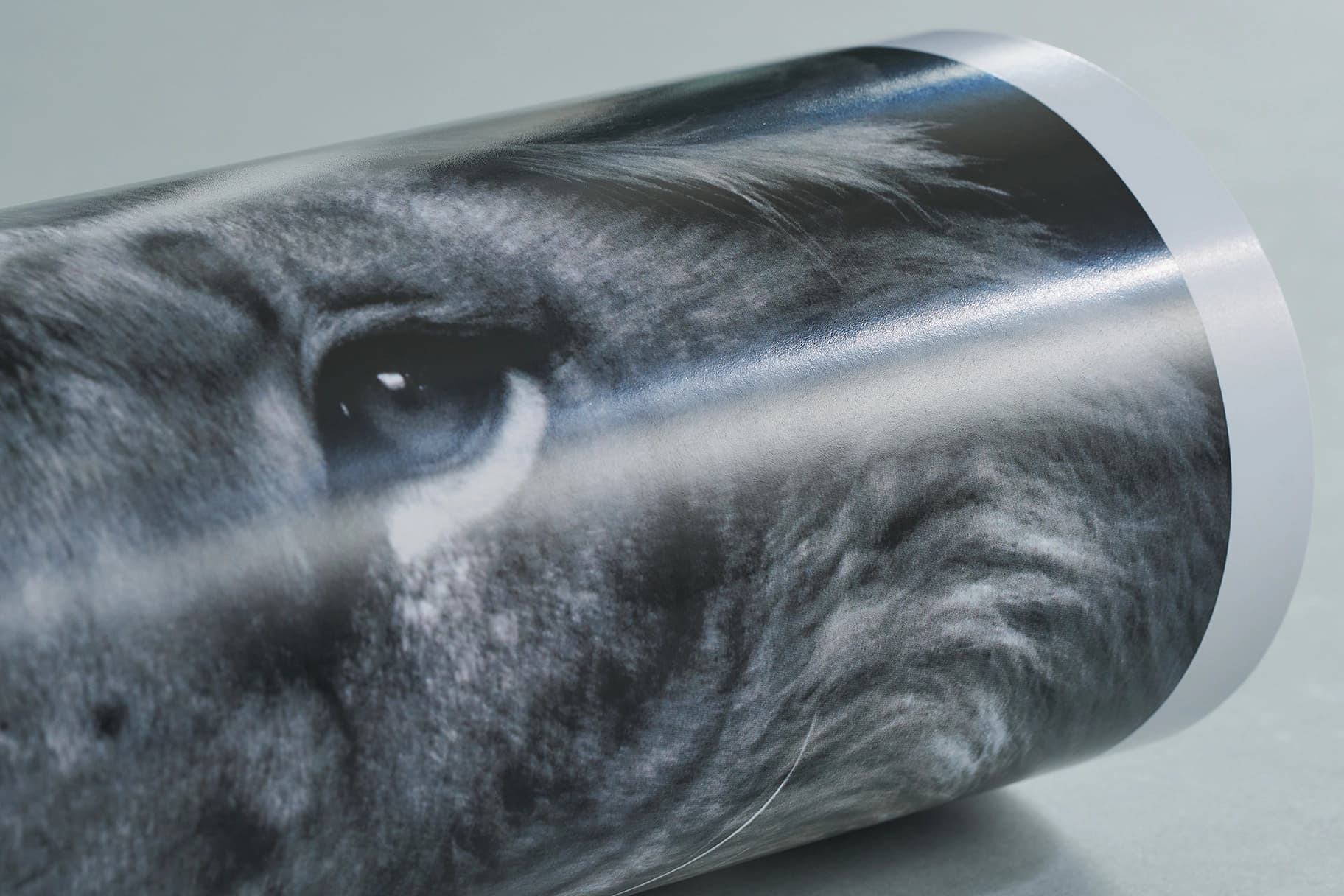
Silk paperFor a slight silk sheen to your print.
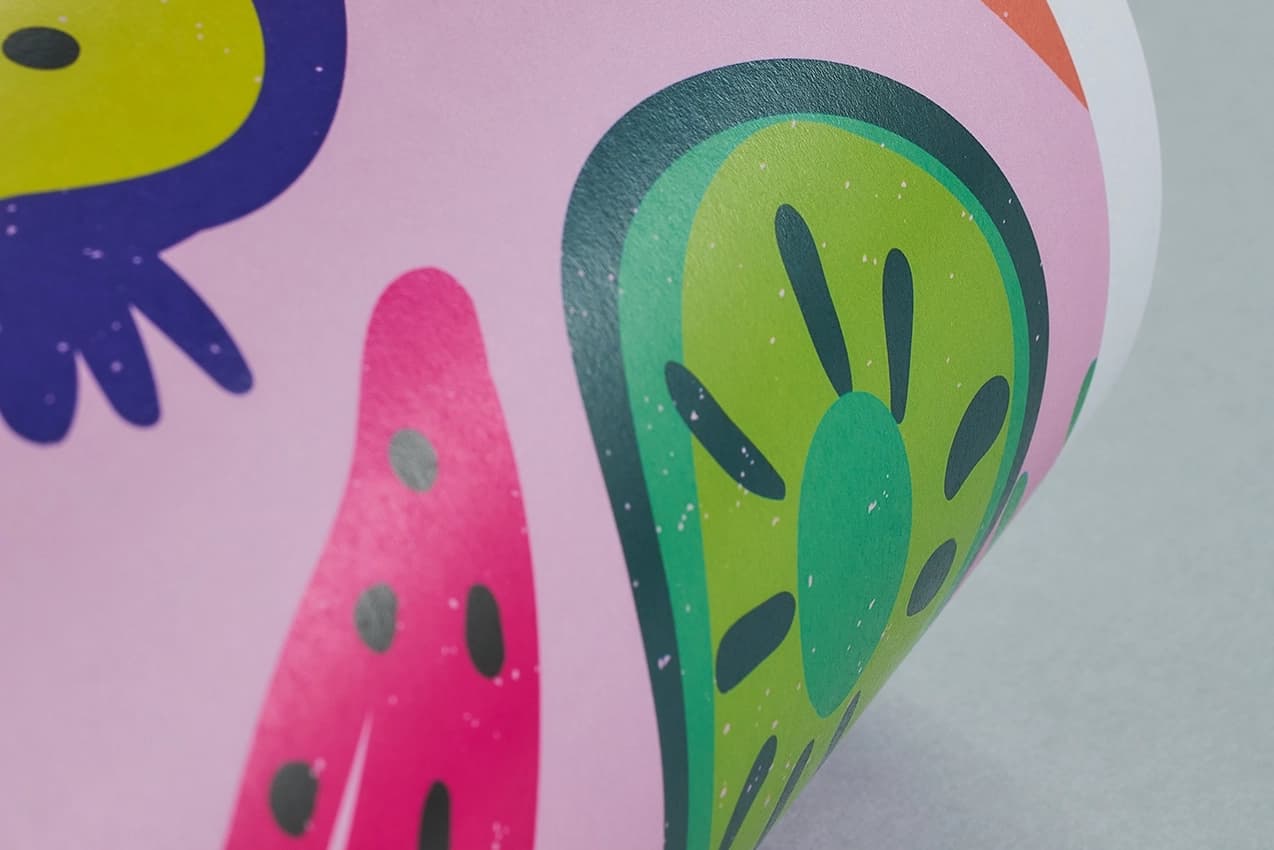
Uncoated paperA smooth, natural matt finish for a clean, classic look
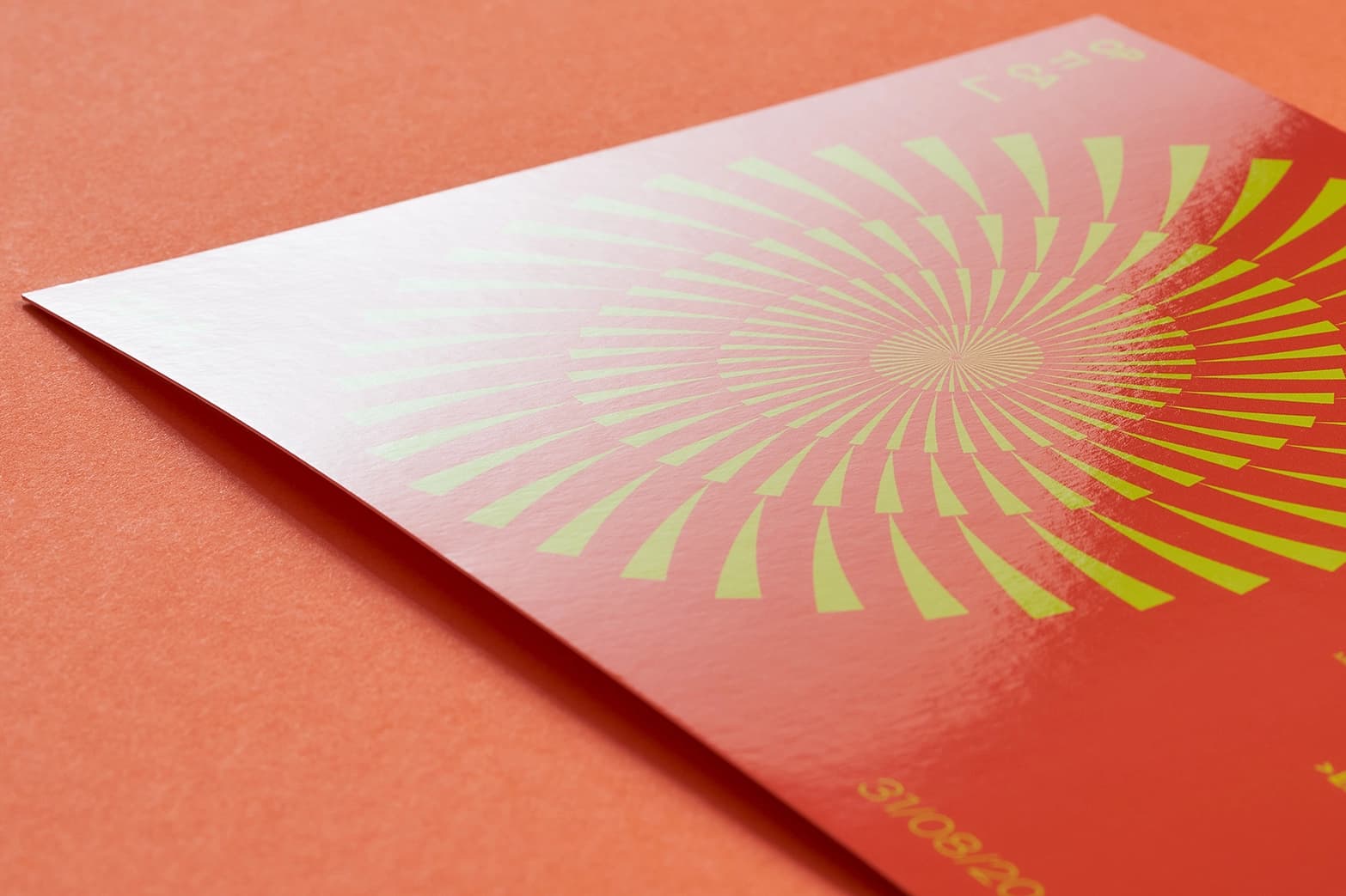
Gloss laminationEnhance your print with a ‘glass look’ shine and a layer of protection with our durable gloss lamination.
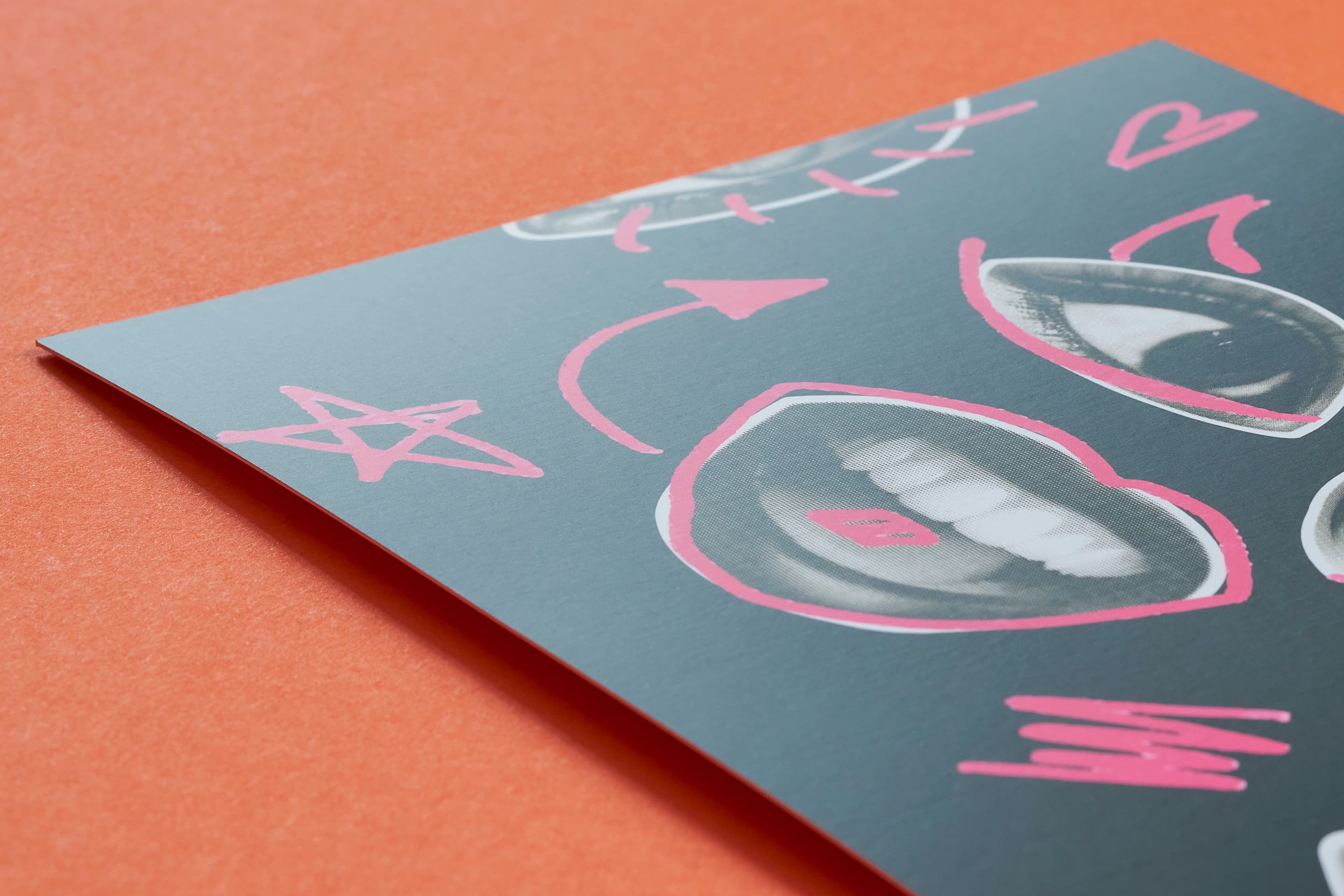
Matt laminationFor a sophisticated, softer look and feel as well as offering protection to your print.
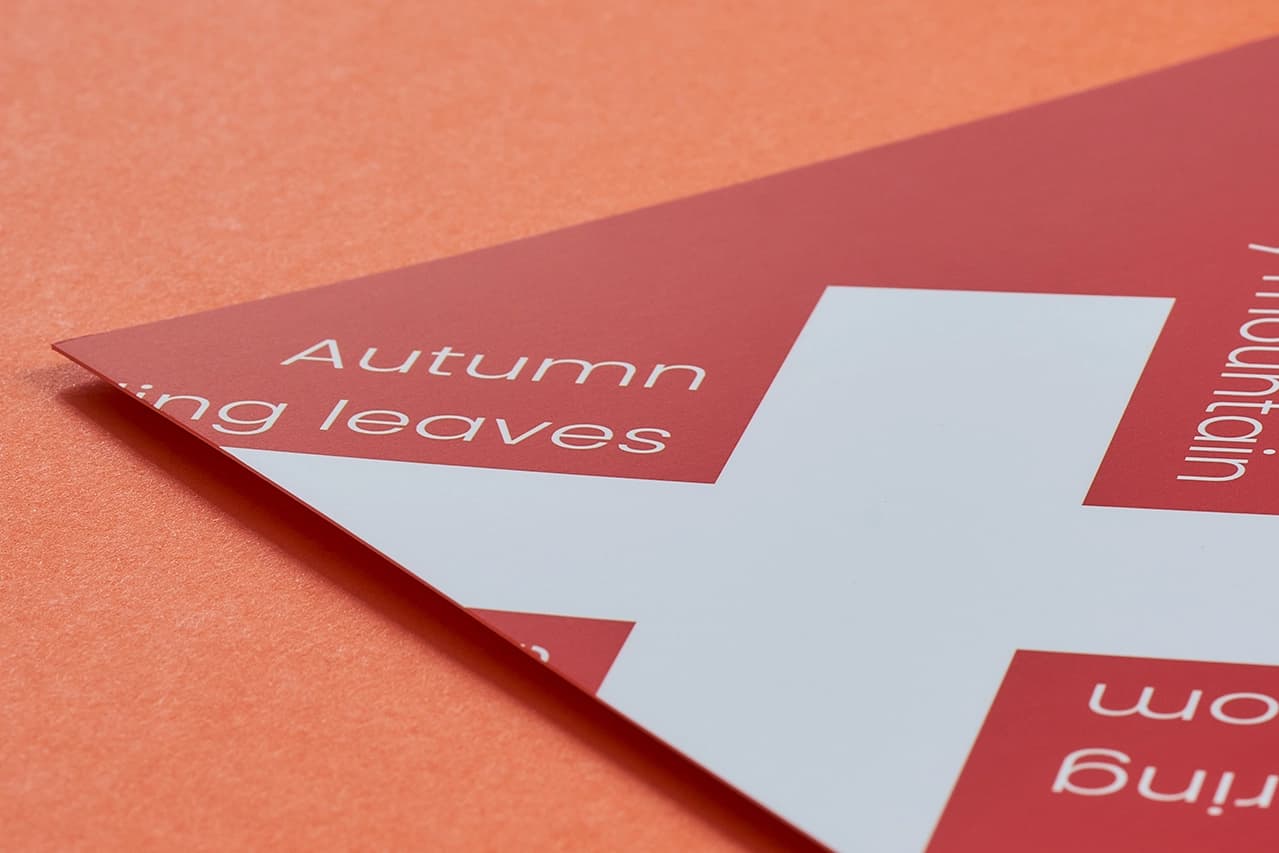
Soft touch lamination
 Unparalleled knowledge,
Size
Printed Sides
Paper stock
Paper weight
Lamination
Corner finish
Special finishes
Quantity
Essential
23-point automated check
Free
Advanced
41-point inspection by a prepress technician
FREE if using your Print Perk Points at checkout
Order summary:
Personalised Bookmarks

Quantity: x25 | Paper Size: 55 x 175mm | Orientation: Portrait | Printed Sides: Single Sided | Paper Stock: Silk | Paper Weight: 400gsm | Lamination: None | Corner Finish: Square Corners | Colours: Full Colour |
Artwork Technical Check: Essential - FREE
Unparalleled knowledge,See what our customers say about Personalised Bookmarks
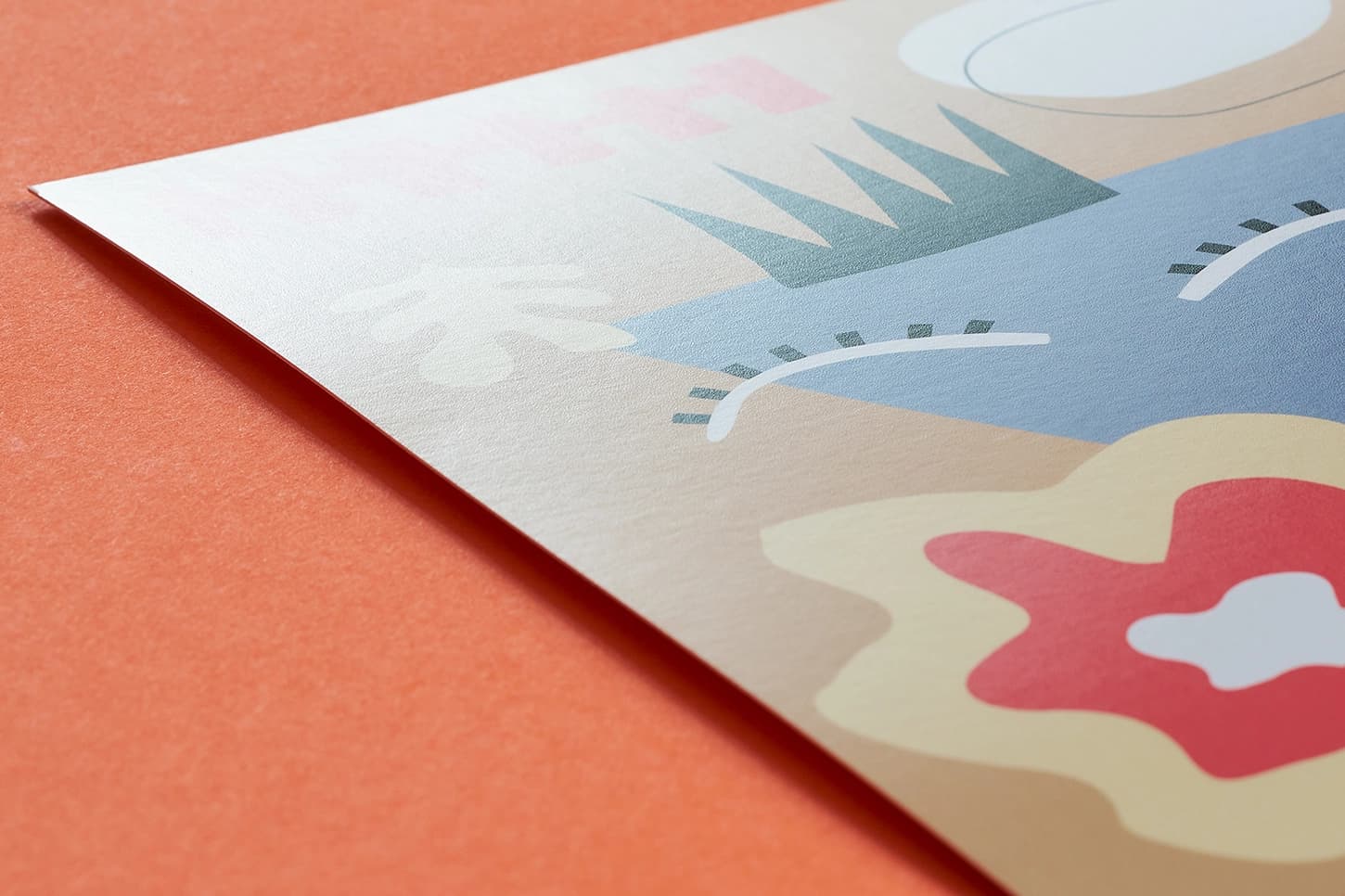
Gloss flood UVCoat and protect your print with a high sheen.
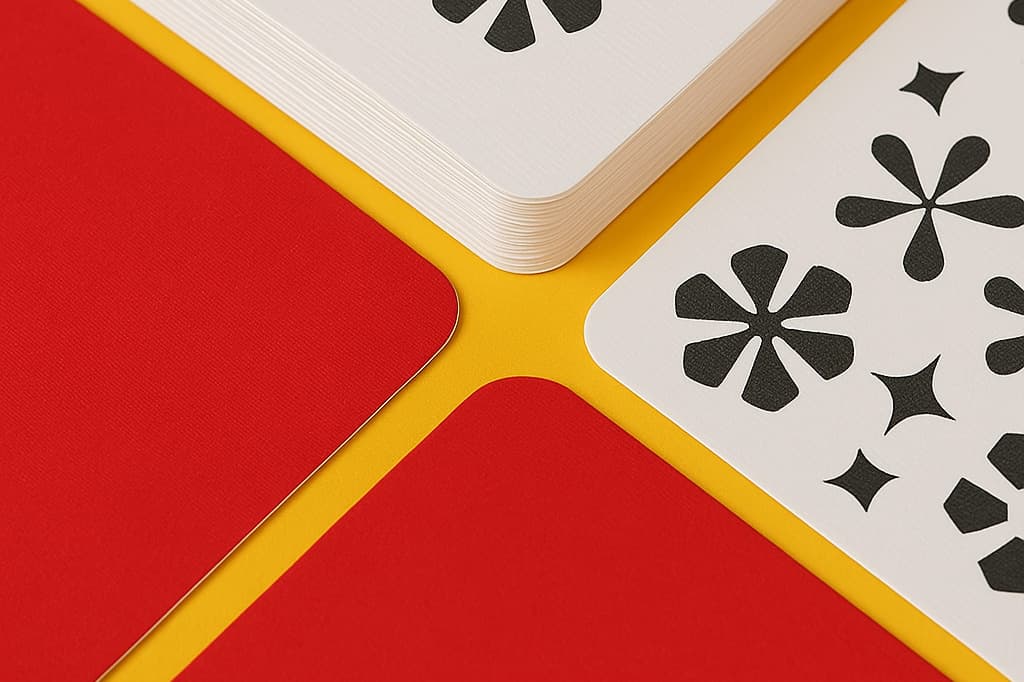
Round cornersAdd a smooth round alternative to the standard square corner of your print.
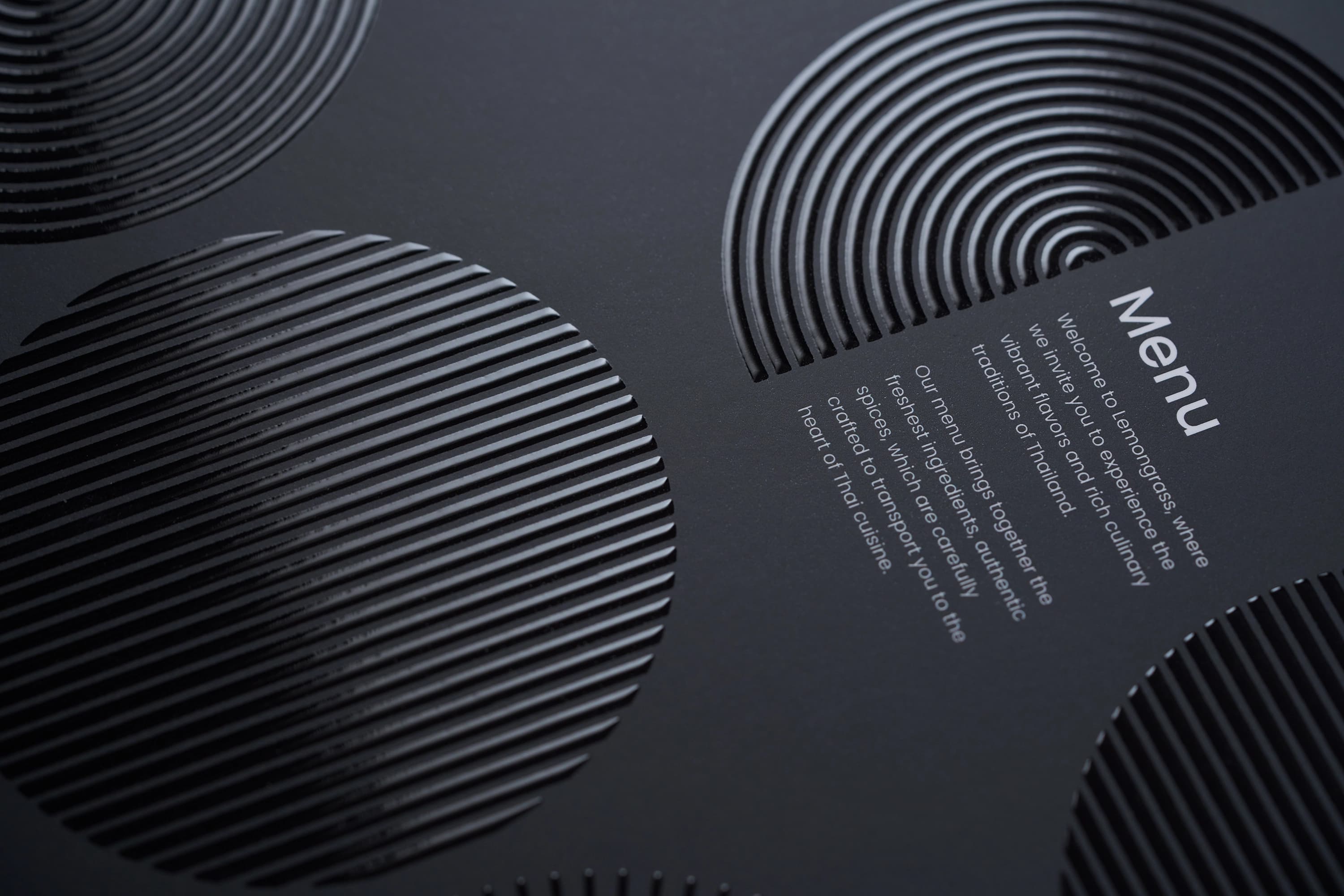
Scodix© spot UVA stunning high gloss clear finish to enhance specific areas of your design.
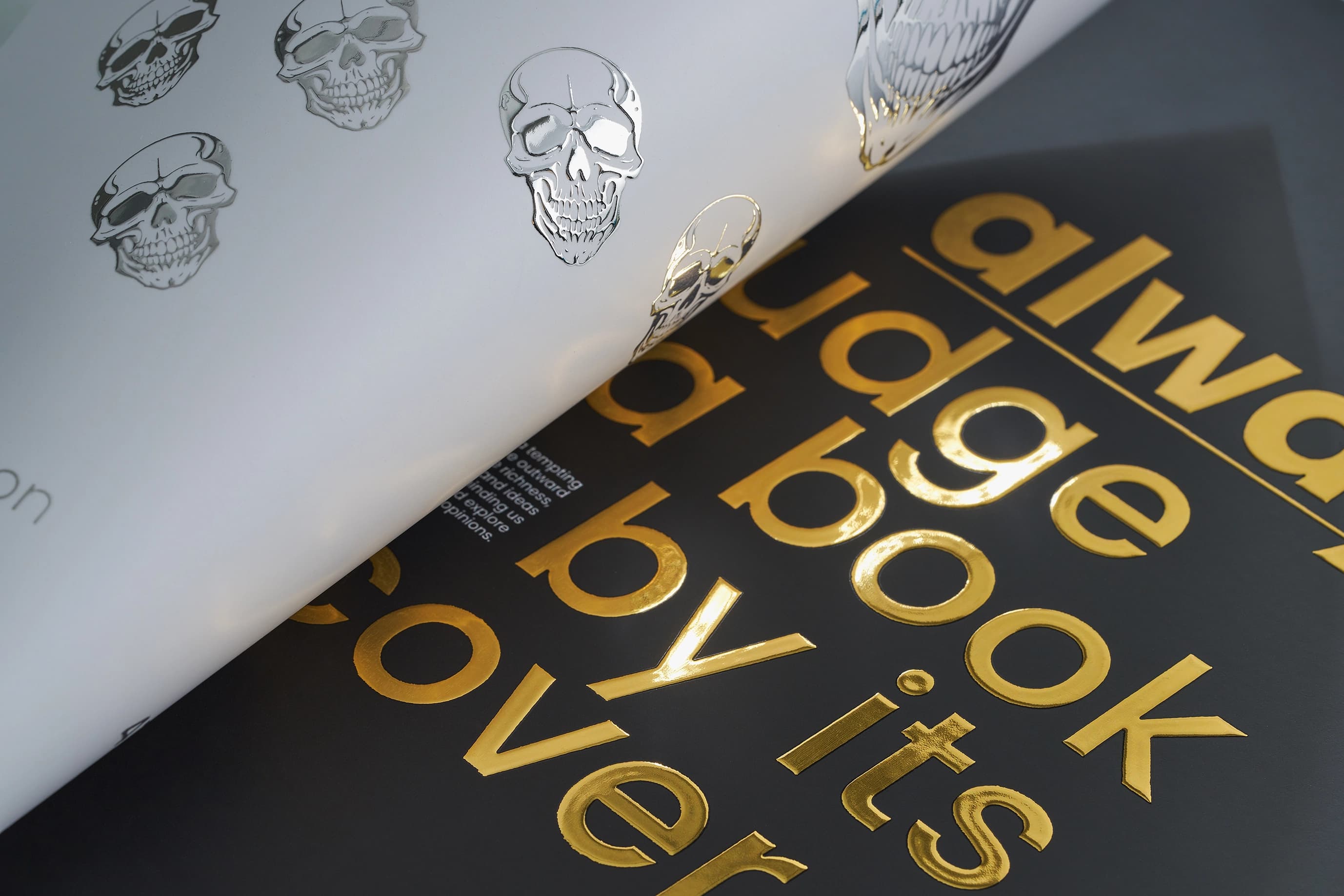
Scodix© gold or silver foilingA beautiful metallic gold or silver foil finish to enhance specific areas of your design.
Silk paperFor a slight silk sheen to your print.
Uncoated paperA smooth, natural matt finish for a clean, classic look
Gloss laminationEnhance your print with a ‘glass look’ shine and a layer of protection with our durable gloss lamination.
Matt laminationFor a sophisticated, softer look and feel as well as offering protection to your print.
Soft touch laminationAdd a luxurious layer of protection to your print with a soft, velvet-like texture.
Gloss flood UVCoat and protect your print with a high sheen.
Round cornersAdd a smooth round alternative to the standard square corner of your print.
Scodix© spot UVA stunning high gloss clear finish to enhance specific areas of your design.
Scodix© gold or silver foilingA beautiful metallic gold or silver foil finish to enhance specific areas of your design.
Product description
Enhance your reading experience with our personalised Bookmarks, designed to add a touch of you after every read. The perfect gifts for book lovers, for a promotional giveaway or at an event, these custom bookmarks are tailored to impress.
Measuring 55 x 175mm, every personalised bookmark is available with single or double sided printing on premium 400gsm silk or uncoated stocks. And, with a variety of finishes to choose from, including matt or gloss lamination and round cornering, no custom bookmark is the same.
Drilling can be added to bookmark designs, allowing you to add tassels or ribbons for that extra flair. Whether they are Etsy bookmarks for your store, personal use or promotional purposes, our bookmark printing offers a sophisticated blend of durability and elegance, all with a turn of a page.
Technical specifications
Personalised gifting, promotional giveaways, merchandise, custom keepsakes and more.
Top tip
When designing your bookmark, ensure all important text or images are placed away from the edges to ensure accurate printing and trimming. Refer to our templates for recommended safe areas.
Looking for more ways to enhance your desk or workspace? Explore our diverse range of stationery now.
Design guidelines
To make artwork setup simple, download the relevant template from the Production templates section above. Follow the instructions provided and remember to remove the 'Guide' layer before exporting your artwork as a PDF.
For the best printing results, ensure your artwork and images are in CMYK. If you use RGB, Pantone or spot colours, these will be converted to CMYK during production, which may affect how your colours appear in print.
To avoid font issues, make sure all fonts are embedded or converted to outlines before exporting your PDF. For readability, we recommend using a minimum font size of 10pt.
For the best print quality, aim for images between 300dpi and 450dpi at their final print size. Lower resolutions may appear blurry or pixelated, while higher resolutions can increase file sizes. Check product template for any specific requirements.
To avoid alignment issues during cutting, include crop marks with a 10mm offset and document bleed when exporting your artwork as a PDF. Refer to the relevant product template for the required bleed specifications, as these vary by product.
All artwork must be supplied as a print ready PDF. We recommend exporting in Adobe PDF (Print) format, ideally using the PDF/X 1a:2001 standard.
Need more help preparing your artwork Explore our support guides for further guidance.
Designing with Canva
We offer free Canva templates for many of our products, complete with the correct dimensions, bleed and safe zones. Where available, you'll find the Canva template in the Production templates section above, ready to open and personalise.
Once your design is complete, download it as a PDF Print file and return to our website to place your order and upload your artwork. Remember to remove any guide layers before exporting.
Need help getting started? Read our Canva template guide or explore our wider collection of Canva templates for other products.
Canva uses RGB colour mode by default, which is designed for screens rather than print. For the best printing results, make sure you select CMYK when exporting your artwork. Converting from RGB to CMYK can cause slight colour shifts, so always check your exported PDF carefully before uploading to avoid unexpected results.
Need help with colours? Read our Canva colour guide.
Use fonts of at least 10pt to maintain legibility and keep important text within the safe zone. Use images at 300dpi or higher at their final size to avoid blurry or pixelated results.
Need help with image quality? Read our artwork resolution guide or watch our YouTube tutorial on how to export Canva designs for print.
Extend backgrounds, colours and images into the bleed area to avoid unwanted white edges after trimming. Keep important text, logos and design elements within the safe zone, and follow the bleed requirements for your chosen product.
Need help setting up bleed? Read our Canva bleed setup guide.
When exporting your finished design from Canva, select PDF Print and enable 'Crop Marks and Bleed'. This ensures your artwork includes the necessary bleed for printing. Remember to remove any template guides before downloading your file.
Need help exporting your artwork? Explore our Canva Hub for further guidance, or watch our tutorial below.
Product description
Enhance your reading experience with our personalised Bookmarks, designed to add a touch of you after every read. The perfect gifts for book lovers, for a promotional giveaway or at an event, these custom bookmarks are tailored to impress.
Measuring 55 x 175mm, every personalised bookmark is available with single or double sided printing on premium 400gsm silk or uncoated stocks. And, with a variety of finishes to choose from, including matt or gloss lamination and round cornering, no custom bookmark is the same.
Drilling can be added to bookmark designs, allowing you to add tassels or ribbons for that extra flair. Whether they are Etsy bookmarks for your store, personal use or promotional purposes, our bookmark printing offers a sophisticated blend of durability and elegance, all with a turn of a page.
Technical specifications
Personalised gifting, promotional giveaways, merchandise, custom keepsakes and more.
Top tip
When designing your bookmark, ensure all important text or images are placed away from the edges to ensure accurate printing and trimming. Refer to our templates for recommended safe areas.
Looking for more ways to enhance your desk or workspace? Explore our diverse range of stationery now.
Design guidelines
To make artwork setup simple, download the relevant template from the Production templates section above. Follow the instructions provided and remember to remove the 'Guide' layer before exporting your artwork as a PDF.
For the best printing results, ensure your artwork and images are in CMYK. If you use RGB, Pantone or spot colours, these will be converted to CMYK during production, which may affect how your colours appear in print.
To avoid font issues, make sure all fonts are embedded or converted to outlines before exporting your PDF. For readability, we recommend using a minimum font size of 10pt.
For the best print quality, aim for images between 300dpi and 450dpi at their final print size. Lower resolutions may appear blurry or pixelated, while higher resolutions can increase file sizes. Check product template for any specific requirements.
To avoid alignment issues during cutting, include crop marks with a 10mm offset and document bleed when exporting your artwork as a PDF. Refer to the relevant product template for the required bleed specifications, as these vary by product.
All artwork must be supplied as a print ready PDF. We recommend exporting in Adobe PDF (Print) format, ideally using the PDF/X 1a:2001 standard.
Need more help preparing your artwork Explore our support guides for further guidance.
Designing with Canva
We offer free Canva templates for many of our products, complete with the correct dimensions, bleed and safe zones. Where available, you'll find the Canva template in the Production templates section above, ready to open and personalise.
Once your design is complete, download it as a PDF Print file and return to our website to place your order and upload your artwork. Remember to remove any guide layers before exporting.
Need help getting started? Read our Canva template guide or explore our wider collection of Canva templates for other products.
Canva uses RGB colour mode by default, which is designed for screens rather than print. For the best printing results, make sure you select CMYK when exporting your artwork. Converting from RGB to CMYK can cause slight colour shifts, so always check your exported PDF carefully before uploading to avoid unexpected results.
Need help with colours? Read our Canva colour guide.
Use fonts of at least 10pt to maintain legibility and keep important text within the safe zone. Use images at 300dpi or higher at their final size to avoid blurry or pixelated results.
Need help with image quality? Read our artwork resolution guide or watch our YouTube tutorial on how to export Canva designs for print.
Extend backgrounds, colours and images into the bleed area to avoid unwanted white edges after trimming. Keep important text, logos and design elements within the safe zone, and follow the bleed requirements for your chosen product.
Need help setting up bleed? Read our Canva bleed setup guide.
When exporting your finished design from Canva, select PDF Print and enable 'Crop Marks and Bleed'. This ensures your artwork includes the necessary bleed for printing. Remember to remove any template guides before downloading your file.
Need help exporting your artwork? Explore our Canva Hub for further guidance, or watch our tutorial below.
Silk: This paper provides a smooth, slightly shiny surface that enhances vibrancy while minimising glare. Learn more.
Uncoated: This paper offers a natural, matt texture that absorbs ink for a softer print look. Learn more.
Gloss: A shiny, vibrant finish that enhances colours and images
Matt: A sleek, professional look with a subtle, non-reflective surface
Soft Touch: A luxurious, velvety texture that creates a premium tactile feel
Spot UV: This finish adds a glossy, raised coating to specific areas, creating a striking contrast and highlighting key elements. Applied with Scodix technology.
Gold / Silver Foil: This finish provides a metallic sheen to select areas, giving your design a luxurious and distinctive appearance. Applied with Scodix technology.
Colour matching is not available on standard online orders. If your print requires a specific colour match, please submit a bespoke quote request, and our team will review your requirements.
The turnaround time for bookmark printing depends on your chosen product specification and finishing options. For faster delivery, we offer express production upgrades at an additional cost. To ensure your order is delivered on time, it is important we receive your artwork by the cut-off time indicated on both the product page and basket.
Please note: If your file is submitted after the cut-off time or if corrected artwork isn't provided before the next cut-off time following rejection, it will delay delivery by one working day.
We offer free standard delivery, with optional upgrades available for expedited service, including pre-10:30 AM and pre-12:00 PM for an additional cost.
Yes, we offer international delivery. Contact our Bespoke team for a shipping quote.
Yes, we can arrange split deliveries. Contact our Bespoke team to let us know how you'd like your order sent.
Uploading custom bookmark artwork is a breeze. After placing your order, click the upload button on the confirmation page. You can also upload your artwork through the Orders tab of "My Account".
Most orders are sent in boxes. For larger quantities, we may secure your order on a pallet (kerbside delivery). If your location doesn’t have tail-lift access, please contact us after placing your order so we can help arrange the best delivery option. Be sure to have your order number to hand.
Silk: This paper provides a smooth, slightly shiny surface that enhances vibrancy while minimising glare. Learn more.
Uncoated: This paper offers a natural, matt texture that absorbs ink for a softer print look. Learn more.
Gloss: A shiny, vibrant finish that enhances colours and images
Matt: A sleek, professional look with a subtle, non-reflective surface
Soft Touch: A luxurious, velvety texture that creates a premium tactile feel
Spot UV: This finish adds a glossy, raised coating to specific areas, creating a striking contrast and highlighting key elements. Applied with Scodix technology.
Gold / Silver Foil: This finish provides a metallic sheen to select areas, giving your design a luxurious and distinctive appearance. Applied with Scodix technology.
Colour matching is not available on standard online orders. If your print requires a specific colour match, please submit a bespoke quote request, and our team will review your requirements.
The turnaround time for bookmark printing depends on your chosen product specification and finishing options. For faster delivery, we offer express production upgrades at an additional cost. To ensure your order is delivered on time, it is important we receive your artwork by the cut-off time indicated on both the product page and basket.
Please note: If your file is submitted after the cut-off time or if corrected artwork isn't provided before the next cut-off time following rejection, it will delay delivery by one working day.
We offer free standard delivery, with optional upgrades available for expedited service, including pre-10:30 AM and pre-12:00 PM for an additional cost.
Yes, we offer international delivery. Contact our Bespoke team for a shipping quote.
Yes, we can arrange split deliveries. Contact our Bespoke team to let us know how you'd like your order sent.
Uploading custom bookmark artwork is a breeze. After placing your order, click the upload button on the confirmation page. You can also upload your artwork through the Orders tab of "My Account".
Most orders are sent in boxes. For larger quantities, we may secure your order on a pallet (kerbside delivery). If your location doesn’t have tail-lift access, please contact us after placing your order so we can help arrange the best delivery option. Be sure to have your order number to hand.