WTTB
Loading...
Books & Brochures
Flyers & Leaflets
Display & Signage
Cards & Stationery
Packaging & Stickers
Promotional
Occasions
Best Sellers

Products

  • Banners
  • Booklets & Brochures
  • Business Cards
  • Flyers & Leaflets
  • Signage
  • Business Stationery
  • Bespoke Printing
  • View all products »

Resources

  • Print Reseller Hub
  • Sample Pack
  • Book Printing Hub
  • Charity Printing Hub
  • Canva Print Hub
  • Print Materials Hub
  • Image Library

My Account

  • Track My Order
  • Dashboard
  • Print Tools
  • Rewards
  • Deals & Discounts
  • Register

Help & Support

  • FAQs
  • Support Guides
  • Print Dictionary
  • Artwork Check
  • WTTB Blog
  • Contact Us

Company

  • About WTTB
  • Meet The Team
  • Terms and Conditions
  • Privacy Policy
  • Cookie Policy
  • Sustainability

Connect

  • icon
    Facebook
  • icon
    Instagram
  • icon
    LinkedIn
  • icon
    Pinterest
  • icon
    TikTok
  • icon
    YouTube

Copyright © 2026 WTTB  All rights reserved

Resources
Print Services
Trade Print Services
Help & Support
‎ ‎ Canva
Support Guides
Benefits
Canva Print Hub
Canva Templates
Canva Tutorials
Canva Checklist
Canva Blogs
Bespoke Printing
Book Printing Hub
Events & Exhibitions Hub
Charity Printing Hub
Leaflet Distribution
Video QR Codes
Print Reseller Hub
Image Library
Print Tools
Reseller Blogs
Sample Pack
Print Blog
FAQs
Support Guides
Artwork Check
Print Dictionary
Contact Us
Rewards
Deals & Discounts

What are print support guides and why do I need them?

Print support guides explain how to prepare artwork, understand print requirements and correctly assemble printed products. They help reduce errors, delays and unexpected results when ordering print.

Do I need to read a print guide before submitting artwork?

It isn't a requirement, but reading the relevant guide before submitting artwork helps prevent delays, reprints and unexpected results. Most orders only require one or two guides.

How do I know which print guide I need to use?

Choose the guide that matches your product or any special feature included in your order. If your product includes more than one feature, you may need to check multiple guides.

Are print support guides only for professional designers?

No. WTTB print guides are written for anyone ordering print, including non-designers and first-time customers, with clear explanations and practical examples.

I am a reseller. Can I send these guides to my customers for support?

Yes. All support guides are unbranded and can be shared with your customers where relevant.

I can’t find the print guide I’m looking for. What should I do?

If you can’t find a guide that matches your product or requirement, contact support and they can advise which information applies to your order.

What if my artwork doesn't match what the guide shows?

If your artwork setup differs from a guide, it is best to contact support before ordering so any potential issues can be checked early.

Can I use WTTB print guides for orders placed elsewhere?

WTTB print guides are tailored to WTTB products and production methods, so results may differ if used with other printers.

What are print support guides and why do I need them?

Print support guides explain how to prepare artwork, understand print requirements and correctly assemble printed products. They help reduce errors, delays and unexpected results when ordering print.

Do I need to read a print guide before submitting artwork?

It isn't a requirement, but reading the relevant guide before submitting artwork helps prevent delays, reprints and unexpected results. Most orders only require one or two guides.

How do I know which print guide I need to use?

Choose the guide that matches your product or any special feature included in your order. If your product includes more than one feature, you may need to check multiple guides.

Are print support guides only for professional designers?

No. WTTB print guides are written for anyone ordering print, including non-designers and first-time customers, with clear explanations and practical examples.

I am a reseller. Can I send these guides to my customers for support?

Yes. All support guides are unbranded and can be shared with your customers where relevant.

I can’t find the print guide I’m looking for. What should I do?

If you can’t find a guide that matches your product or requirement, contact support and they can advise which information applies to your order.

What if my artwork doesn't match what the guide shows?

If your artwork setup differs from a guide, it is best to contact support before ordering so any potential issues can be checked early.

Can I use WTTB print guides for orders placed elsewhere?

WTTB print guides are tailored to WTTB products and production methods, so results may differ if used with other printers.

Frequently Asked Questions

Need some assistance? Browse our FAQs to find answers to common questions about preparing artwork, print requirements and using our print guides.

Print Support Guides

Print Support Guides

Our support guides cover everything you need to prepare artwork. Here you'll find clear, practical advice that helps you create designs that deliver great print results.

Our support guides cover everything you need to prepare artwork. Here you'll find clear, practical advice that helps you create designs that deliver great print results.

Popular Guides

General Print Guides

Finishing and Special Print Effect Guides

Book Printing Guides

Roller Banner Guides

Stationery Guides

Four blank white directional signs point in opposite directions against a blue background.
Read Now

Checklist for Supplying Print-Ready Artwork

Read Now

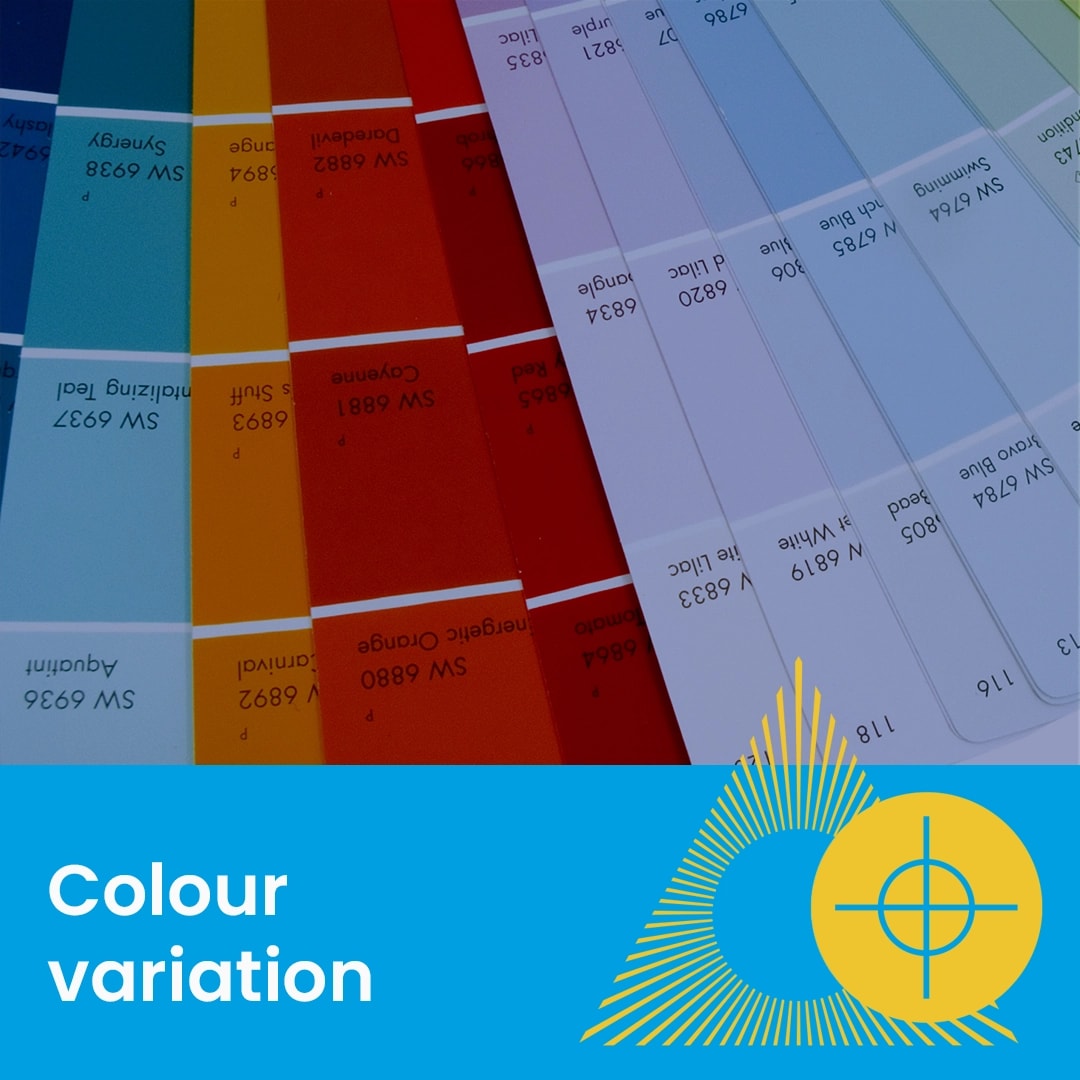
Why colour can look different between screen and your print

Read Now

Choosing the Right Size, Pocket Shape and Capacity

Read Now

How to Prepare Files for Scodix Spot UV

Read Now

How: to Prepare Files with Cut Paths

Read Now

Checklist for Supplying Print-Ready Artwork

Read Now

Why Colours Can Vary Between Digital, Litho and Large format

Read Now

Why colour can look different between screen and your print

Read Now

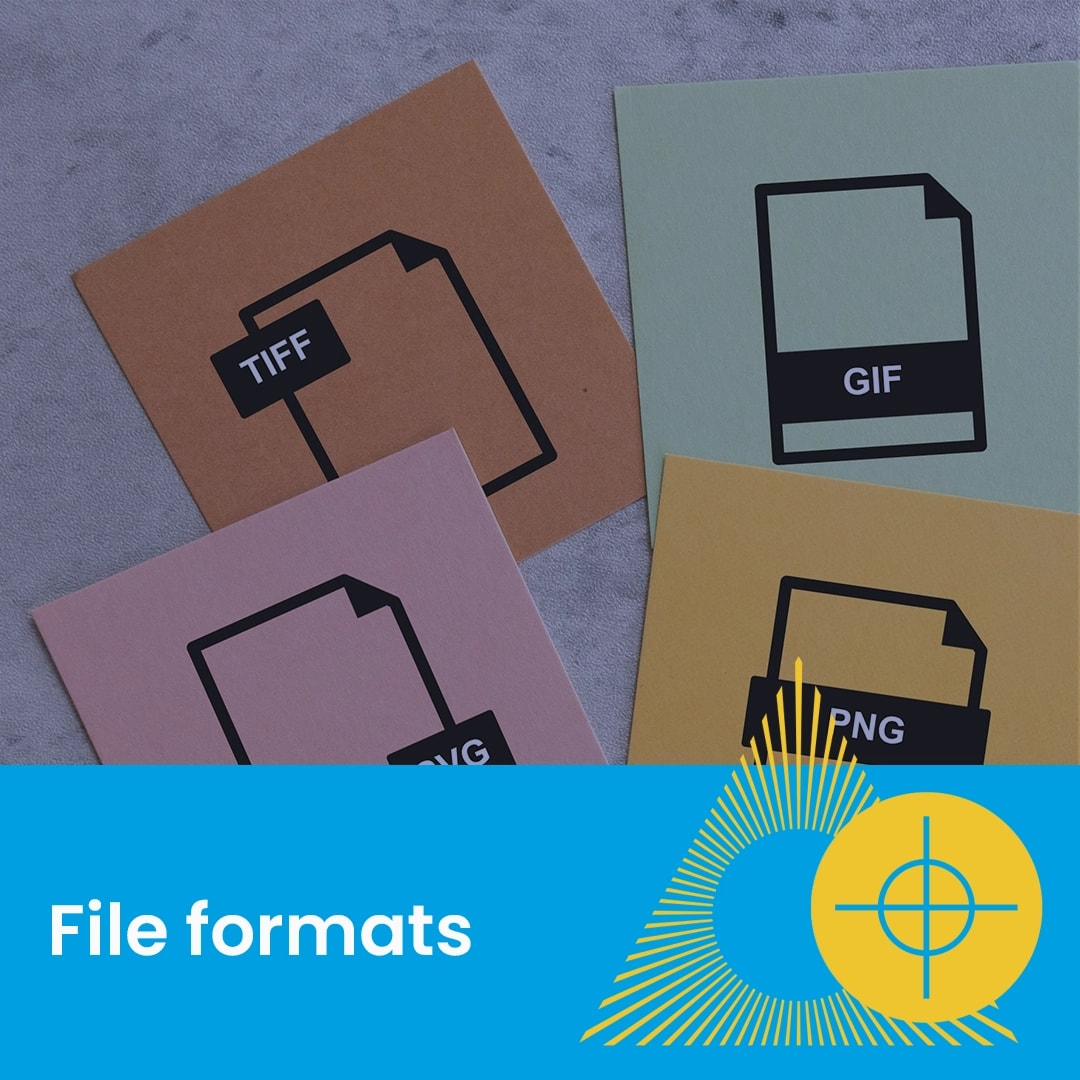
Which File Types to Use When Supplying Artwork for Print

Read Now

How to Set Up Artwork for the Best Print Results

Read Now

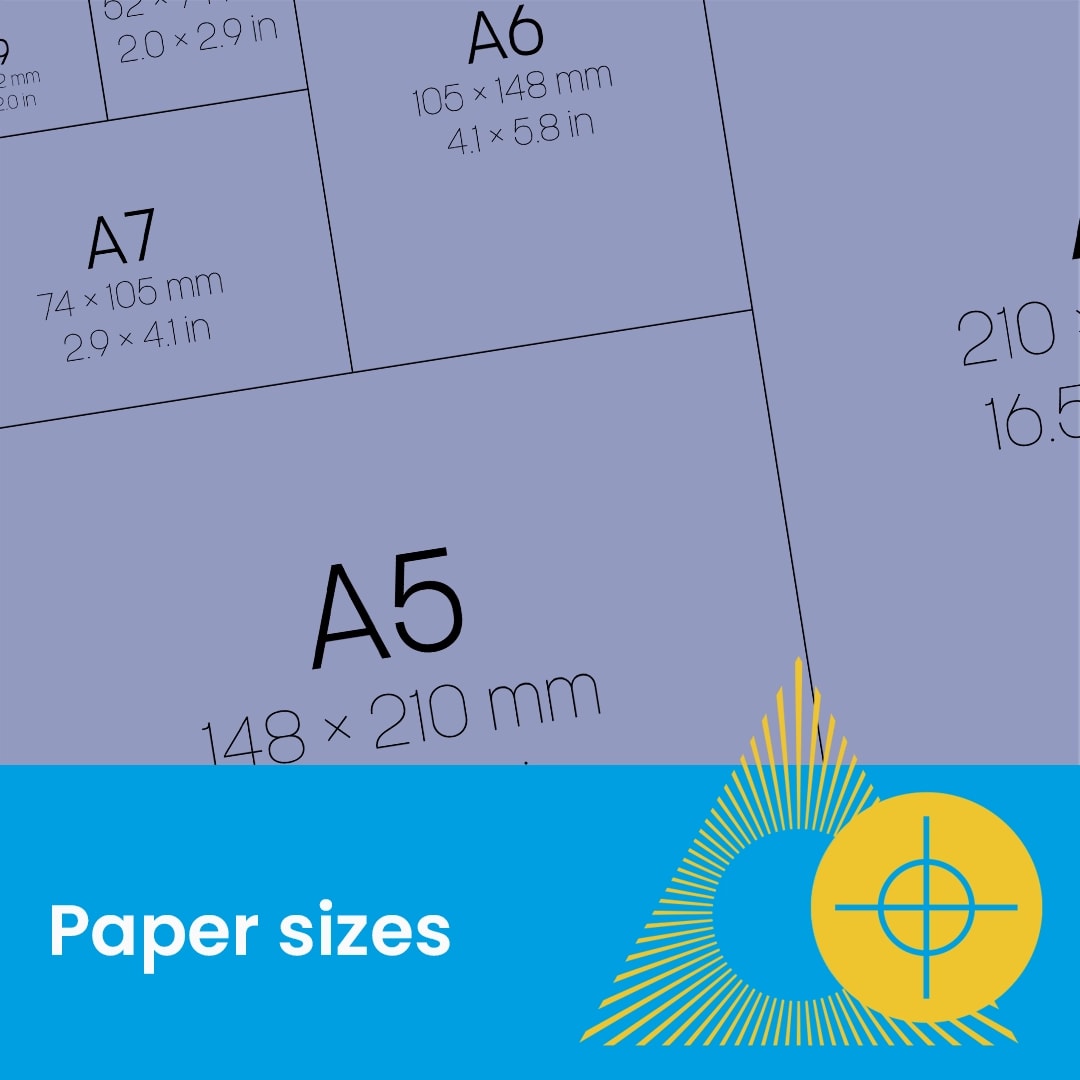
Understanding Standard Paper Sizes for Print

Read Now

Choosing the Right Paper Stock for Your Print Project

Read Now

How to Set Up and Back Up Artwork Correctly for Folded Products

Read Now

How to Prepare Files for Single and Double-Sided Print

Read Now

Setup Guide for Name Printing

Read Now

How: to Prepare Files with Cut Paths

Read Now

How to Set Up Files Correctly for Drilled Print Products

Read Now

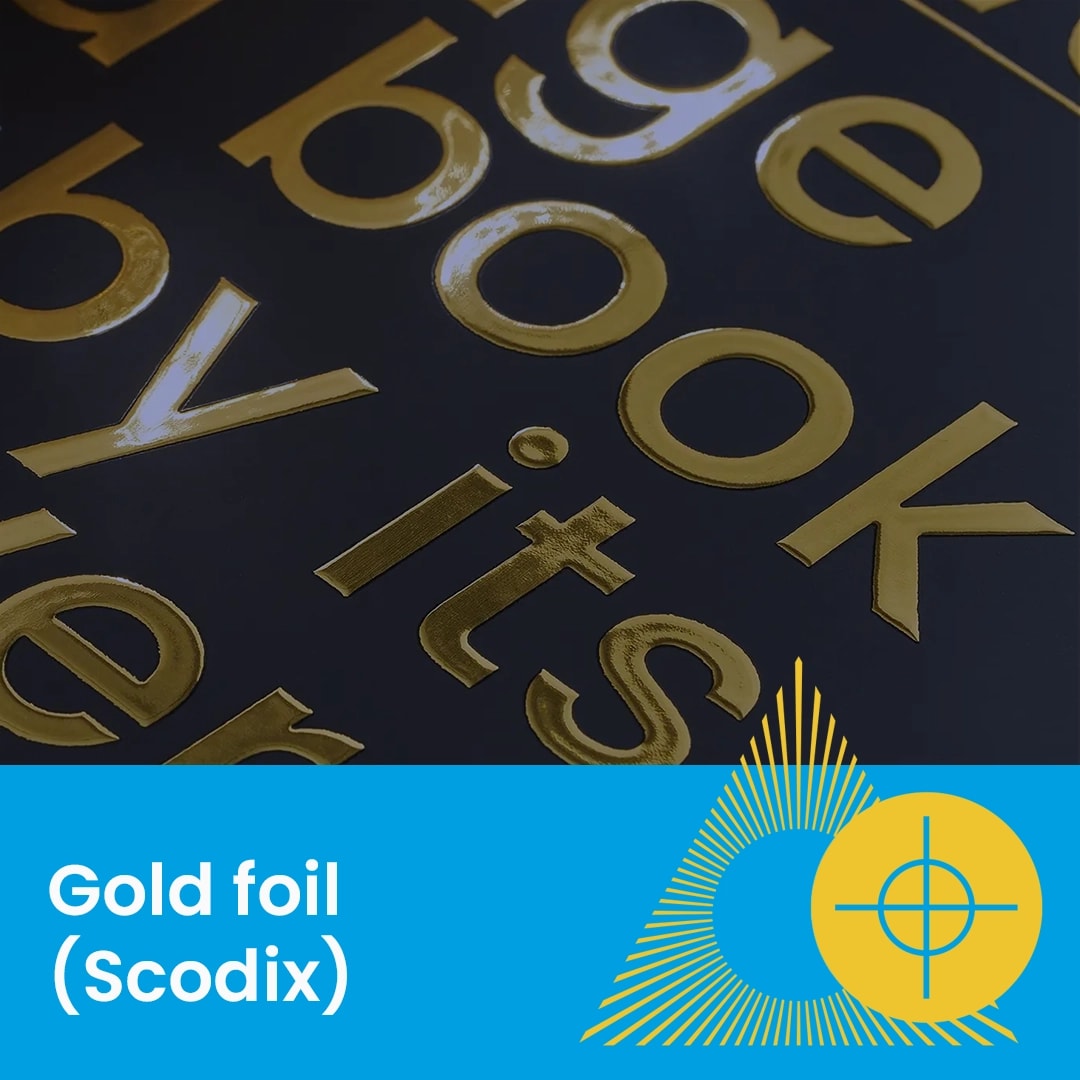
How to Prepare Files for Scodix Gold Foil

Read Now

Understanding Gloss, Matt and Soft Touch Finishes

Read Now

How to Prepare Files for Scodix Silver Foil

Read Now

How to Prepare Files for Scodix Spot UV

Read Now

How to Supply Files Correctly for Spot UV / Scodix Printing

Read Now

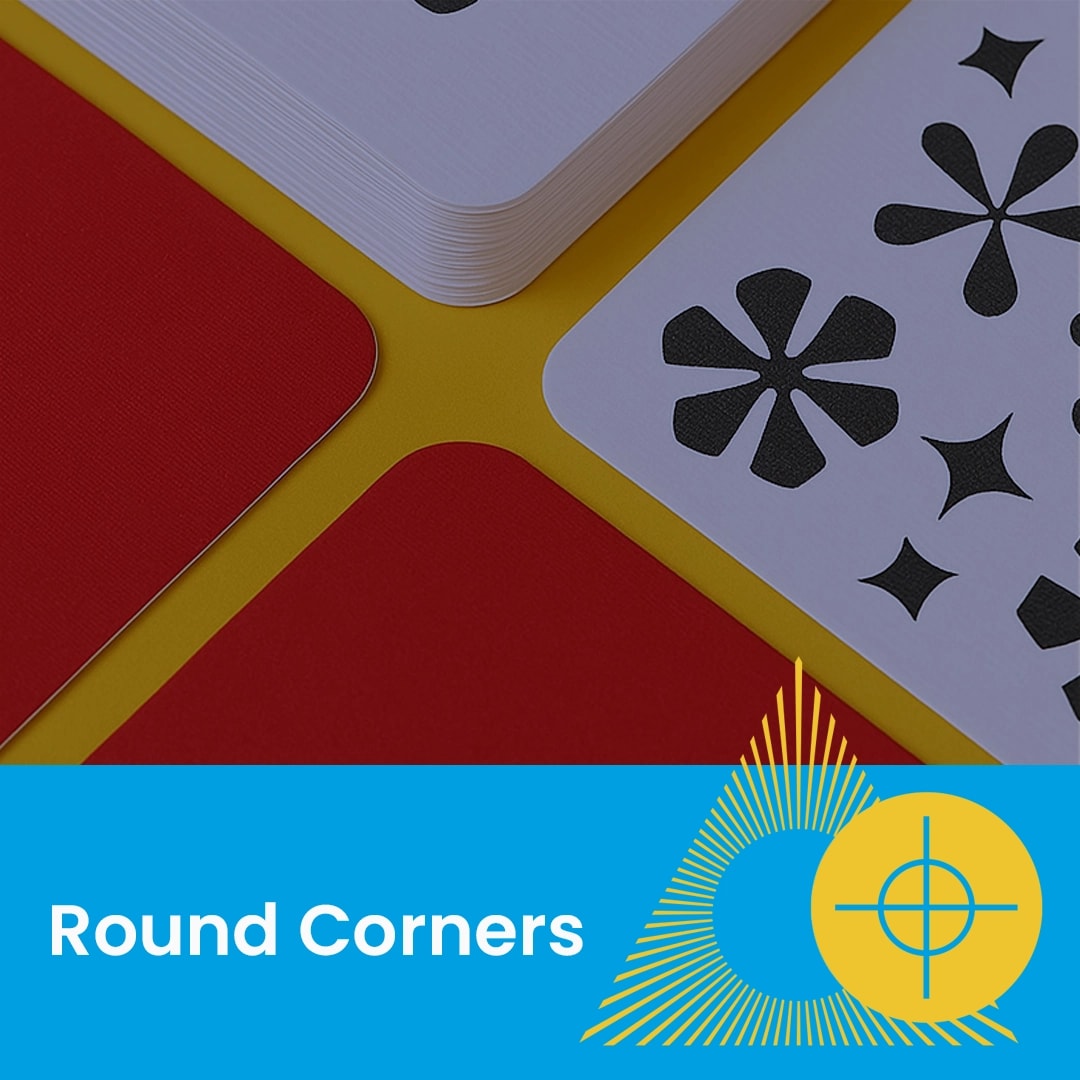
Artwork Guide for Round Cornering

Read Now

How to Set Up Artwork for Hardback Covers

Read Now

How to Supply Files for Hardback Book Printing

Read Now

How to Prepare Files for Perfect Bound Books

Read Now

How to Prepare Files for Stitched Books

Read Now

How to Prepare Files for Wiro Bound Books

Read Now

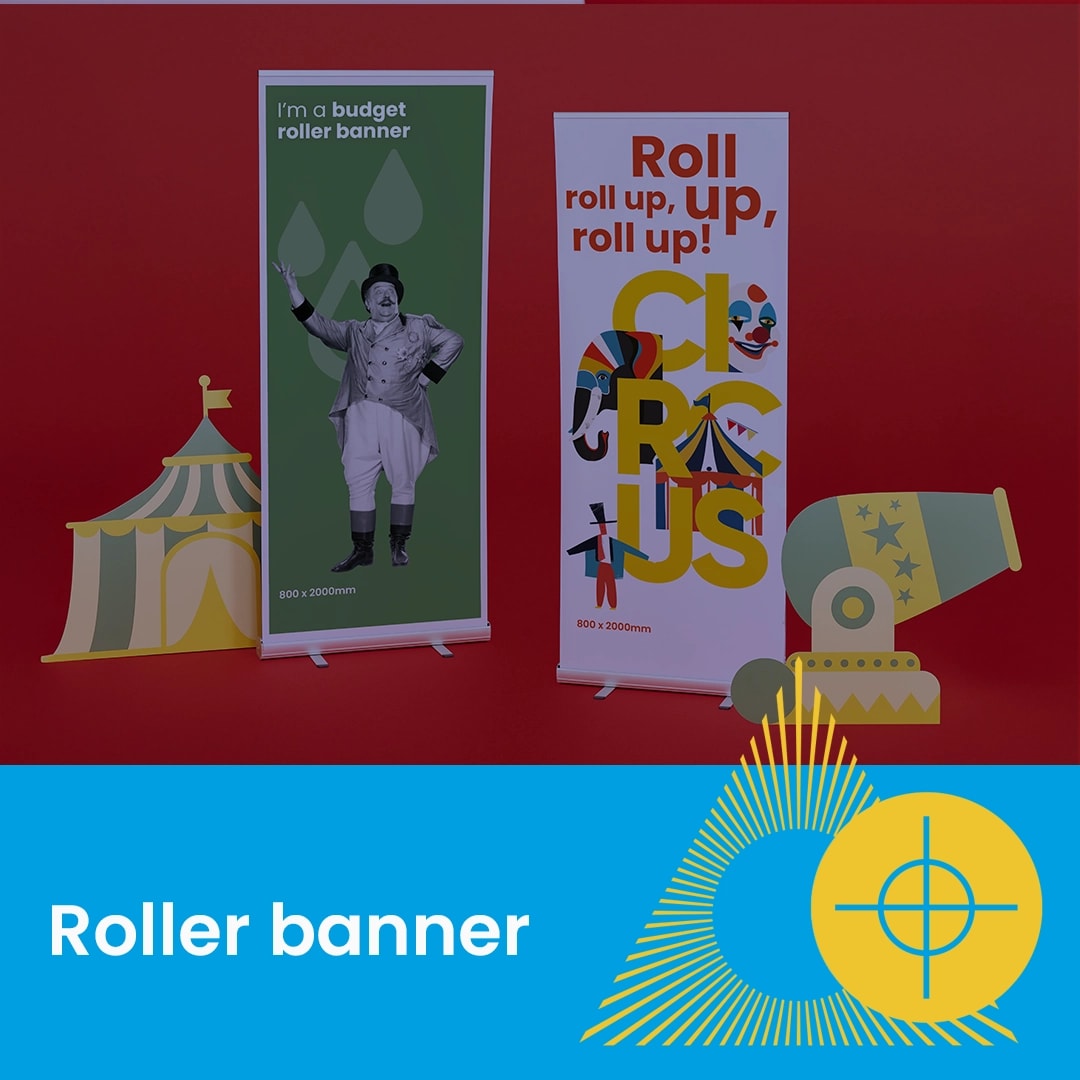
How to Assemble Budget and Classic Roller Banners

Read Now

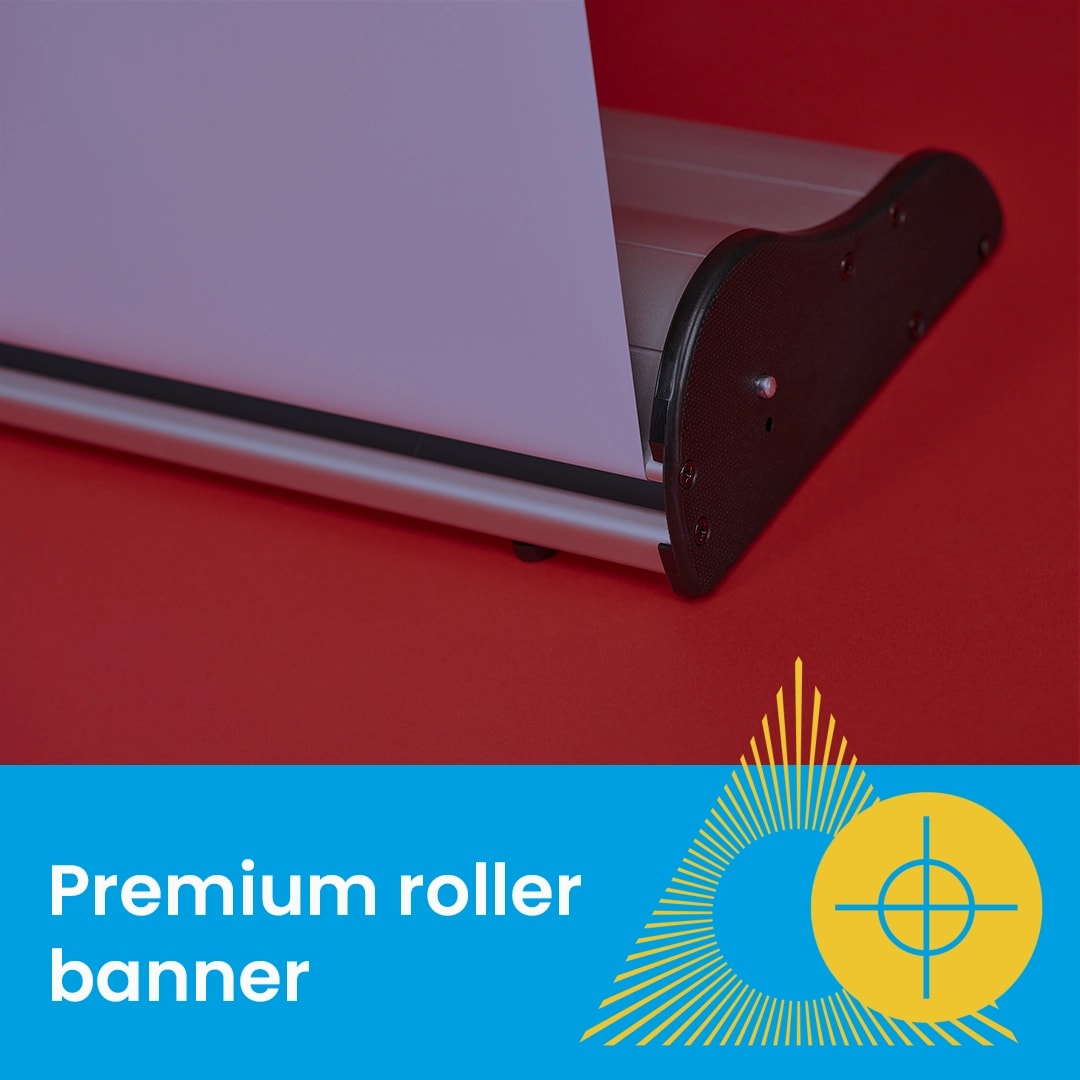
How to Assemble Premium Roller Banners

Read Now

Sizes, Bleed and File Setup Explained

Read Now

How to Prepare Window and Backing Artwork Correctly

Read Now

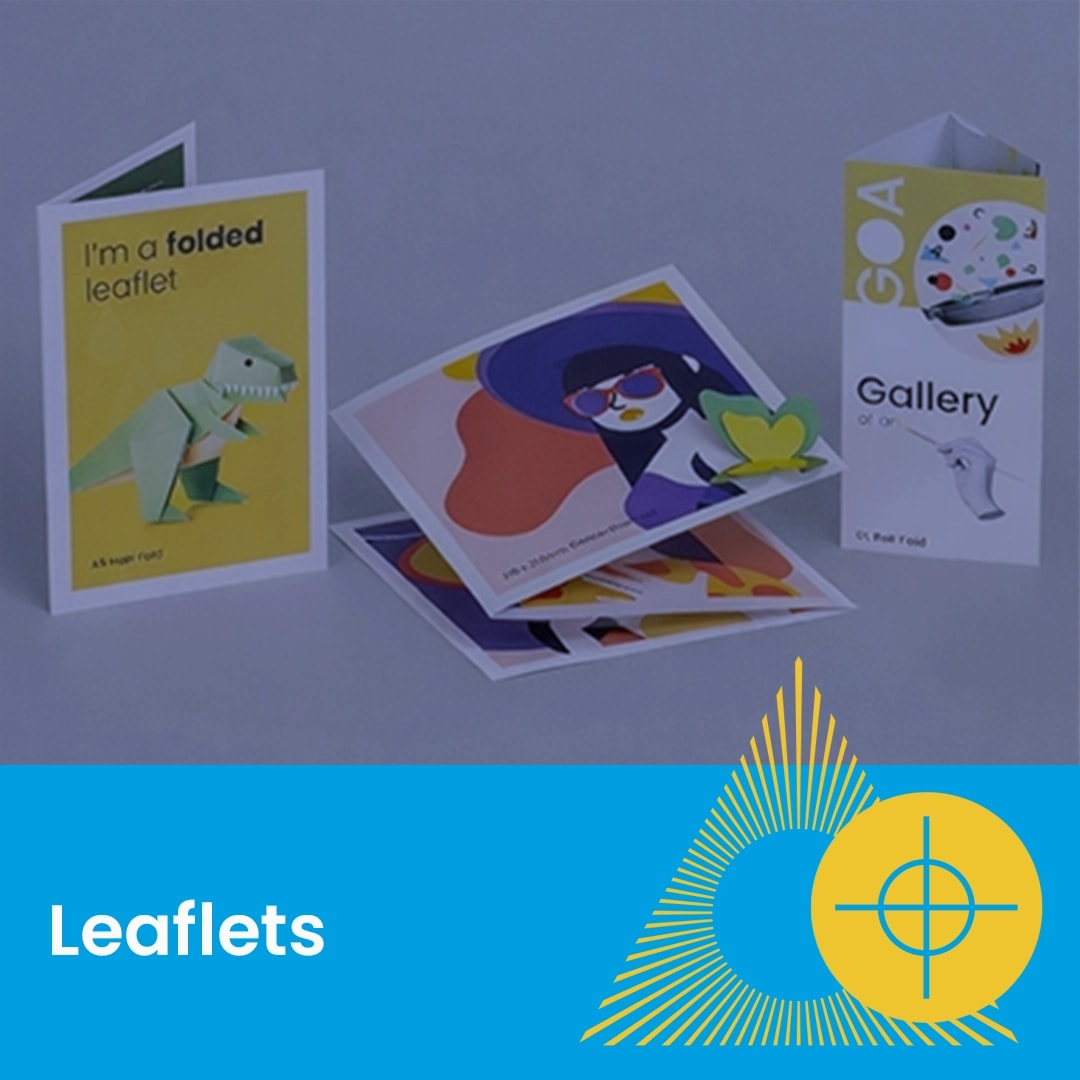
Understanding Fold Options for Leaflet Printing

Read Now

Understanding Centre Colour Options

Read Now

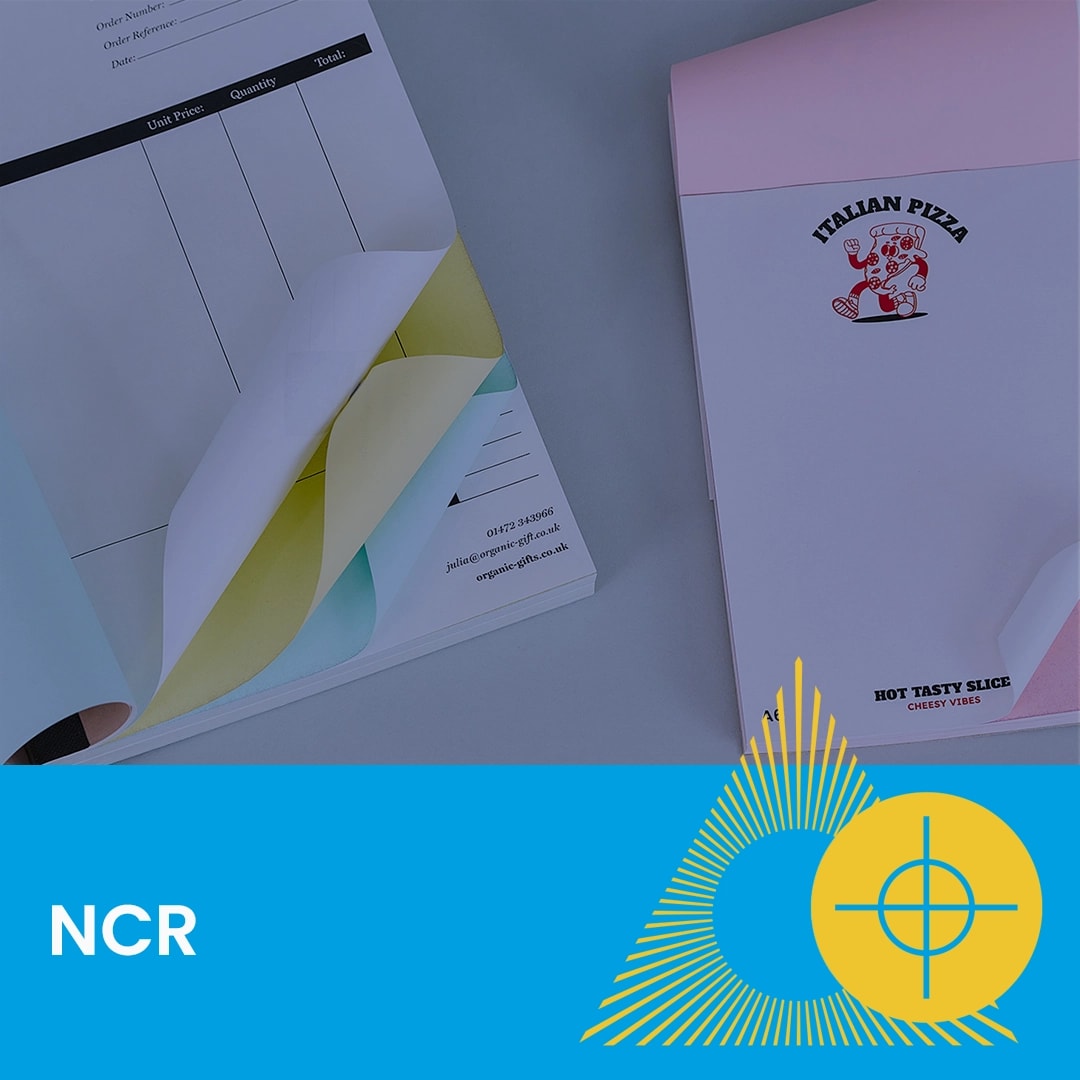
How to Prepare Files for NCR Printing

Read Now

Understanding Folder Styles and Artwork Setup

Read Now

Choosing the Right Size, Pocket Shape and Capacity

Read Now

Stocks and Finishes Explained

A close-up of colourful posters and a blue banner labeled "Artwork" with a graphic icon.
Computer screen displaying a colour wheel and swatches, with text reading "Print colour variation.
Close-up of stacked presentation folders on a blue surface with text and geometric graphics.
Abstract purple shapes pattern with text "Spot UV (Scodix)" on a blue banner at the bottom.
Close-up of colourful cut-out shapes on a yellow surface with text "Cut to shape" below.
A close-up of colourful posters and a blue banner labeled "Artwork" with a graphic icon.
A close up of a colour swatch.
Computer screen displaying a colour wheel and swatches, with text reading "Print colour variation.
Four cards labeled TIFF, GIF, JPG, and PNG illustrate different file formats.
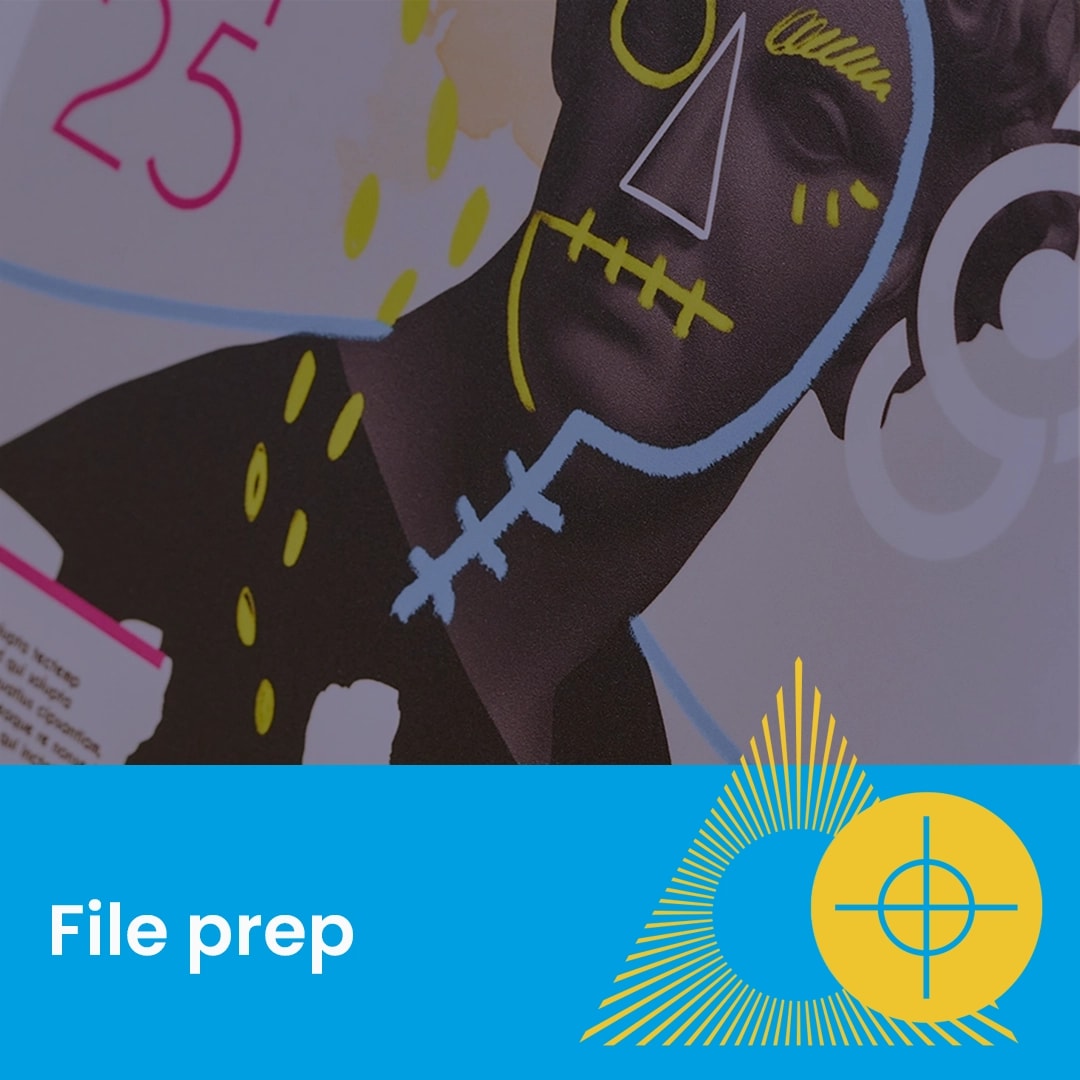
Close-up of a printed page with colourful doodles over a statue, text reads "File prep".
Diagram showing various A-series paper sizes with measurements, labeled "Paper sizes" at the bottom.
A close-up of a rolled, glossy printed paper with "Paper types" text and graphic overlay.
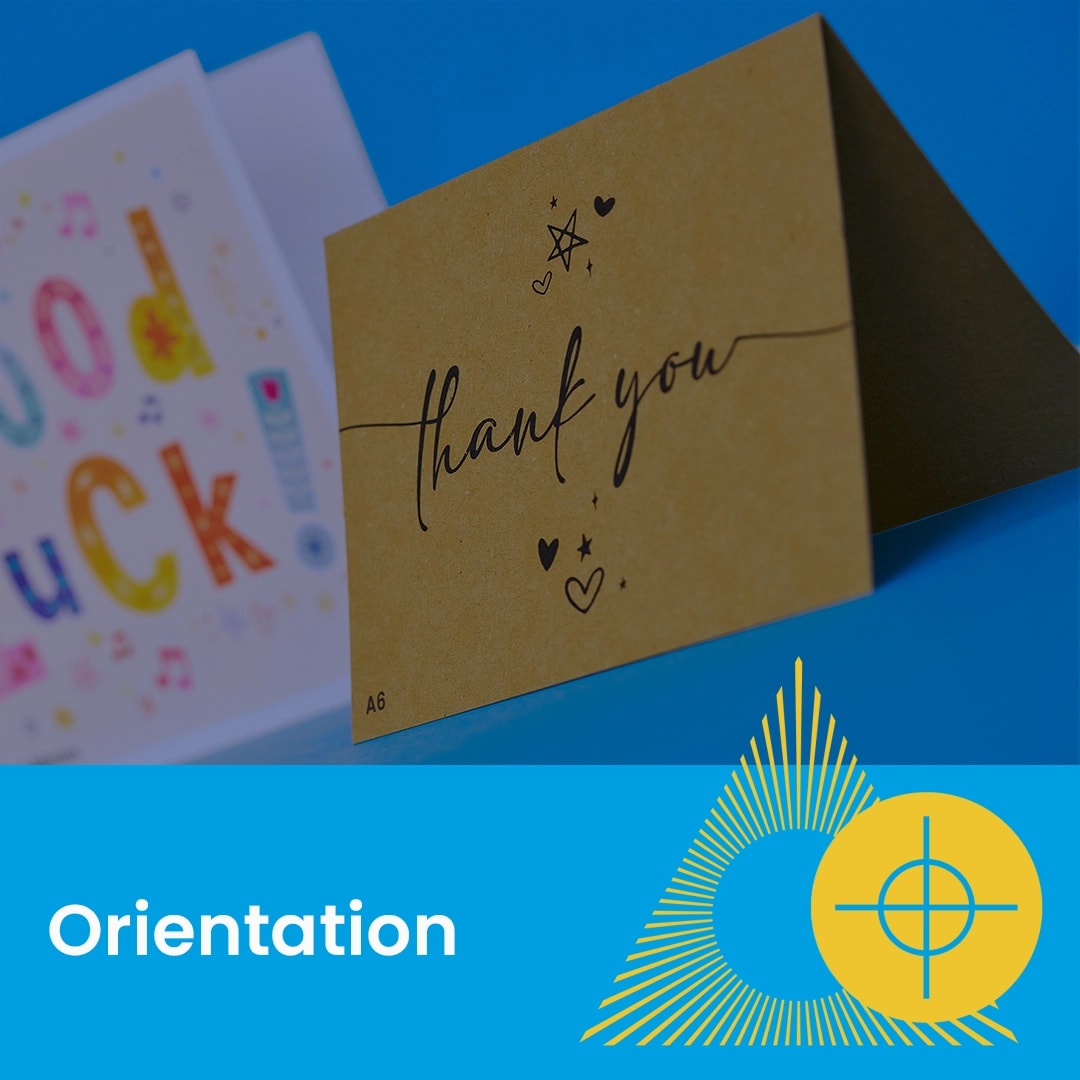
A folded thank you card and a good luck card displayed against a blue background.
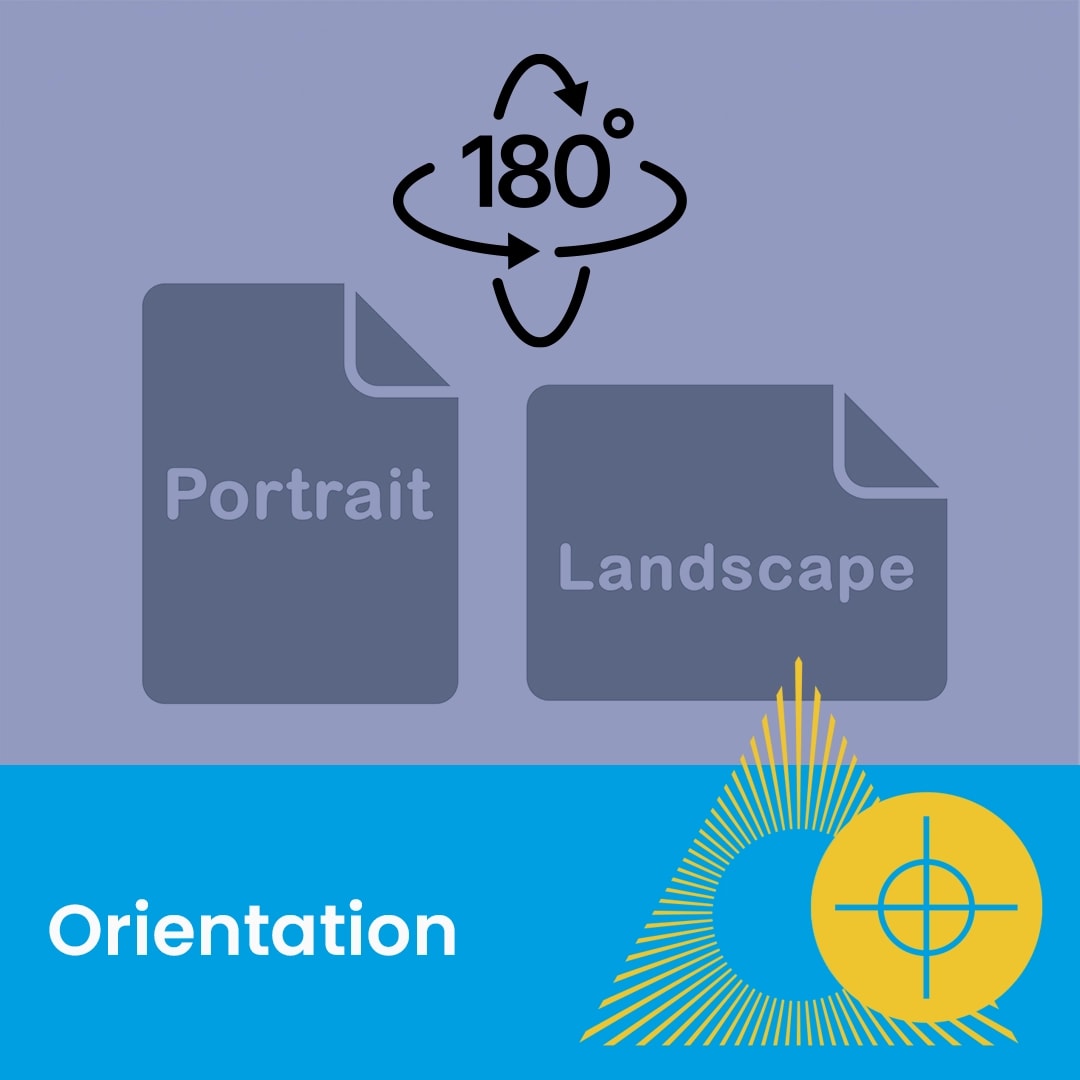
Two document icons labeled Portrait and Landscape with a 180-degree rotation symbol above them.
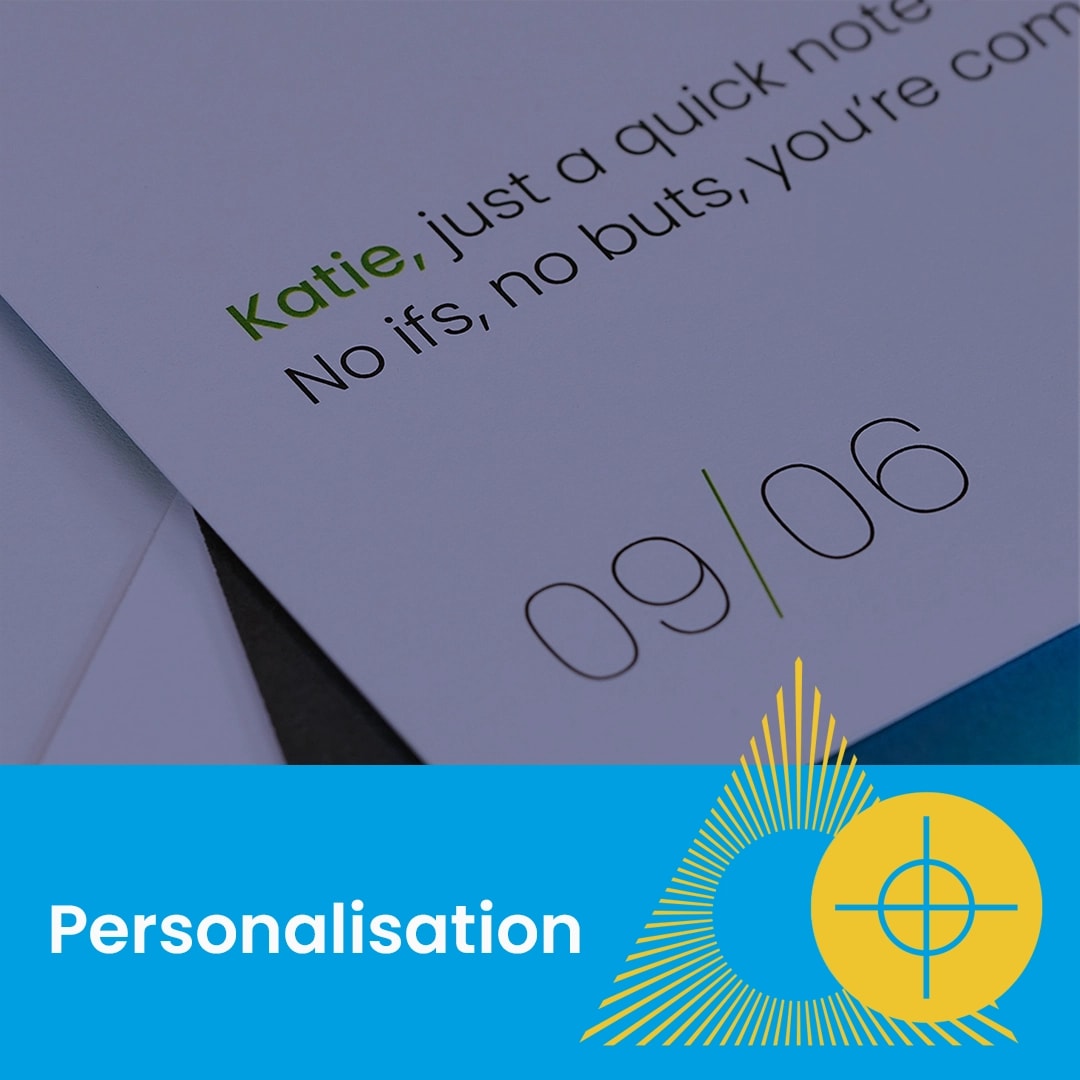
Close-up of a printed invitation with the heading "Personalisation" and a date, 09/06.
Close-up of colourful cut-out shapes on a yellow surface with text "Cut to shape" below.
Close-up of two boards with round drill holes, one white and one black, above a blue label.
Close-up of gold foil text on a dark surface with a blue label reading "Gold foil (Scodix)".
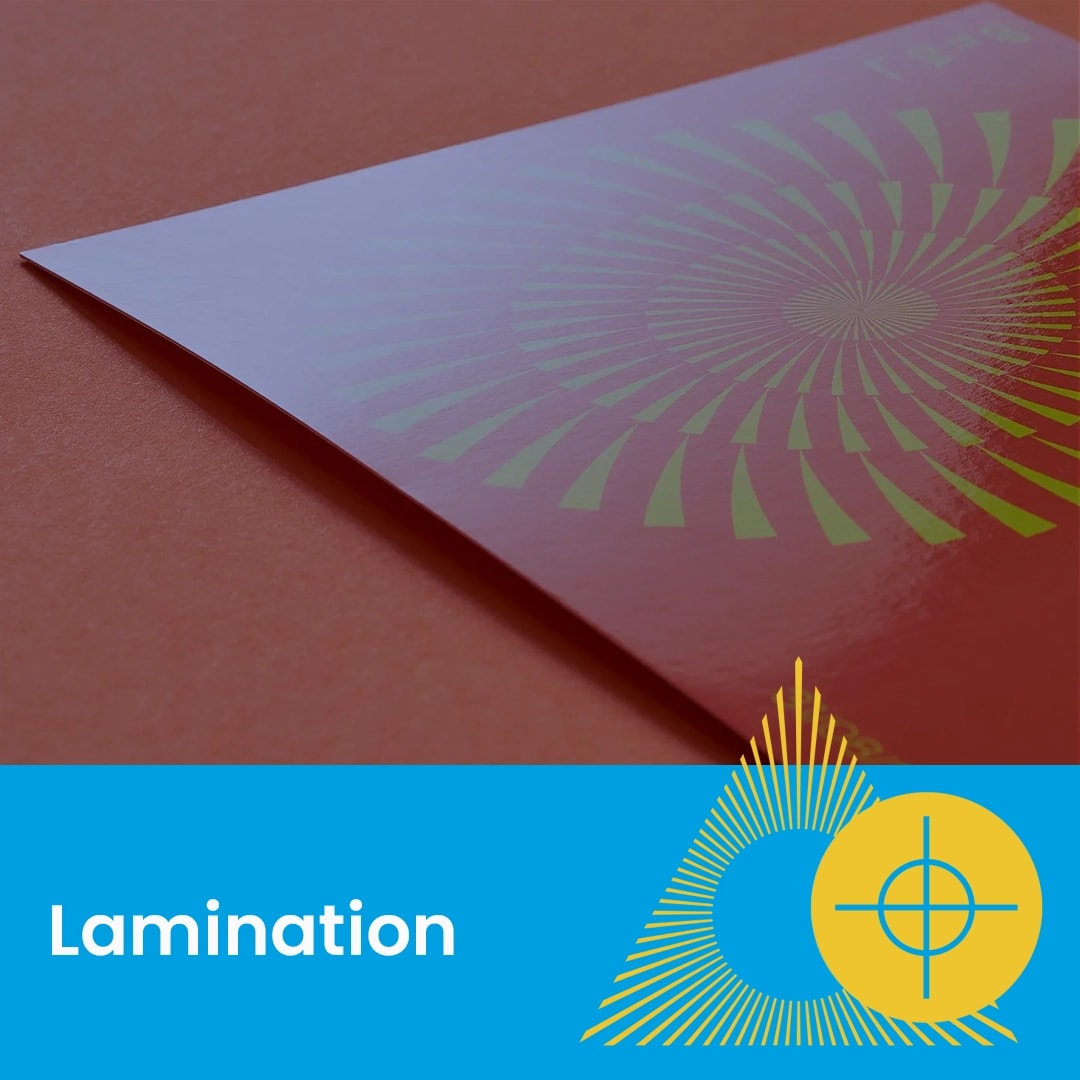
A gloss laminated paper with a yellow and green spiral design on a reddish surface.
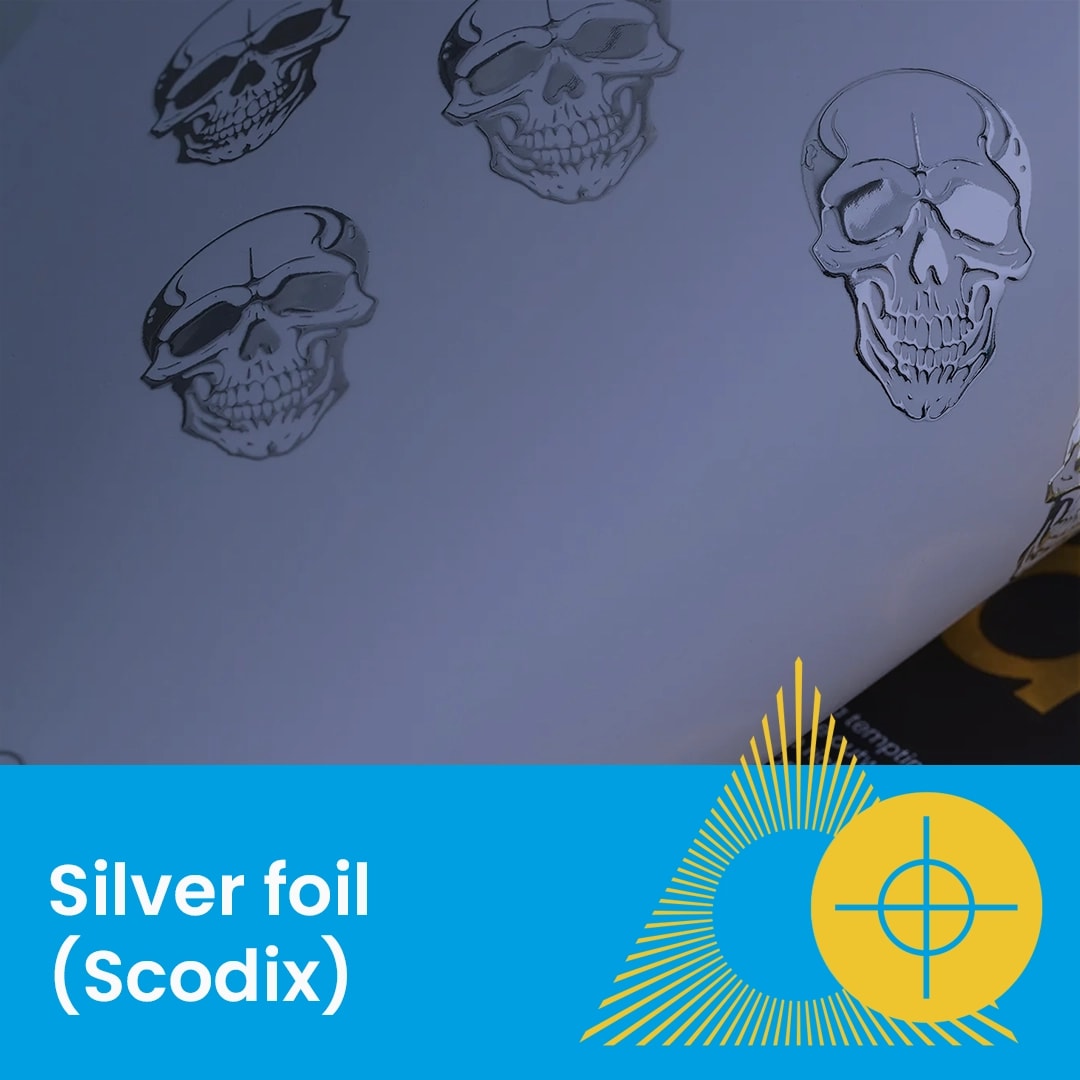
Sheet with silver foil skull designs, labeled "Silver foil (Scodix)" on a blue banner.
Abstract purple shapes pattern with text "Spot UV (Scodix)" on a blue banner at the bottom.
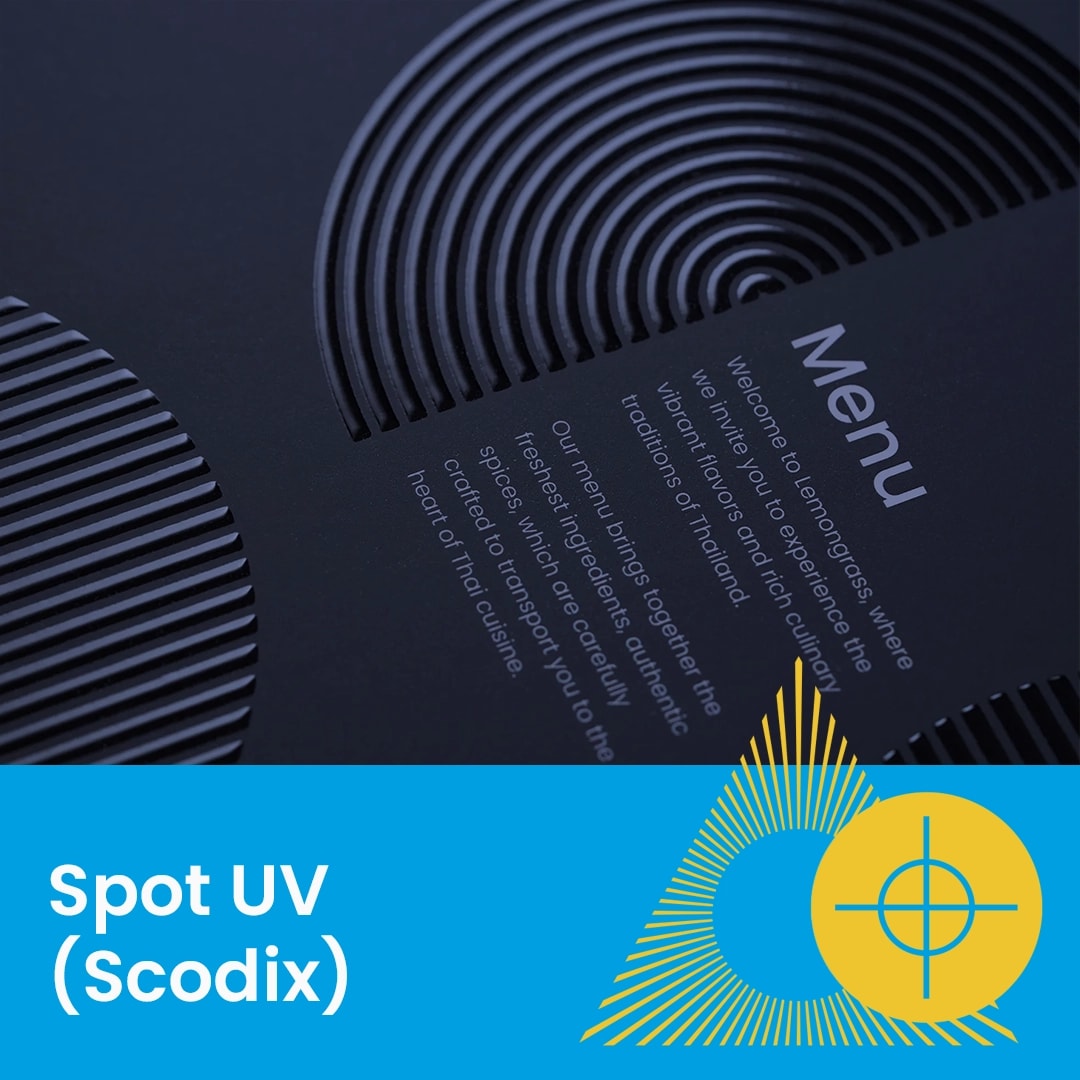
Black menu cover with raised circular spot uv patterns, labeled "Spot UV (Scodix)" at the bottom.
Four playing cards with rounded corners on a yellow surface, two face up and two face down.
Text reads "Hardback Books: Cover setup guide" on a blue background with yellow graphic accents.
Open hardback book on yellow background with the words "Hardback books" in a blue box below.
Open perfect bound book with visible spine, blue and yellow graphic design, and text.
A stitched A5 exhibition booklet on an orange surface with graphic design elements.
Close-up of white wiro binding on a stack of papers with blue and yellow graphic elements.
Close-up of a roller banner stand on a red surface with text "Roller banner" below.
Close-up of a premium roller banner base on a red background with graphic and text overlay.
Two upright circus-themed roller banners with a tent and cannon on a red background.
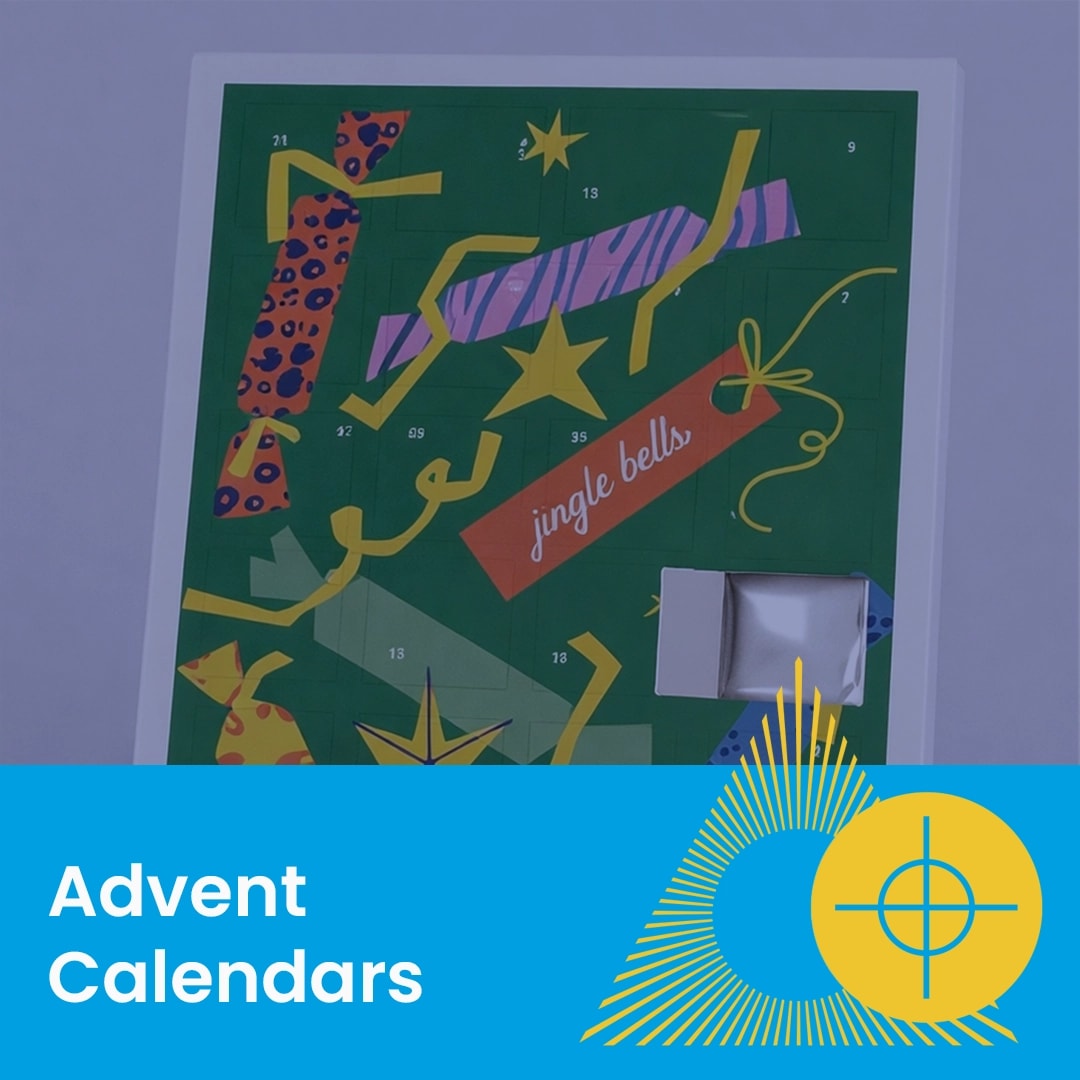
A green advent calendar with numbered doors and festive patterns, one door is open.
Three colourful, folded leaflets standing on a surface with "Leaflets" text below.
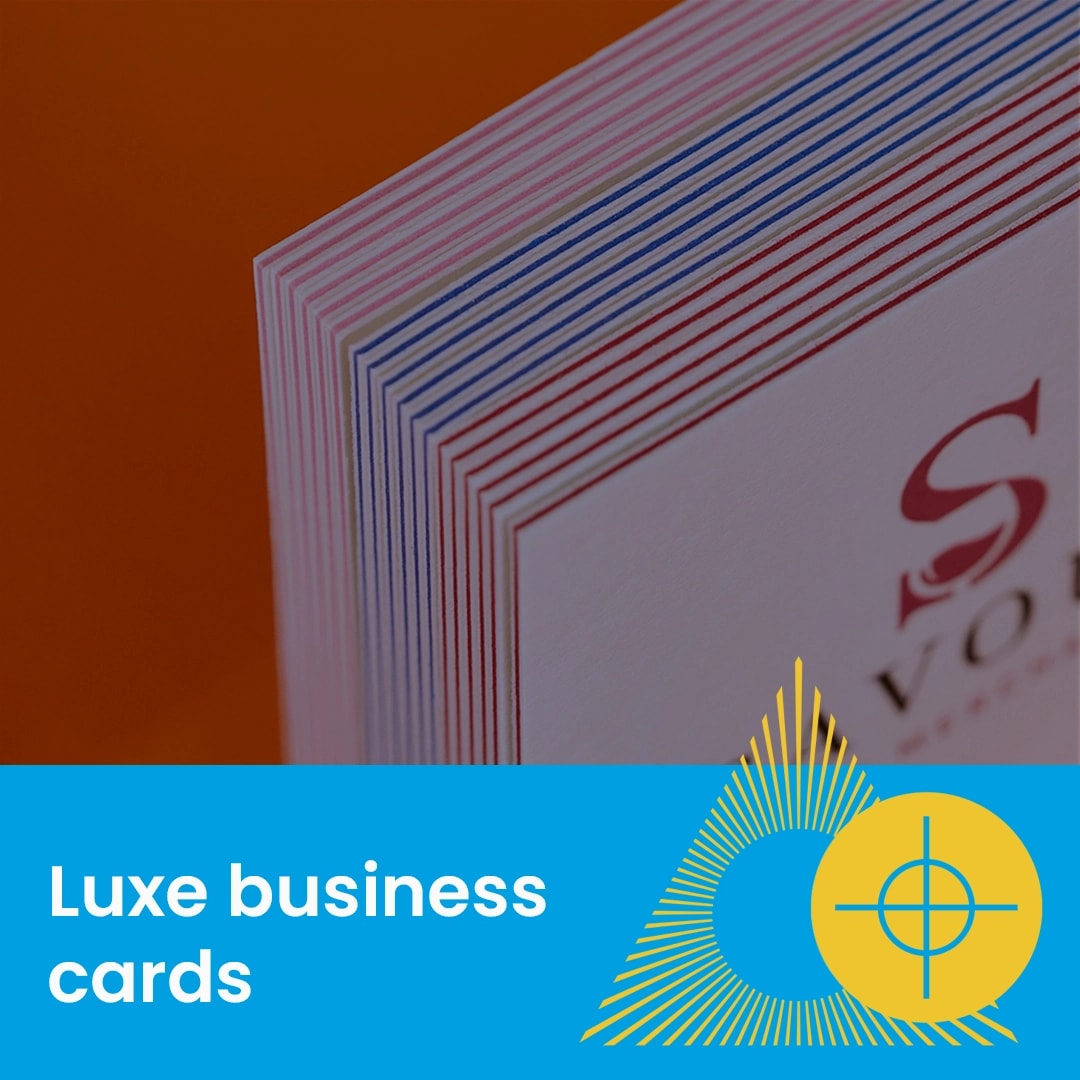
Stack of thick, multicolored edge business cards with "Support Guide" text overlay.
A multi-part NCR form and a branded notepad with an Italian Pizza logo lie on a table.
Two colourful presentation folders on a blue background with the text "Presentation folders".
Close-up of stacked presentation folders on a blue surface with text and geometric graphics.
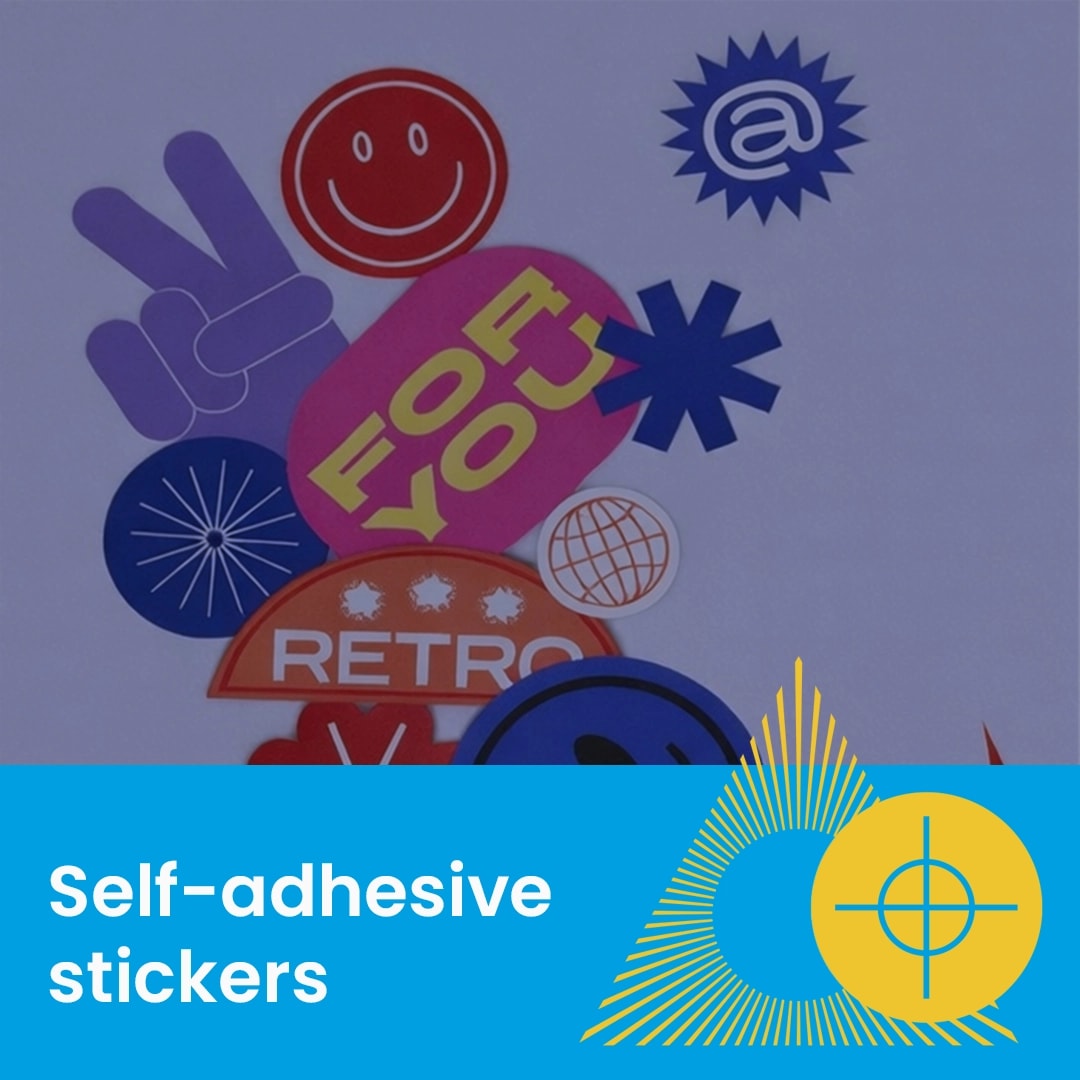
Assorted colourful self-adhesive stickers arranged above a blue label reading "Self-adhesive stickers.