Prices
To ensure your project is printed exactly as intended and to avoid your files being rejected, please follow our technical requirements for file submission.
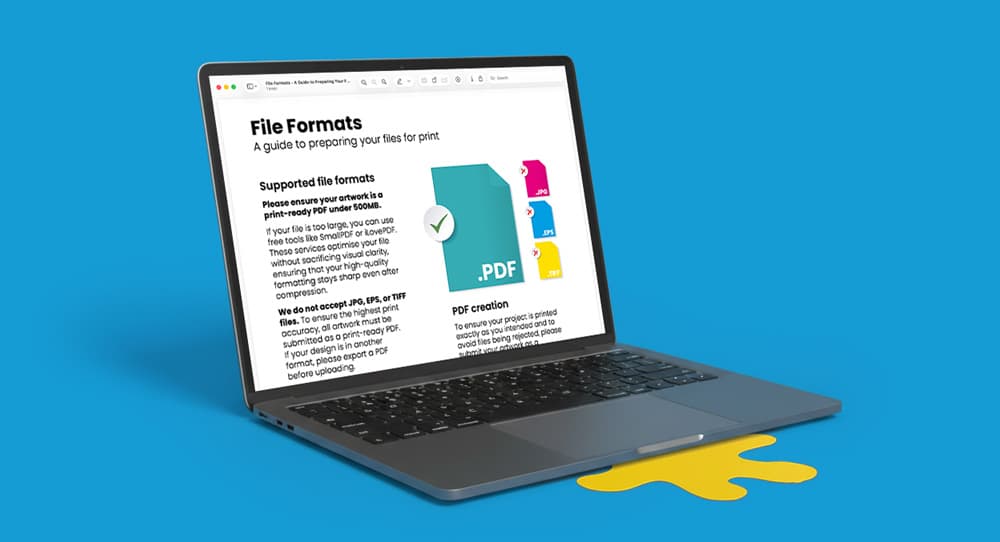
For the highest level of print accuracy and quality, we operate a PDF-only workflow.
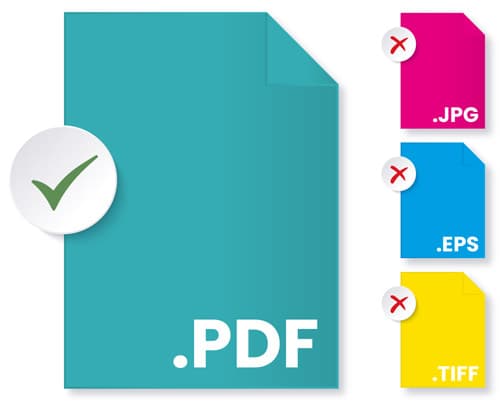
Accepted Format: All artwork must be submitted as a press quality PDF.
Non-Accepted Formats: We do not accept JPG, EPS, or TIFF files. If your design is currently in one of these formats, please export it as a PDF before uploading.
File Size: Please ensure your final PDF is PDF/X-4 compliant and set as 'press quality'. Ensure your PDF file size is not unnecessarily larger than required (Max 500MB) to avoid long upload times when submitting your artwork.
The method you use to create your PDF significantly impacts the final print result.
Recommended Tool: We suggest using a recognised creator such as Adobe Acrobat Distiller.
Required Preset: Select the PDF/X-4 compliant preset. This is the industry standard for professional printing.
Font Embedding: Ensure all fonts are embedded or converted to outlines within the file to prevent layout errors or missing text.
Type 3 fonts: We do not accept Type 3 fonts - these can cause unexpected issues during the printing process. If you have used any Type 3 fonts in your artwork they must be either flattened, or converted into outlines.
Before uploading your file, it is vital to perform a final check using professional software rather than a standard web browser or basic PDF viewer.
Output Preview: Open your file in Adobe Acrobat and use the Output Preview tool. This reveals hidden issues such as transparency conflicts or colour shifts that standard viewers may miss.
Resolution: Verify that all images within your PDF have a resolution of 300 DPI for the sharpest results.
Bleed: Ensure the correct bleed measurement is included on all edges to avoid white borders after the final trim. Most products require a 3mm bleed but some products are different so ensure you check on our product artwork templates.
If your press quality PDF file size is larger that our maximum 500MB, you can use optimisation tools to reduce the size without losing visual clarity. Use services like SmallPDF or iLovePDF to compress your file while maintaining high-quality formatting.
Need more help? Explore our additional support guides for expert advice on artwork setup, print file preparation, bleed and crop marks, colour setup, large format artwork and troubleshooting common print file issues.
Our support guides also cover paper stock selection, premium print finishes including spot UV and Scodix, preparing print-ready artwork and understanding the best setup for a wide range of printed products.
Before ordering, you can also use our artwork technical check tool to identify common artwork problems, including low resolution images, missing bleed, incorrect dimensions and RGB colour profiles.
You can also browse our full range of print products, including banners, business cards, flyers, posters and large format printing solutions.