Prices
Correctly setting your page properties is essential to ensure your design is not cut off or misaligned. Follow these technical specifications for both single and double-sided projects.
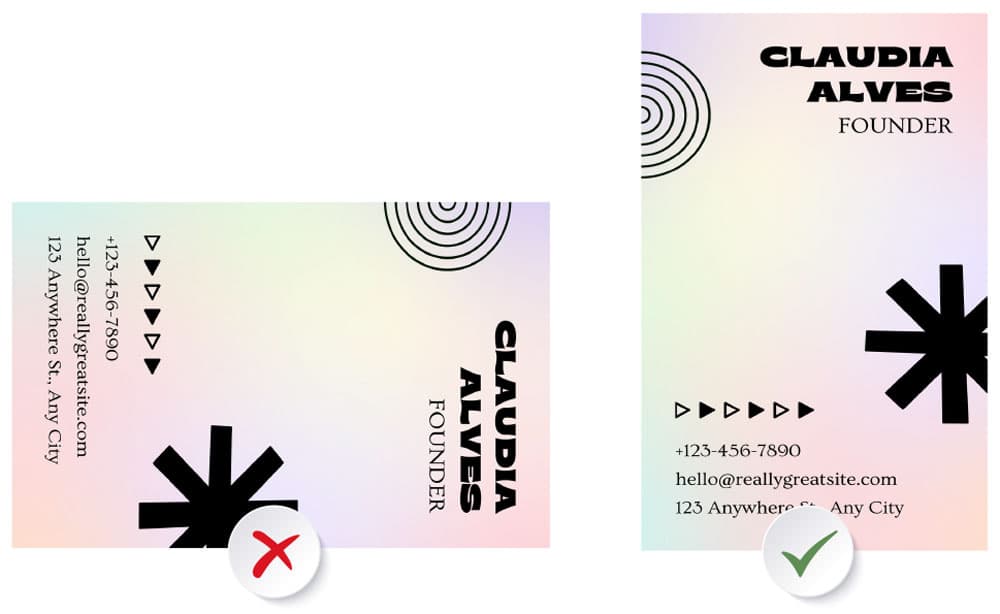
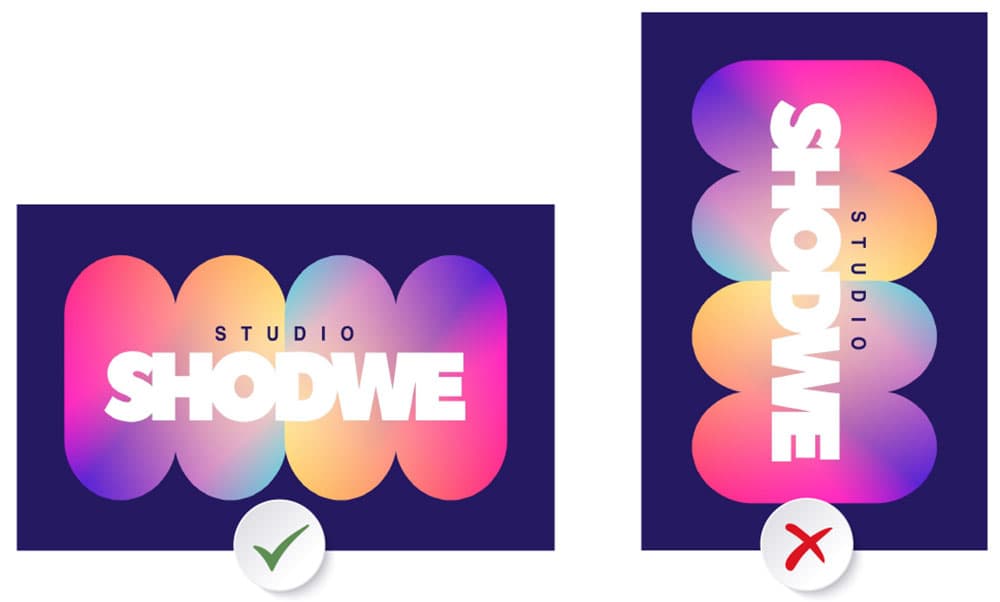
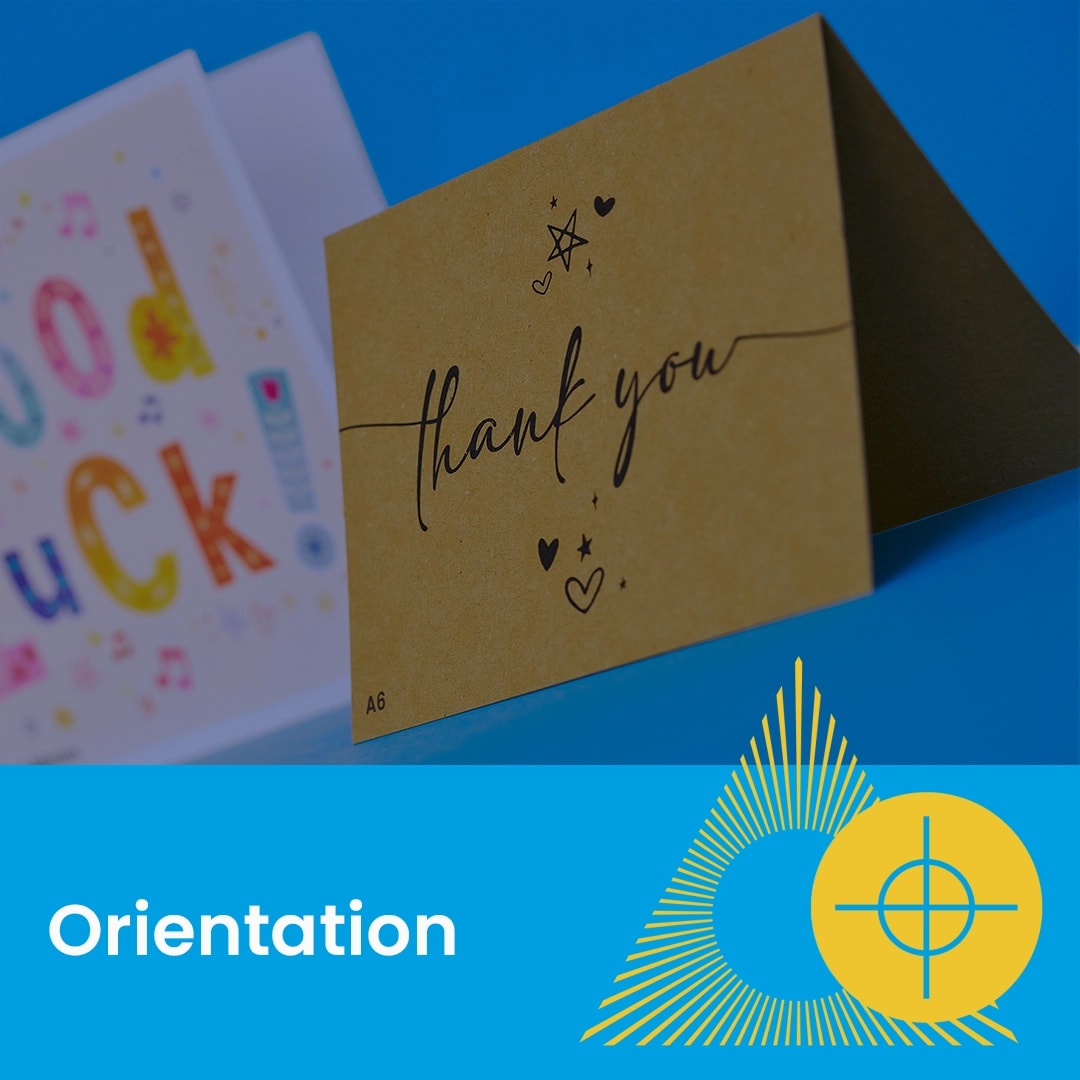
Submit your file in portrait orientation. Do not rotate horizontal content to "fit" a vertical view.
Submit your file in landscape orientation (wider than it is tall). You must set the page properties to landscape rather than rotating your content 90 degrees onto a portrait page.
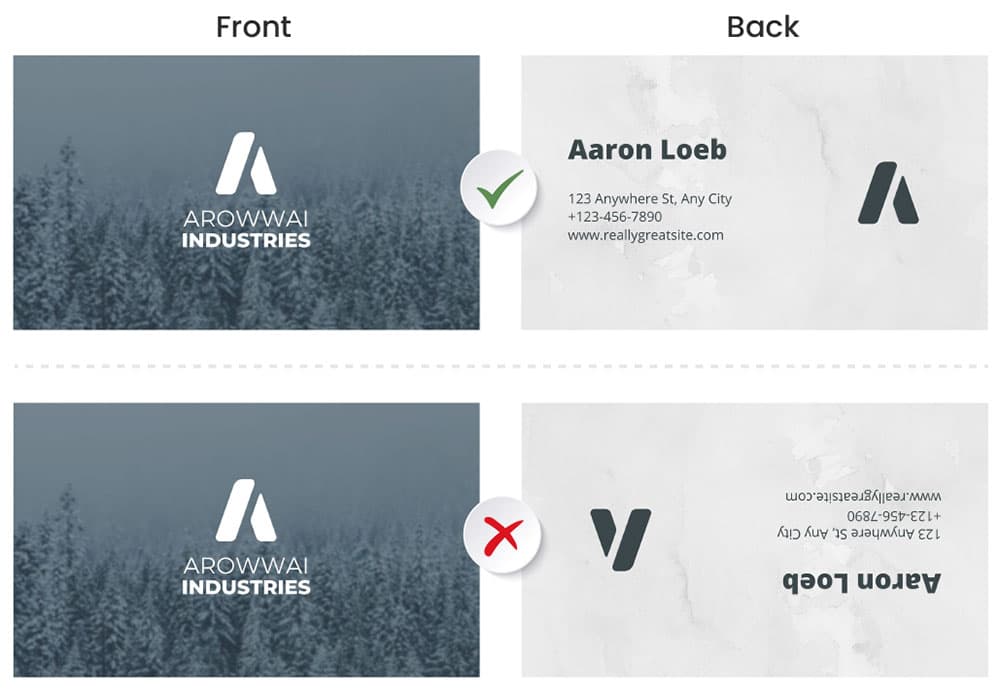
When supplying double-sided landscape artwork, both pages must be aligned in the same direction within your PDF to ensure the reverse is upright.
For portrait business cards or flyers, consistent vertical alignment is required.
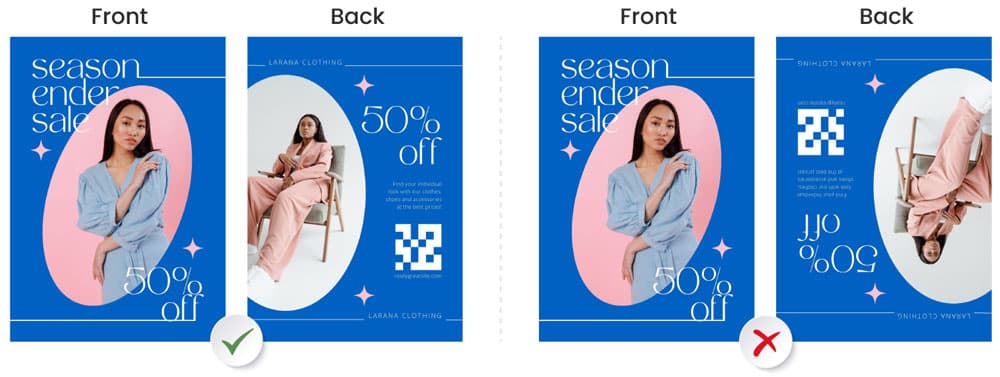
Submit both pages of your artwork in portrait orientation (taller than it is wide). Both pages must be aligned in the same direction.
Final Check: Alignment is essential; if one page is flipped or rotated differently from the other, the back of your product will print upside down. Always double-check your files to verify the rotation before uploading.
Need more help? Explore our additional support guides for expert advice on artwork setup, print file preparation, bleed and crop marks, colour setup, large format artwork and troubleshooting common print file issues.
Our support guides also cover paper stock selection, premium print finishes including spot UV and Scodix, preparing print-ready artwork and understanding the best setup for a wide range of printed products.
Before ordering, you can also use our artwork technical check tool to identify common artwork problems, including low resolution images, missing bleed, incorrect dimensions and RGB colour profiles.
You can also browse our full range of print products, including banners, business cards, flyers, posters and large format printing solutions.