Prices
What are Canva print tutorials?
Canva print tutorials are video guides that show you how to prepare Canva artwork for professional printing. They can help with templates, bleed, colour setup, image quality, PDF Print export settings and final file checks.
What products can I print using Canva?
Canva designs can be used to create professionally printed business cards, posters, signage and more.
Click here for the full comprehensive list of Canva-compatible products.
Can Canva designs be professionally printed?
Yes, Canva artwork can be professionally printed when your design is set up correctly with the right dimensions, bleed settings and print-ready PDF export options.
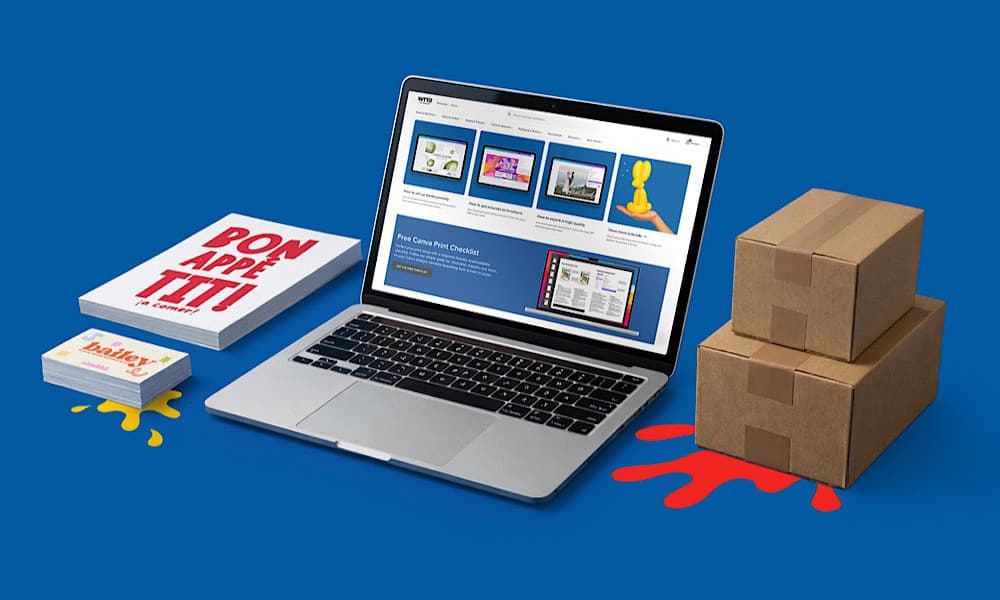
For a more complete step-by-step guide, download our free Canva checklist here.
Do I need Canva Pro for professional printing?
No. Both Canva free and Canva Pro can be used to create print ready artwork for professional printing when exported using the correct print settings.
For the full rundown on the difference between the two services, read our blog on Canva Prohere.
How do I prepare a Canva design for professional printing?
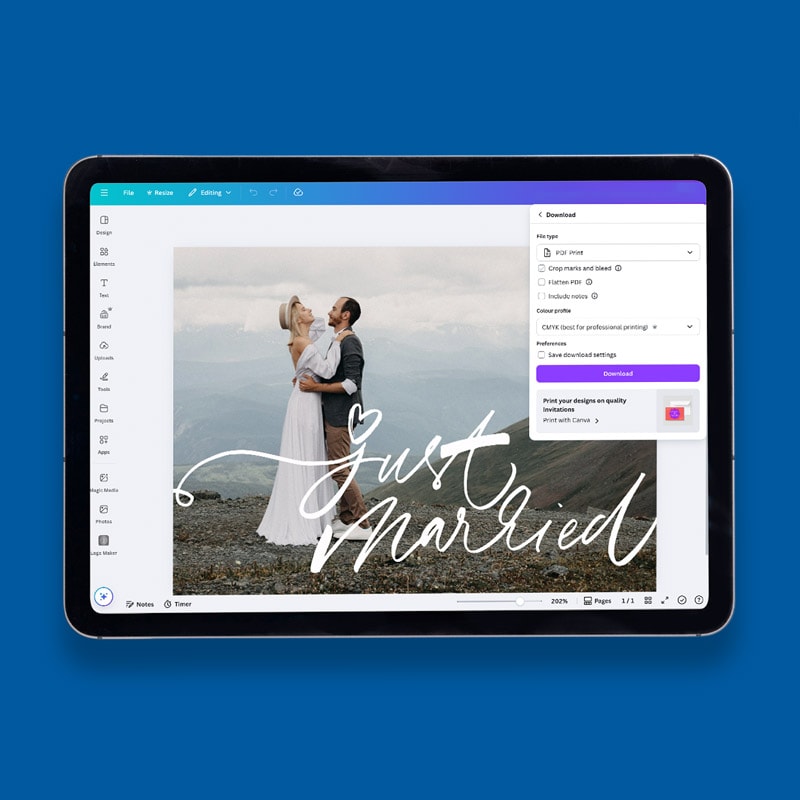
To prepare a Canva design for professional printing, choose the correct template size, add bleed settings, check CMYK colours and export your artwork as a high resolution PDF Print file.
For more information, check out our tutorial on how to export from Canva here.
Which Canva tutorial should I watch first?
If you are new to Canva printing, start with the WTTB Canva template tutorial. This helps you begin with the correct size before moving on to bleed, colour and export settings.
Are these Canva tutorials suitable for beginners?
Yes. The tutorials are designed to support beginners, small businesses, Etsy sellers, creators and anyone preparing Canva artwork for professional print.
Why do Canva colours sometimes print differently?
Colours can appear different in print because screens display RGB colours, while professional printing uses CMYK colour processes and printed materials.
Do the Canva tutorials help with bleed and colour?
Yes. The tutorials cover practical setup steps such as adding bleed, checking colour expectations and exporting artwork correctly for print.
Can I learn how to export Canva files for print?
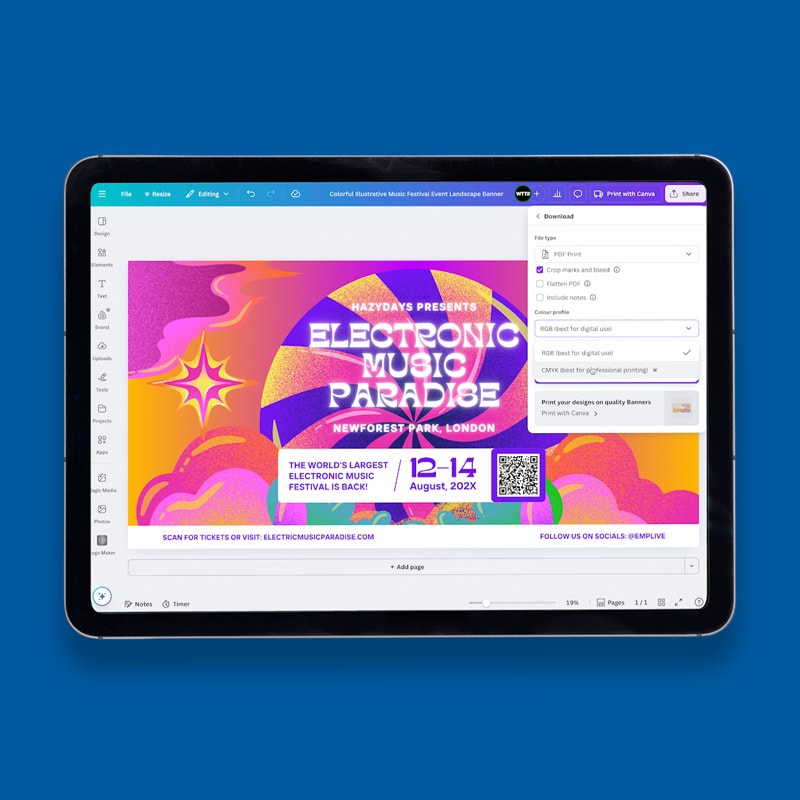
Yes. WTTB’s Canva tutorials and checklist explain how to export Canva artwork as a PDF Print file with crop marks and bleed enabled before uploading your artwork.
What is the best file format for Canva printing?
PDF Print is usually the best file format for professional Canva printing because it helps maintain sharp text, clear images and high-quality print results.
Whether you are designing business cards, flyers, posters, stickers, packaging or products for your online shop, these Canva tutorials help you prepare artwork properly before sending it to print.
Use the videos to learn the practical setup steps, then follow the linked guides, checklist and templates to finish your file with more confidence.
Start with these core Canva tutorials if you are preparing artwork for WTTB print. They cover the setup steps most likely to affect the finished result, including size, bleed, colour and export quality.
If you are new to Canva printing, start with the template tutorial so your artwork begins at the correct size. Then watch the bleed, colour and export videos before uploading your finished file to WTTB.:
If you have followed our Canva printing tutorials, checked your artwork settings and exported your print ready PDF correctly, your Canva design is ready for high-quality professional printing.
✔ Followed the Canva printing tutorials
✔ Checked your artwork and print settings
✔ Exported your print ready PDF correctly
Before placing your order, it is worth checking your exported PDF against the Canva Checklist. This helps confirm that your size, bleed, image quality, colour setup and export settings are ready for production.
Ready to get started? Upload your Canva artwork and explore our full range of products compatible with Canva for high-quality business cards, flyers, leaflets and more.
Use these guides when you want to go beyond the basics. They cover Canva tools, print product planning, paper and finish choices, and ways to turn Canva designs into sellable products.

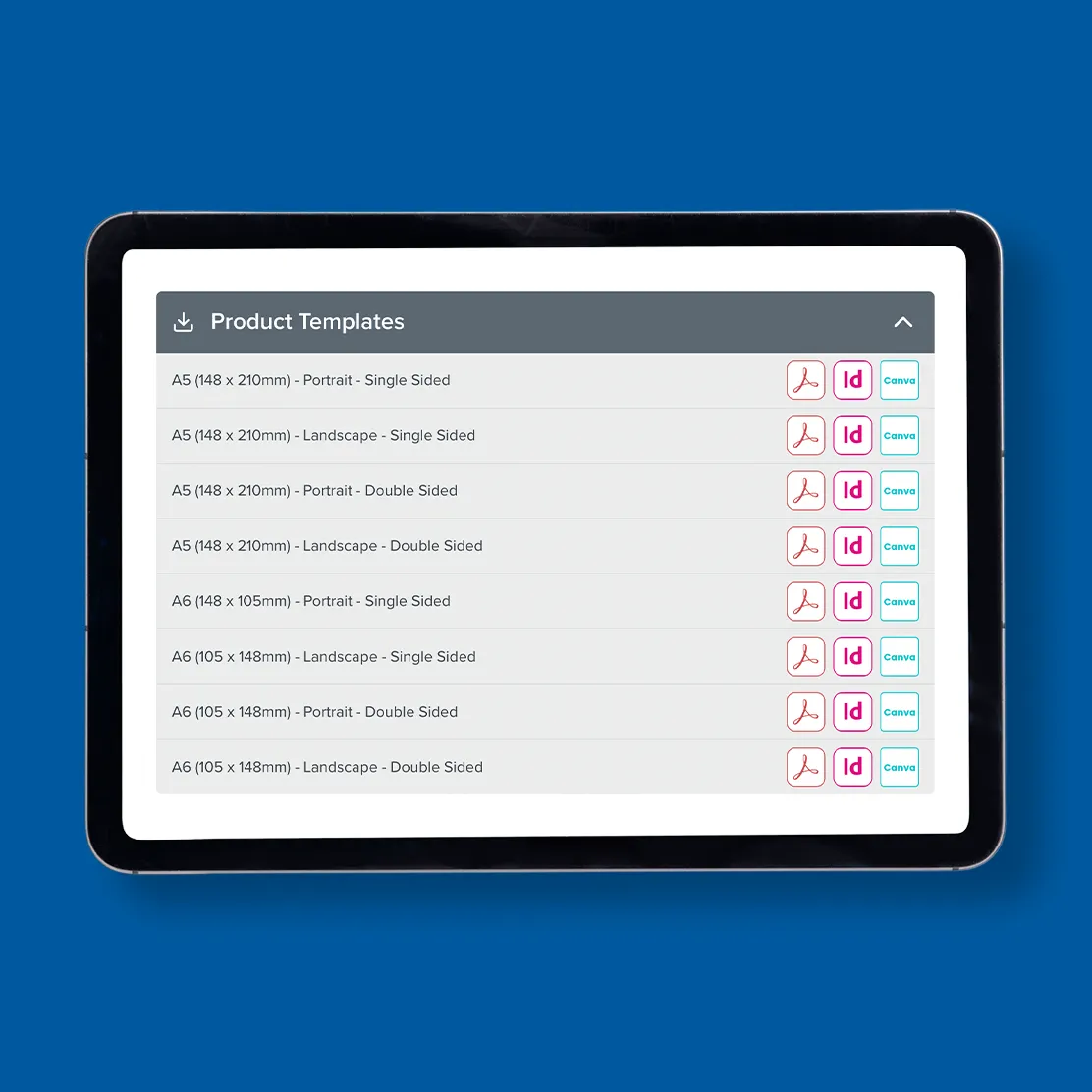
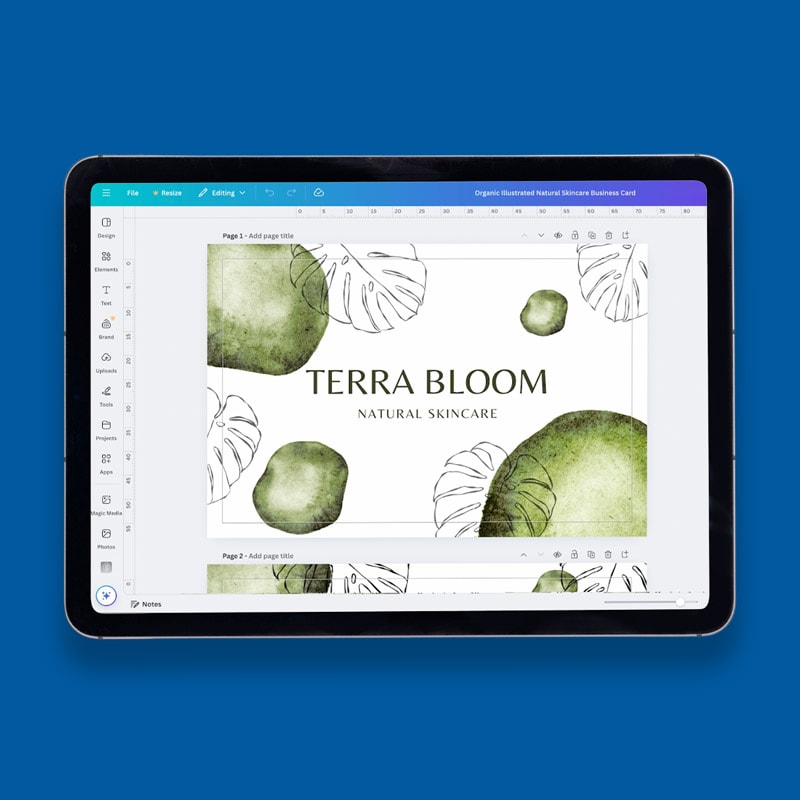
We show how to use WTTB Canva templates to design and export print-ready artwork with perfect colour and bleed.
Learn how to add bleed in Canva to avoid white borders when printing from Canva.
Learn how to get vibrant, professional Canva Print results in Canva by using CMYK colour mode.
Learn how to get sharp prints in Canva with DPI steps that stop blurriness for professional Canva printing.
Need help getting your Canva designs print-ready? Explore the WTTB Canva Hub for expert tutorials, free checklists, design guides, and practical print advice designed to help creators, small businesses, Etsy sellers, and event planners achieve professional print results.
From setting up bleed correctly to choosing the right print products, our Canva resources are built to help you avoid common mistakes and print with confidence.
Creating print ready Canva artwork is easier when you follow the correct professional printing process from the beginning. From choosing the right Canva template size and setting up bleed, to checking CMYK colours and exporting a PDF, each step helps improve print quality and ensures your Canva design is fully prepared for professional printing.
Use these four steps as a simple route from Canva design to professional print. They bring together the most important tutorials and resources on the page.
1. Start with Print Ready Canva Templates: Using the correct Canva template size helps ensure your artwork is properly set up for professional printing and avoids common sizing mistakes later in the design process.
2. Set up Bleed for Professional Printing: Adding bleed in Canva helps prevent unwanted white edges after trimming and ensures your design prints cleanly to the edge of the page.
3. Check CMYK Colours before Printing: Checking CMYK colours before exporting can help improve print accuracy and reduce unexpected colour differences between screen and print.
4. Export your Print Ready PDF from Canva: Exporting your Canva design with the correct PDF print settings helps produce sharper text, higher image quality and professional printing results.
Before exporting, it is also worth following our complete Canva Checklist to ensure your artwork is fully ready for print.
Looking for products designed specifically for Canva artwork? Explore our range of Canva Compatible Products for professionally printed business cards, letterheads, posters and more.
For more Canva printing tips, tutorials and design advice, explore the comprehensive Canva Hub from WTTB, or browse the latest blogs for additional guides, inspiration and professional printing advice.
Need some guidance? We're here to help! Explore our FAQs to find answers to common questions about Canva tutorials using Where The Trade Buys (WTTB).