WTTB
Loading...
Books & Brochures
Flyers & Leaflets
Display & Signage
Cards & Stationery
Packaging & Stickers
Promotional
Occasions
Best Sellers

Products

  • Banners
  • Booklets & Brochures
  • Business Cards
  • Flyers & Leaflets
  • Signage
  • Business Stationery
  • Bespoke Printing
  • View all products »

Resources

  • Print Reseller Hub
  • Sample Pack
  • Book Printing Hub
  • Charity Printing Hub
  • Canva Print Hub
  • Print Materials Hub
  • Image Library

My Account

  • Track My Order
  • Dashboard
  • Print Tools
  • Rewards
  • Deals & Discounts
  • Register

Help & Support

  • FAQs
  • Support Guides
  • Print Dictionary
  • Artwork Check
  • WTTB Blog
  • Contact Us

Company

  • About WTTB
  • Meet The Team
  • Terms and Conditions
  • Privacy Policy
  • Cookie Policy
  • Sustainability

Connect

  • icon
    Facebook
  • icon
    Instagram
  • icon
    LinkedIn
  • icon
    Pinterest
  • icon
    TikTok
  • icon
    YouTube

Copyright © 2026 WTTB  All rights reserved

Resources
Print Services
Bespoke PrintingBook Printing HubEvents & Exhibitions HubCharity Printing HubLeaflet DistributionVideo QR Codes
Trade Print Services
Print Reseller HubImage LibraryPrint ToolsReseller BlogsSample Pack
Benefits
Help & Support
Print BlogFAQsSupport GuidesArtwork CheckPrint DictionaryContact Us
‎ ‎ Canva
Canva Print Hub
Canva Templates
Canva Tutorials
Canva Checklist
Canva Blogs
Orientation: How To Set Up Folded Artwork Correctly
Rewards
Deals & Discounts

Folded Artwork Orientation Guide

Folded Artwork Orientation Guide

How to Set Up and Back Up Artwork Correctly for Folded Products

How to Set Up and Back Up Artwork Correctly for Folded Products

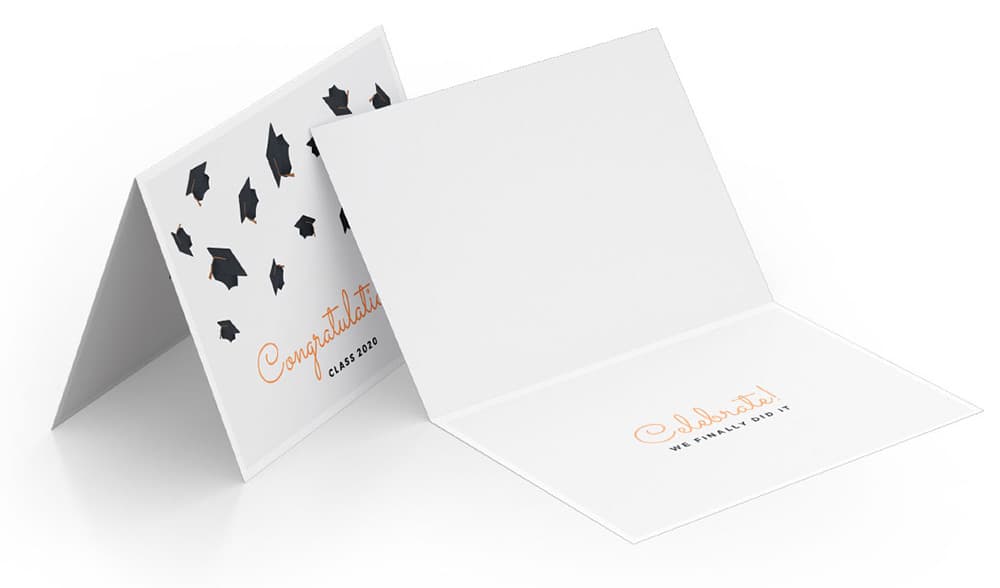
To ensure your folded products—such as greeting cards or tent-fold menus—print correctly, your artwork must be orientated specifically within your PDF. If the rotation is incorrect, the back or inside of your job will print upside down.

Landscape Fold (Tent-Fold)

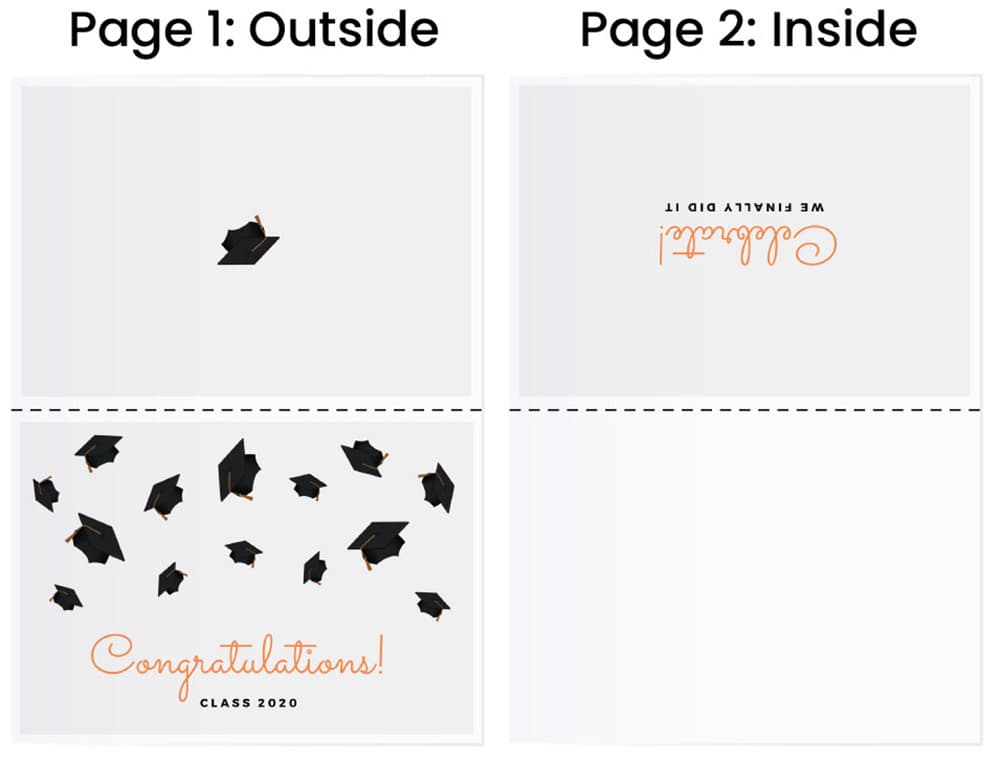
For products that fold along the top edge (tent-fold), you must provide a two-page PDF. Because of how the paper is turned during the printing process, the top half of your layout must be inverted.

Page 1: The Outside (Cover & Back)

  • Bottom Half: This is your Front Cover. It should be placed the correct way up.
  • Top Half: This is your Back Cover. You must rotate this artwork 180 degrees (upside down).

Page 2: The Inside (Message)

  • Top Half: This is the main message area. You must rotate this 180 degrees (upside down).
  • Bottom Half: This is the inside cover. Leave this blank or, if designing, rotate it 180 degrees (upside down).

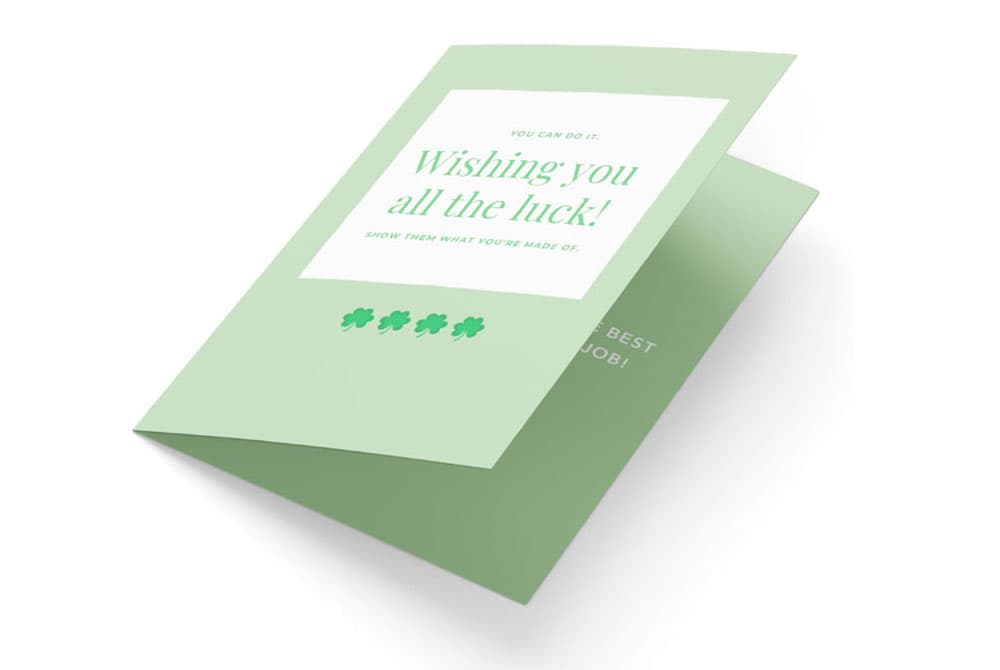
Portrait Fold (Side-Fold)

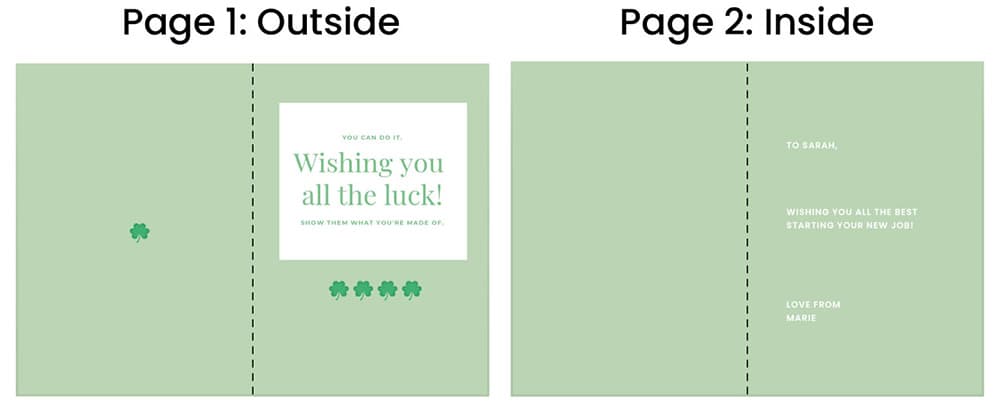
For products that fold along the side, like a standard book or card, provide a two-page PDF using side-by-side spreads.

Page 1: The Outside (Cover & Back)

  • Right Side: This is the Front Cover. Place artwork the correct way up.
  • Left Side: This is the Back Cover. Place artwork the correct way up.

Page 2: The Inside (Message)

  • Right Side: This is the main inside message area. Place artwork the correct way up.
  • Left Side: This is the inside left cover. Leave blank or place artwork the correct way up.

Final Technical Check

Before submitting your files, perform a manual "flip" check.

Warning: Failure to rotate the top half of landscape designs will result in the back of your card being upside down once folded.

Consistency: Ensure both pages of your PDF are the same orientation (either both landscape or both portrait) to match your chosen product.

PDF Guide: Orientations for Folded Artwork

Download our detailed PDF to learn how to set up folded artwork with the correct orientation, ensuring all panels align and print exactly as intended.

Related guides

Read Now
Read Now
Read Now
Read Now
Read Now
Four blank white directional signs point in opposite directions against a blue background.
landscape-fold-visual
landscape-fold-layout
portrait-fold-visual
portrait-fold-layout
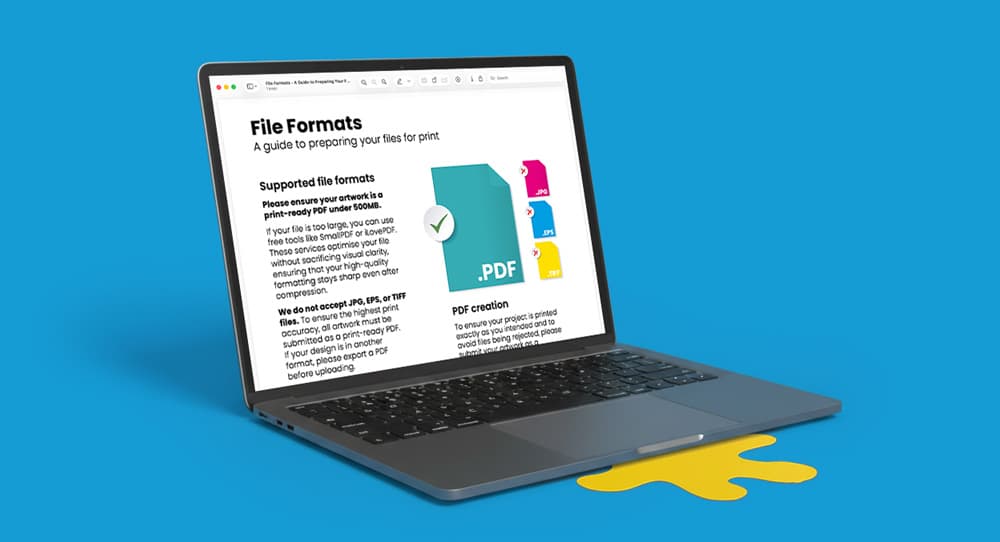
Laptop displaying a downloadable print guide, shown on a blue background.
Four cards labeled TIFF, GIF, JPG, and PNG illustrate different file formats.
A gloss laminated paper with a yellow and green spiral design on a reddish surface.
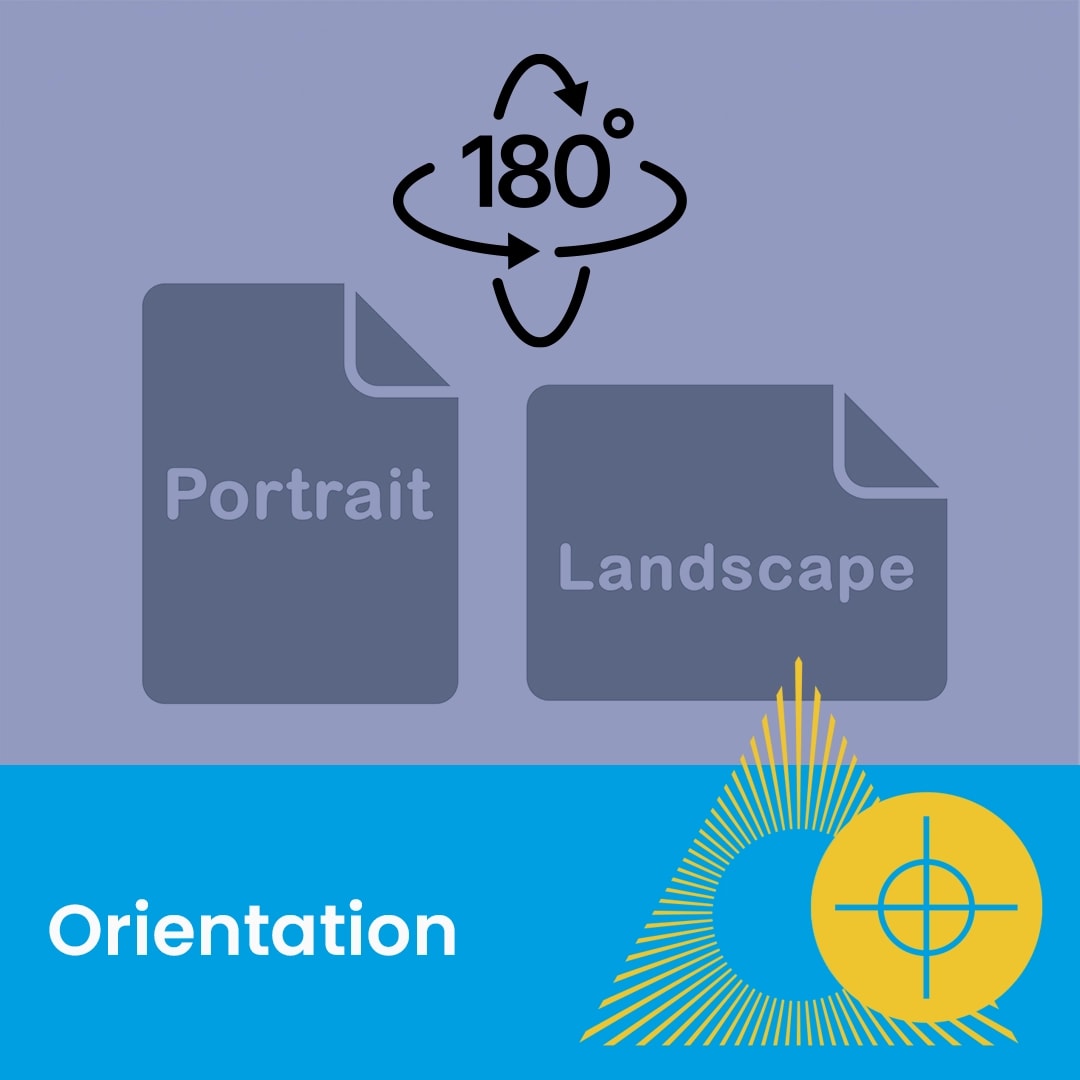
Two document icons labeled Portrait and Landscape with a 180-degree rotation symbol above them.
Diagram showing various A-series paper sizes with measurements, labeled "Paper sizes" at the bottom.
A close-up of a rolled, glossy printed paper with "Paper types" text and graphic overlay.