Prices
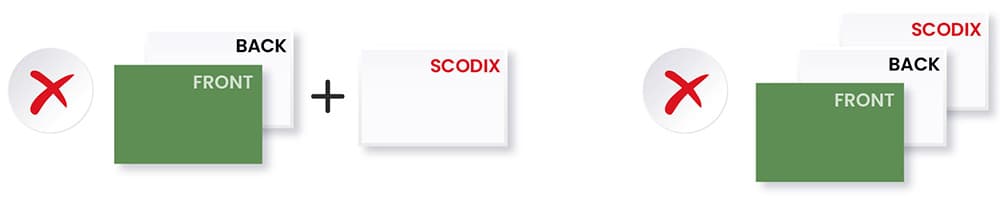
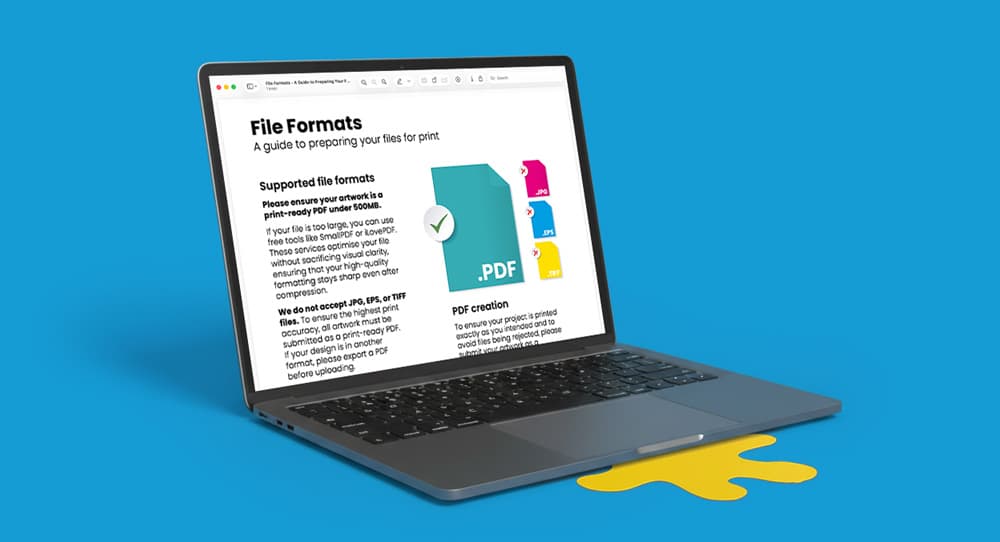
To ensure the tactile varnish aligns perfectly with your print, your artwork must be supplied as a single, multi-page PDF. The sequence of pages tells our press exactly which side of the document requires the Scodix finish.
If your product is only printed on one side, such as single sided business cards, you must supply a 2-page PDF. Even though there is no "back" design, the second page acts as the "map" for the varnish.
For products printed on both sides, like double sided business cards, you must supply a 4-page PDF. This is the most common setup and ensures that the "Back" of the card and the "Scodix" layer stay in the correct numerical sequence.
If you want the tactile finish on the front of your spot UV card only, arrange your 1 PDF as follows:
If you want the tactile finish on the back of your card only, the sequence changes:
To avoid automatic rejection by our workflow, please adhere to these three technical rules:
Registration: The Scodix elements on your finishing pages (Page 2, 3, or 4) must be in the exact same X/Y coordinates as the elements they are enhancing on your print pages.
No Separates: Never supply the Scodix layer as a separate PDF file. Our automated system will only process a single, multi-page document.
Blank Pages If your sequence requires a blank page (as seen in the 4-page scenarios), you must include it. If the PDF has the wrong number of pages, it will be rejected.
Spot UV is a rigid coating and cannot be applied over areas that will be cut or creased.
The 2mm Clearance Rule: You must leave a clear gap of at least 2mm from the trim edge and at least 2mm from any fold lines.
Why? This prevents the UV coating from cracking or peeling when the paper is cut by the guillotine or folded.
Need more help? Explore our additional support guides for expert advice on artwork setup, print file preparation, bleed and crop marks, colour setup, large format artwork and troubleshooting common print file issues.
Our support guides also cover paper stock selection, premium print finishes including spot UV and Scodix, preparing print-ready artwork and understanding the best setup for a wide range of printed products.
Before ordering, you can also use our artwork technical check tool to identify common artwork problems, including low resolution images, missing bleed, incorrect dimensions and RGB colour profiles.
You can also browse our full range of print products, including banners, business cards, flyers, posters and large format printing solutions.
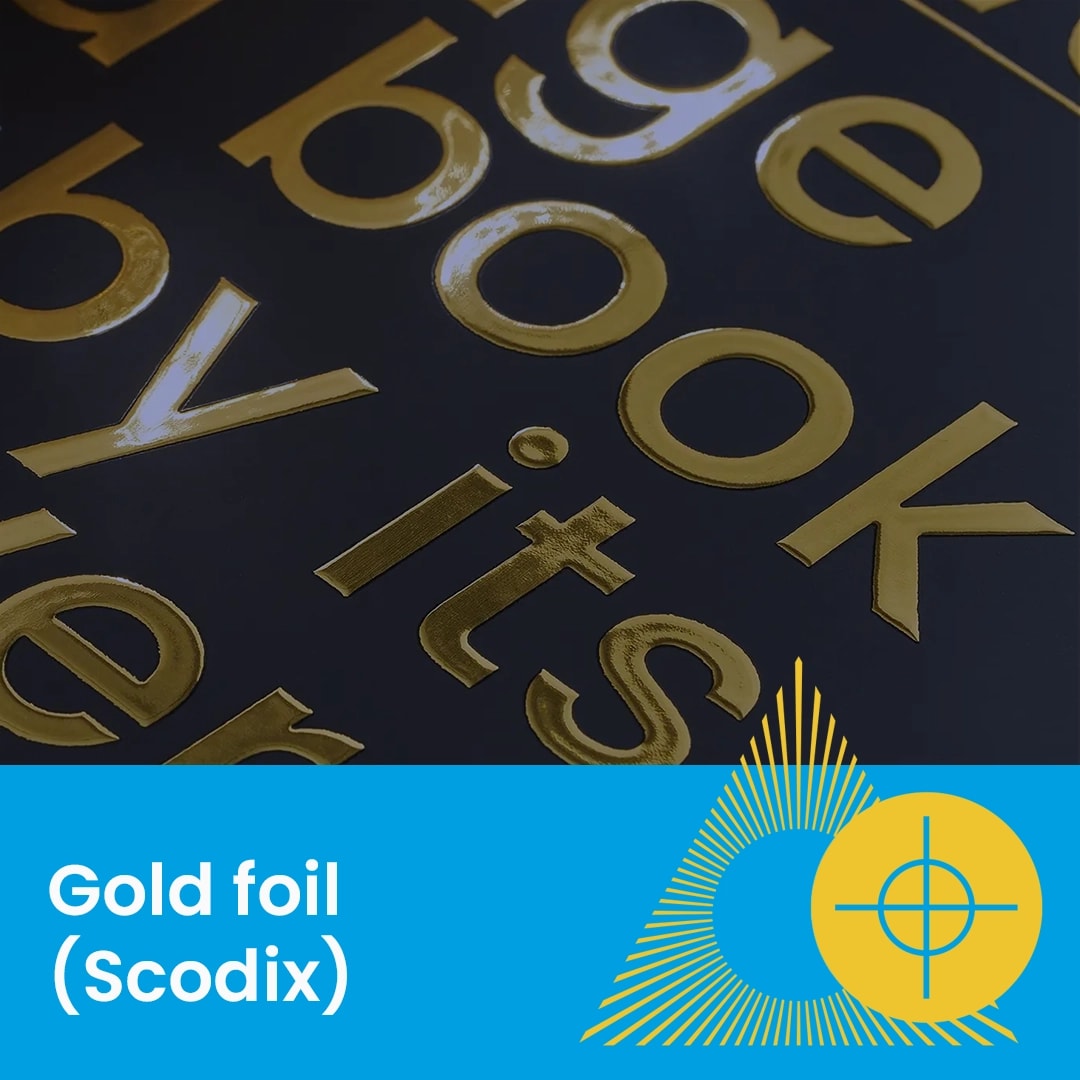
Discover premium Spot UV business cards with raised gloss finishes designed to highlight key artwork details with contrast, texture and visual impact.