WTTB
Loading...
Books & Brochures
Flyers & Leaflets
Display & Signage
Cards & Stationery
Packaging & Stickers
Promotional
Occasions
Best Sellers

Products

  • Banners
  • Booklets & Brochures
  • Business Cards
  • Flyers & Leaflets
  • Signage
  • Business Stationery
  • Bespoke Printing
  • View all products »

Resources

  • Print Reseller Hub
  • Sample Pack
  • Book Printing Hub
  • Charity Printing Hub
  • Canva Print Hub
  • Image Library

My Account

  • Track My Order
  • Dashboard
  • Print Tools
  • Rewards
  • Deals & Discounts
  • Register

Help & Support

  • FAQs
  • Support Guides
  • Print Dictionary
  • Artwork Check
  • WTTB Blog
  • Contact Us

Company

  • About WTTB
  • Meet The Team
  • Terms and Conditions
  • Privacy Policy
  • Cookie Policy

Connect

  • icon
    Facebook
  • icon
    Instagram
  • icon
    LinkedIn
  • icon
    Pinterest
  • icon
    TikTok
  • icon
    YouTube

Copyright © 2026 WTTB  All rights reserved

Resources
‎ ‎ Canva
Advent Calendar Artwork Guide
Print Services
Trade Print Services
Help & Support
Bespoke Printing
Book Printing Hub
Events & Exhibitions Hub
Charity Printing Hub
Leaflet Distribution
Video QR Codes
Print Reseller Hub
Image Library
Print Tools
Reseller Blogs
Sample Pack
Print Blog
FAQs
Support Guides
Artwork Check
Print Dictionary
Contact Us

Advent Calendar Artwork Guide

Advent Calendar Artwork Guide

How to Prepare Window and Backing Artwork Correctly

How to Prepare Window and Backing Artwork Correctly

Orientation and Layout

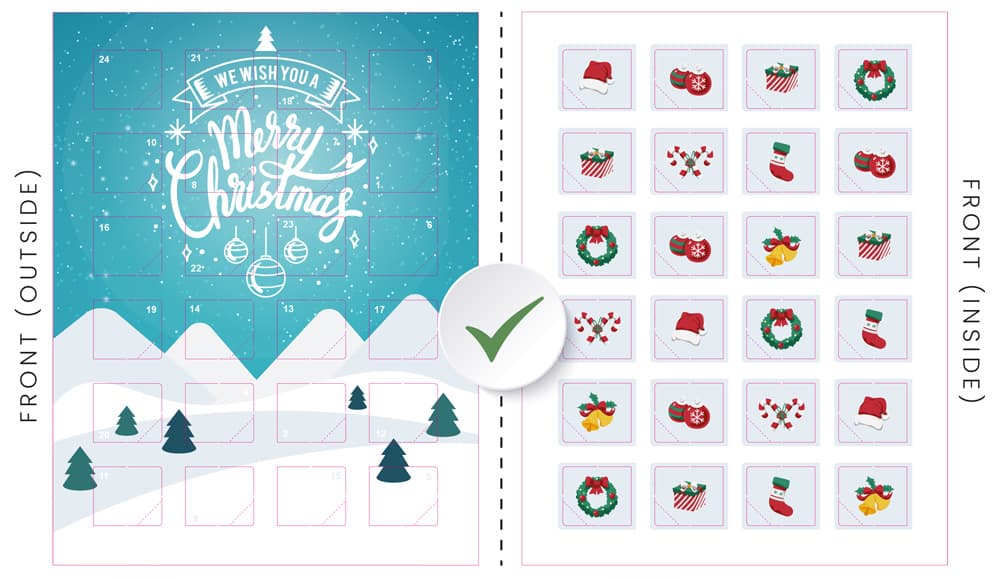
When supplying artwork for advent calendars calendar, it is vital that the orientation is correct to ensure the final product functions as intended.

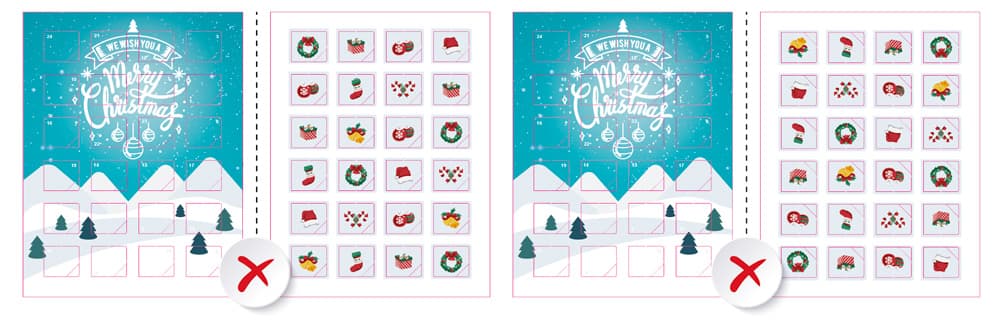
Common Rotation Errors

To avoid printing errors, please compare your layout against the examples below.

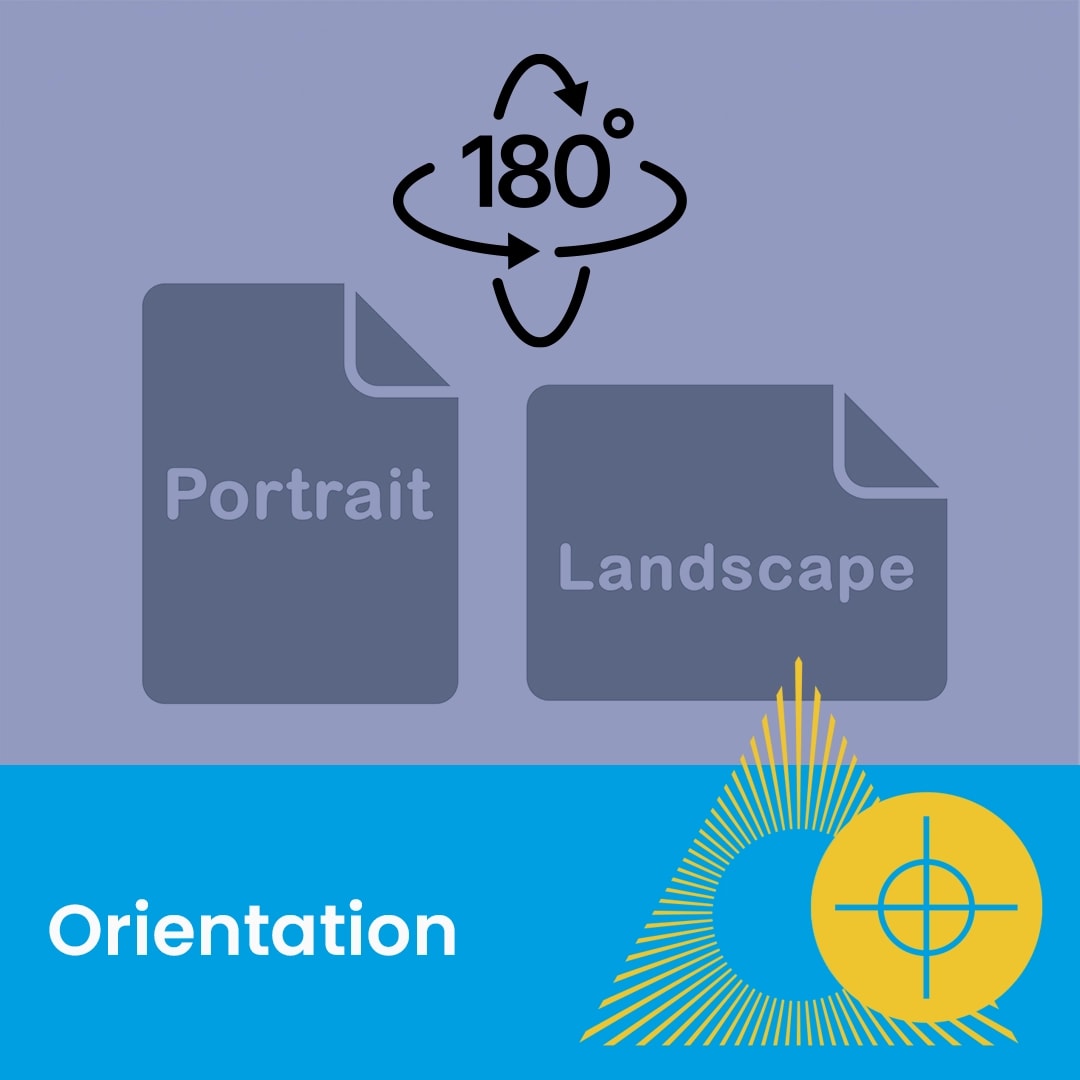
Rotation: Do not flip the page or rotate it 180 degrees.

Result: Incorrect rotation will result in the finished image being back-to-front or upside down once the window is opened by the customer.

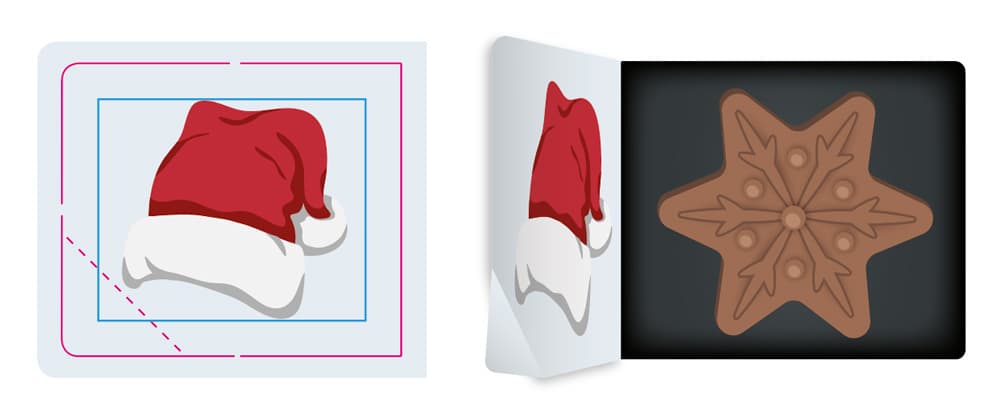
Bleed and Safe Areas

Please adhere to the following measurements when supplying your files:

Bleed Requirement: Include a 3mm bleed so that your artwork exceeds the pink CUT line.

Safe Margin: Use a 5mm margin (the blue line) as a safe area for any text to avoid it being cut off during the die-cutting process.

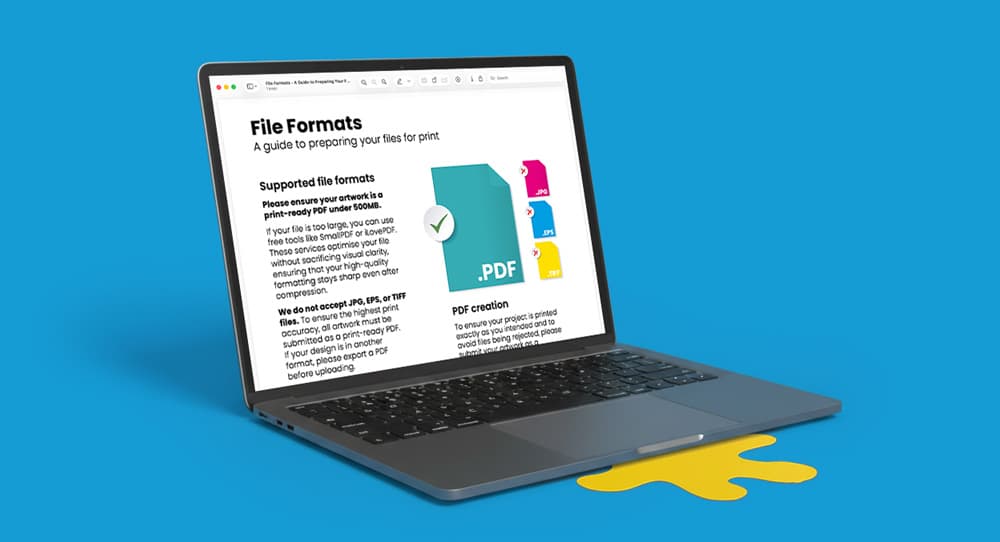
PDF Guide: Backing Up Advent Calendar Artwork

Download our expert PDF to learn how to properly back up advent calendar window designs for accurate, high-quality printing.

Related guides

Benefits
Canva Print Hub
Canva Templates
Canva Tutorials
Canva Checklist
Canva Blogs
Rewards
Deals & Discounts
Read Now

Single and Double-Sided Artwork Guide

How to Prepare Files for Single and Double-Sided Print

Read Now

Print-Ready PDF Guide

Checklist for Supplying Print-Ready Artwork

Read Now

File Formats Guide

Which File Types to Use When Supplying Artwork for Print

Read Now

File Preparation Guide

How to Set Up Artwork for the Best Print Results

Read Now

Lamination Guide

Understanding Gloss, Matt and Soft Touch Finishes

Four blank white directional signs point in opposite directions against a blue background.
correct-advent-calendar-window-orientation
incorrect-artwork-rotation-printing-errors
advent-calendar-bleed-safe-area-specifications
Laptop displaying a downloadable print guide, shown on a blue background.
Two document icons labeled Portrait and Landscape with a 180-degree rotation symbol above them.
A close-up of colourful posters and a blue banner labeled "Artwork" with a graphic icon.
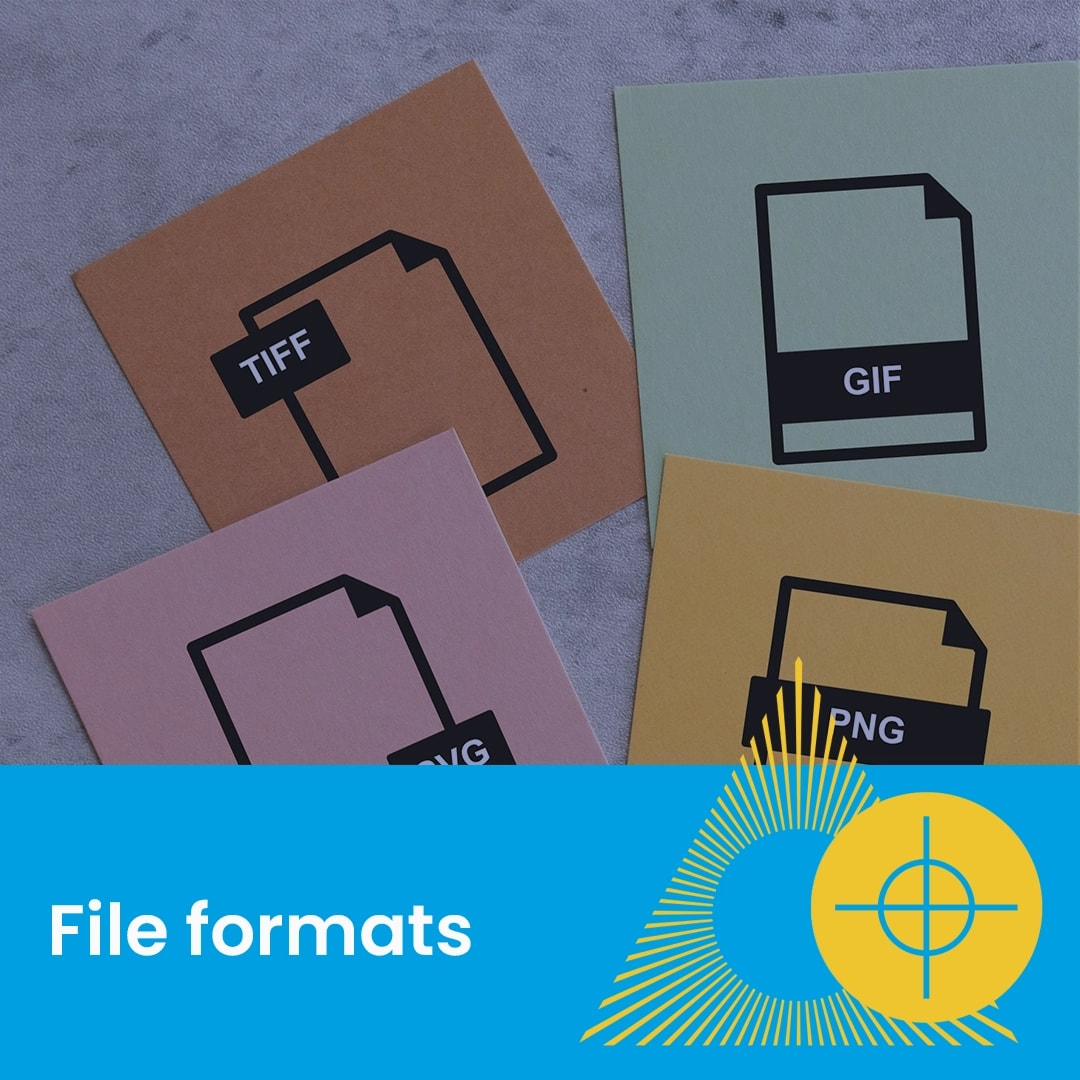
Four cards labeled TIFF, GIF, JPG, and PNG illustrate different file formats.
Close-up of a printed page with colourful doodles over a statue, text reads "File prep".
A gloss laminated paper with a yellow and green spiral design on a reddish surface.