Prices
Custom stickers are a versatile solution for branding, signage, and safety. Understanding the difference between adhesive types and printing orientations ensures your stickers perform perfectly in their intended environment.
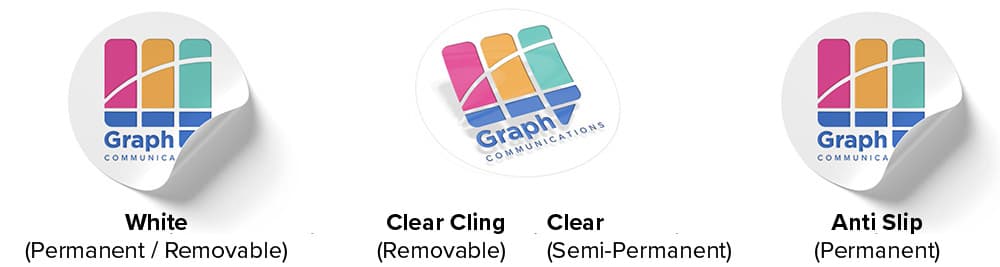
We offer three primary stocks, each available with permanent, semi-permanent or removable adhesives to suit your application.
White: An opaque white finish. Best for high-contrast designs, such as for sticker sheets or personalised labels. (Suitable for forward printing only).
Clear Cling & Clear: A transparent finish. Ideal for a "no-label" look or window applications. (Suitable for forward or reverse printing).
Anti-Slip Vinyl: A specialist opaque vinyl with a slip-resistant coating, ideal for floor stickers. (Suitable for forward printing only).
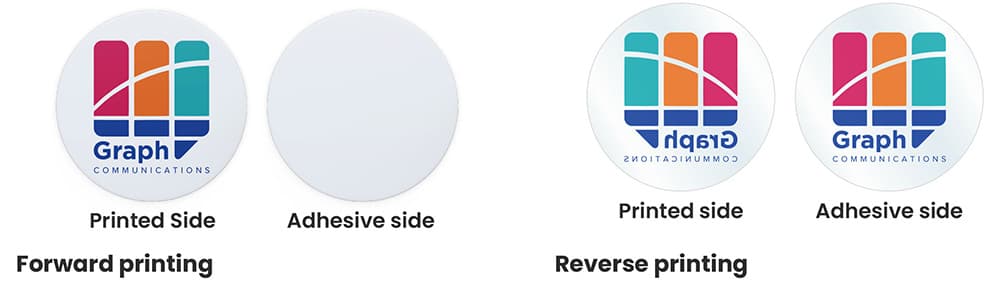
Choosing the correct print orientation is vital for stickers applied to glass or clear surfaces.
Forward Printing: Artwork is printed on the non-adhesive side. It is readable from the front and is ideal for mirrors and solid surfaces.
Reverse Printing: Artwork is flipped and printed on the non-adhesive side of clear material. It is readable through the adhesive side, making it ideal for the inside of shop windows.
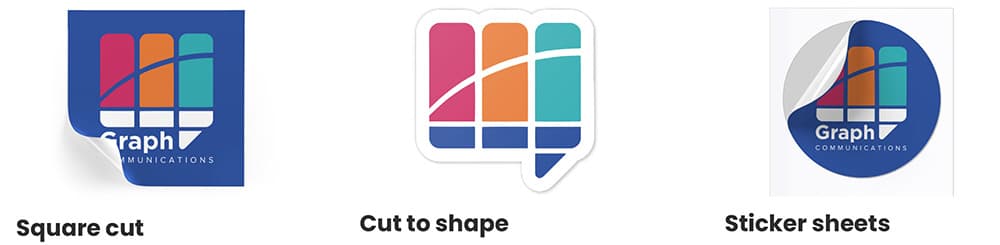
We provide three distinct ways to finish and supply your stickers based on your requirements.
Square Cut: Trimmed to your specified square or rectangular dimensions.
Cut to Shape: Custom die-cutting to any path. Technical Requirement: Supply a cut path as a solid stroke, set as a spot colour named CUT. This must be the top layer and set to Overprint.
Sticker Sheets: Multiple designs are "kiss-cut" onto a single sheet, allowing for easy peeling and high-volume use.
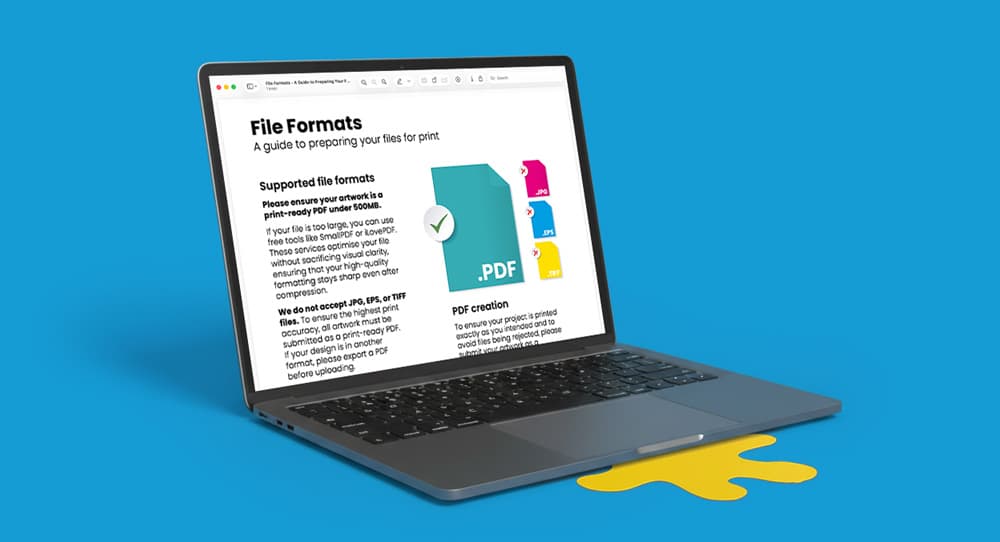
Need more help? Explore our additional support guides for expert advice on artwork setup, print file preparation, bleed and crop marks, colour setup, large format artwork and troubleshooting common print file issues.
Our support guides also cover paper stock selection, premium print finishes including spot UV and Scodix, preparing print-ready artwork and understanding the best setup for a wide range of printed products.
Before ordering, you can also use our artwork technical check tool to identify common artwork problems, including low resolution images, missing bleed, incorrect dimensions and RGB colour profiles.
You can also browse our full range of print products, including banners, business cards, flyers, posters and large format printing solutions.
Discover custom sticker printing with a wide range of shapes, sizes, materials, and finishes for packaging, branding, product labels, promotions, and events.