Prices
Personalisation allows you to print a different name on each item without creating multiple versions of your artwork. You supply one PDF and one CSV name list, then we generate the personalised print files from your order.
Personalisation is available on selected products, including:
This guide applies to any product where the configurator shows Personalisation.
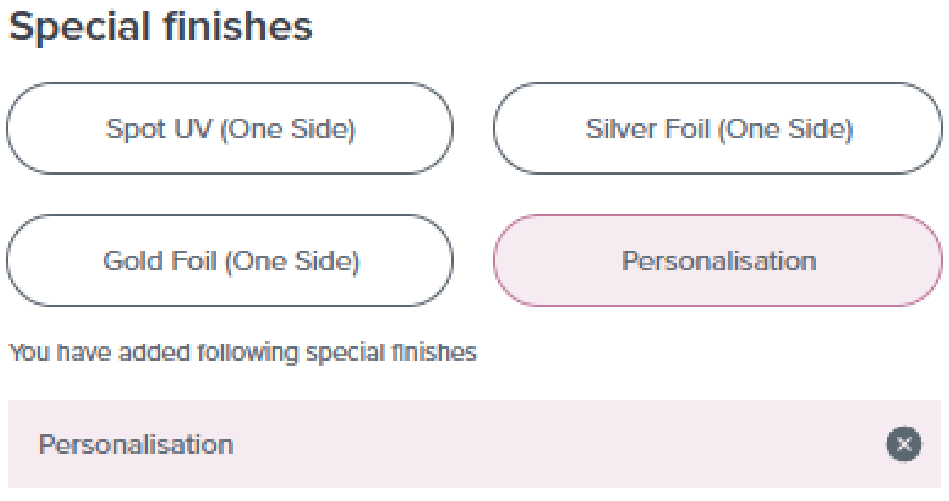
When building your product, set Personalisation as Yes. This tells us that your order will include name printing. Once selected, continue through the builder and place your order as normal.
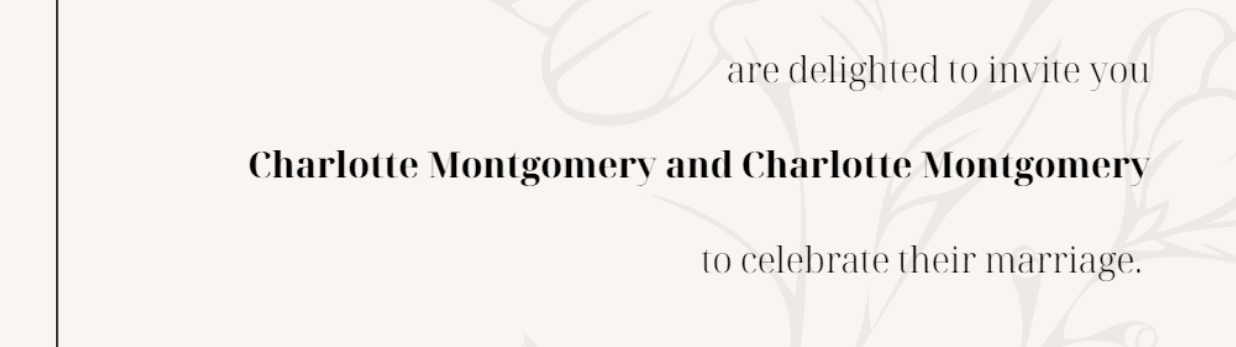
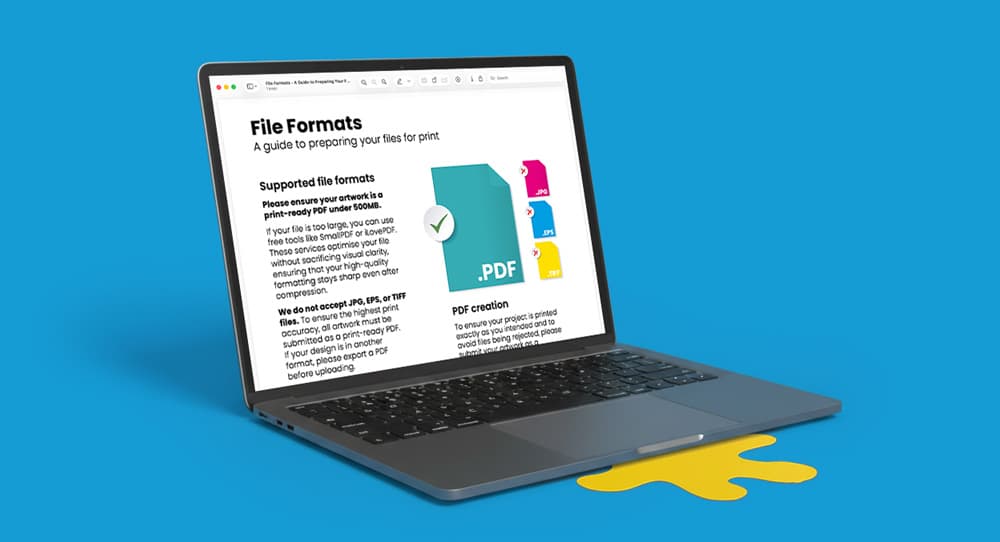
Place a real name on your artwork where it should print, using final font, size and position. Do not use placeholder text and do not leave it blank. Then, export it as a print ready PDF.
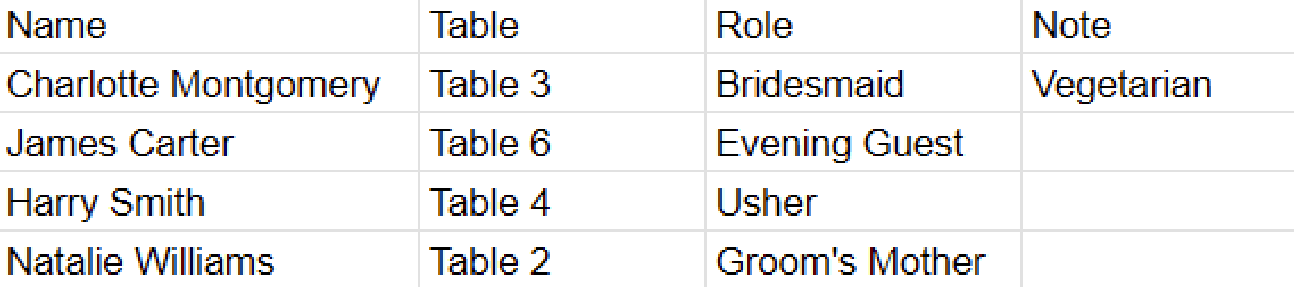
Create a spreadsheet with one name per row, using a column titled Name. Add any additional columns needed for reference, then check that all names are spelt correctly before saving.
Save your spreadsheet as a CSV file. In Excel, use File then Save As and choose CSV. In Google Sheets, use File then Download and choose Comma Separated Values (.csv).
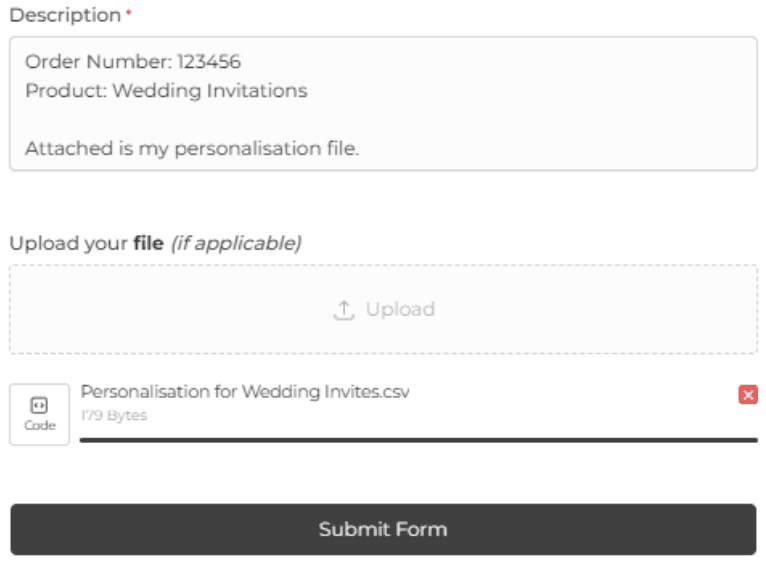
Upload your CSV using the WTTB contact form once your order is placed. In your message, include your order number and product name so we can match the file to your order and begin personalisation without delay.
Need more help? Explore our additional support guides for expert advice on artwork setup, print file preparation, bleed and crop marks, colour setup, large format artwork and troubleshooting common print file issues.
Our support guides also cover paper stock selection, premium print finishes including spot UV and Scodix, preparing print-ready artwork and understanding the best setup for a wide range of printed products.
Before ordering, you can also use our artwork technical check tool to identify common artwork problems, including low resolution images, missing bleed, incorrect dimensions and RGB colour profiles.
You can also browse our full range of print products, including banners, business cards, flyers, posters and large format printing solutions.