Prices
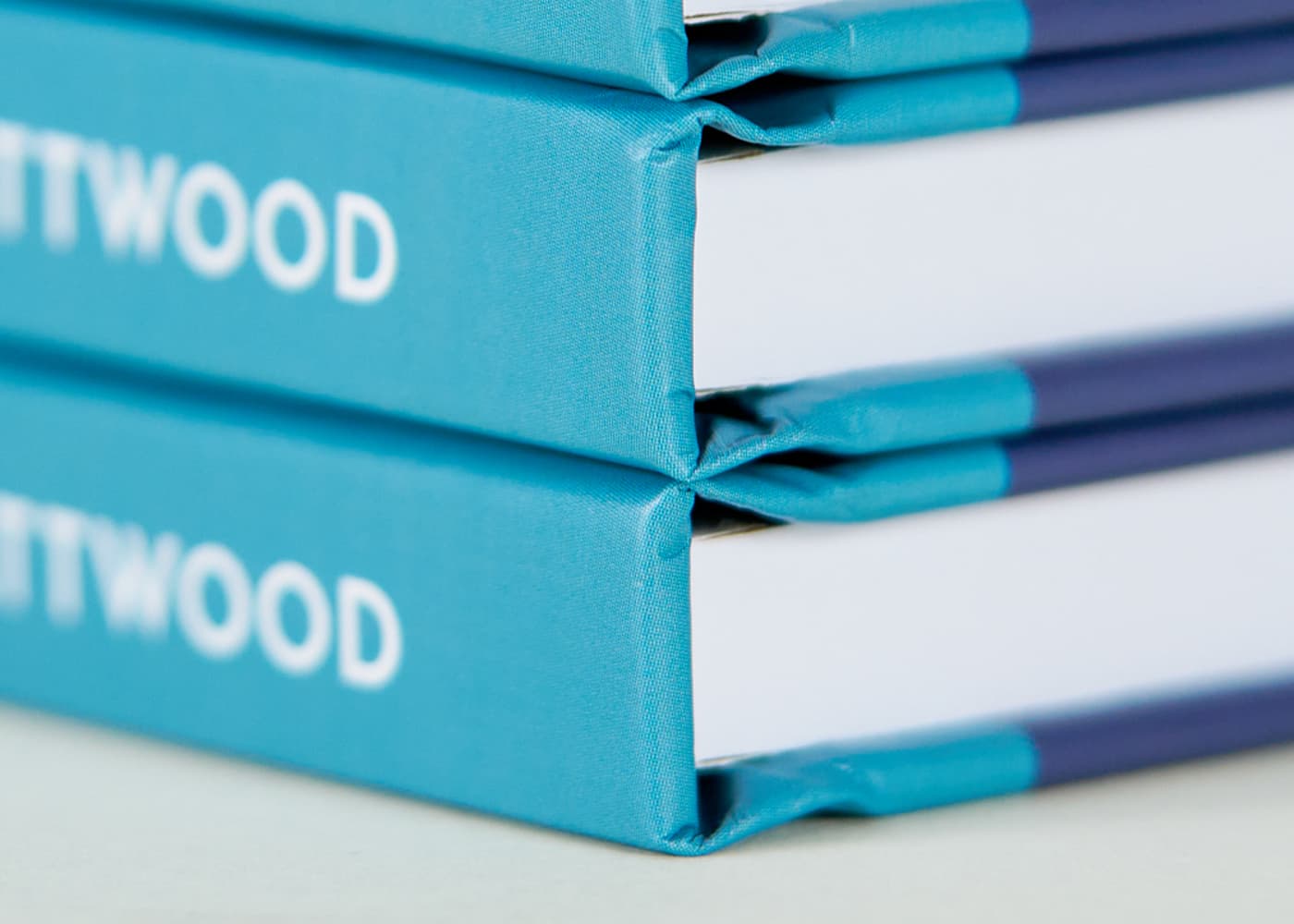
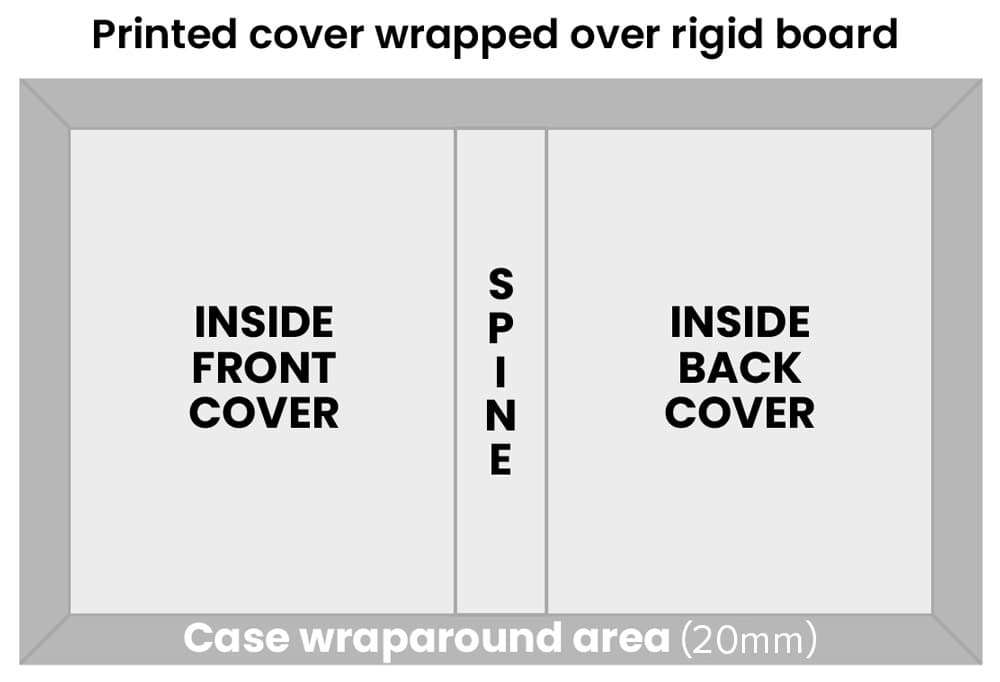
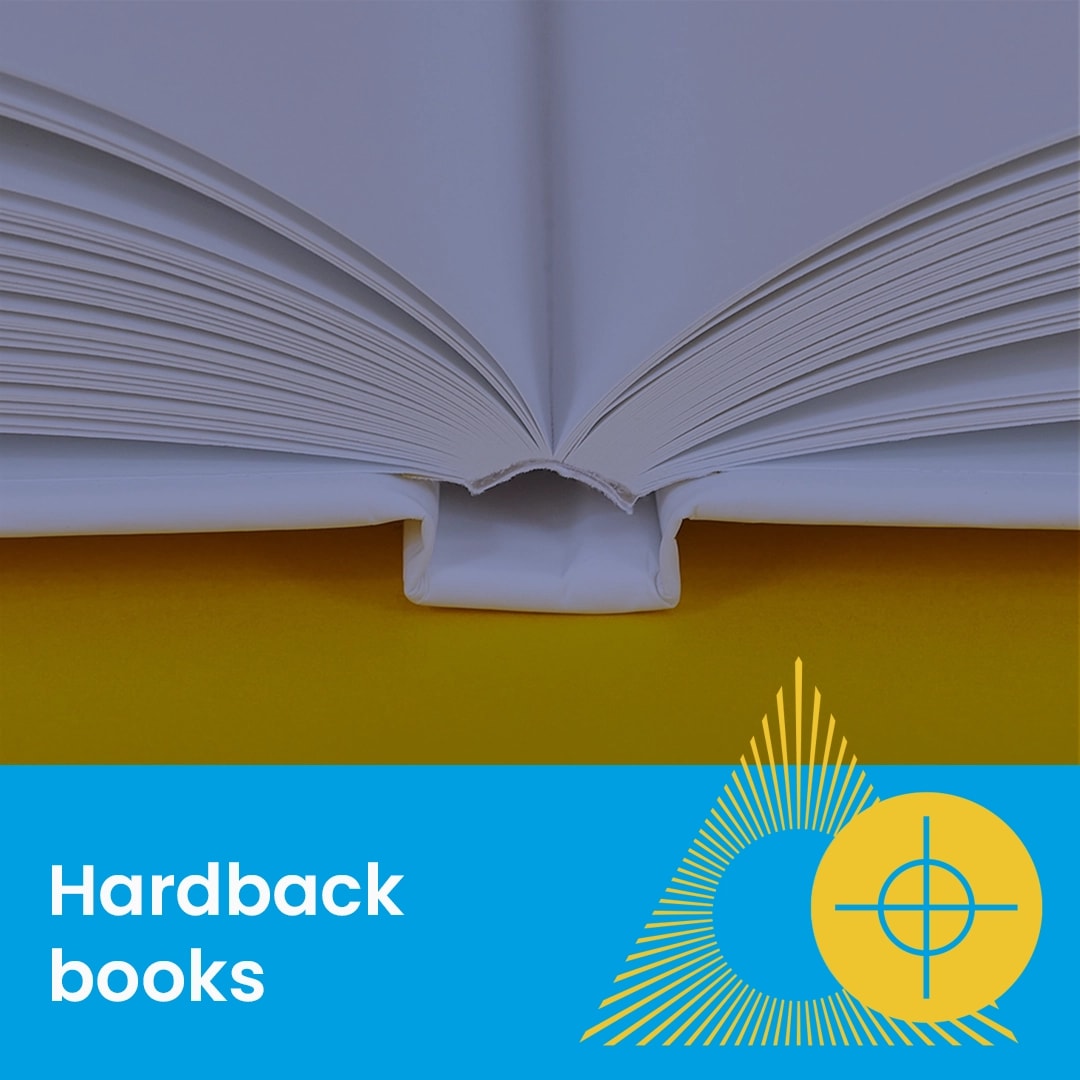
Hardback book covers (also known as cased-in covers) are manufactured using a different process to standard paperbacks. The cover is printed larger than the book itself and then wrapped around a rigid greyboard to create a durable, premium finish.
Because the cover must wrap around the board, the dimensions of your artwork are significantly different from your internal page size.
Oversized Cover: Hardback book covers are 10mm larger than the internal pages.
Wraparound (Bleed): You must include a 20mm printed wraparound on all edges. This provides enough material to be glued over the edges of the cover board and tucked onto the inside, ensuring no raw board is visible.
Spine Width: The spine width depends on your total page count (up to a 33mm maximum). Always use a spine calculator to find the exact measurement before exporting your final artwork.
Aligning artwork: To aligning your artwork centrally on your front and back cover ensure that you take into consideration the 10mm book hinge/joint area. These are on the left on your front cover and on the right on your rear cover (highlighted on product templates). Depending on your design you will need to establish if the centre of your cover design includes or excludes the 10mm book hinge/joint area. We have highlighted the 2 centre point options on our guides for you.
To ensure your text and logos remain visible and are not distorted during the binding process, please adhere to these safety margins.
Outer Edges: Keep all text at least 5mm away from the outer edges.
Spine Safety: Keep all text and logos at least 10mm away from the spine.
The Hinge Area: The area next to the spine is pressed during binding to create the "hinge". Anything placed in this 10mm zone may be obscured or distorted.
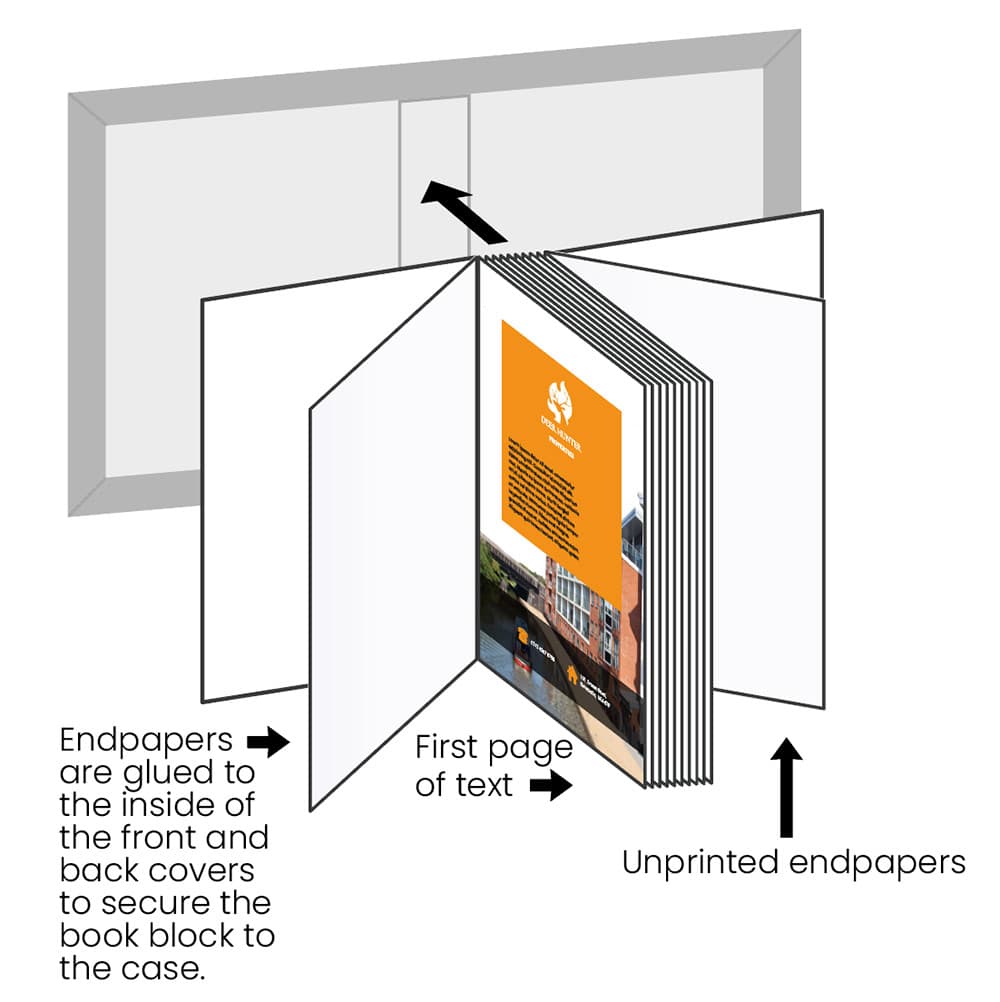
Endpapers are the pages used to secure the book block to the rigid case.
Standard Finish: We provide 4pp plain white uncoated endpapers at both the front and back. One page of each set is glued to the inside cover board, leaving a white cover lining and a blank leaf, white on both sides, before and after your printed content.
Artwork Requirement: Standard endpapers are added automatically during production and should not be included in your artwork file or ordering page count.
Custom Endpapers: If your project requires additional endpapers, they must be incorporated into your file and included in the final page count.
Need more help? Explore our additional support guides for expert advice on artwork setup, print file preparation, bleed and crop marks, colour setup, large format artwork and troubleshooting common print file issues.
Our support guides also cover paper stock selection, premium print finishes including spot UV and Scodix, preparing print-ready artwork and understanding the best setup for a wide range of printed products.
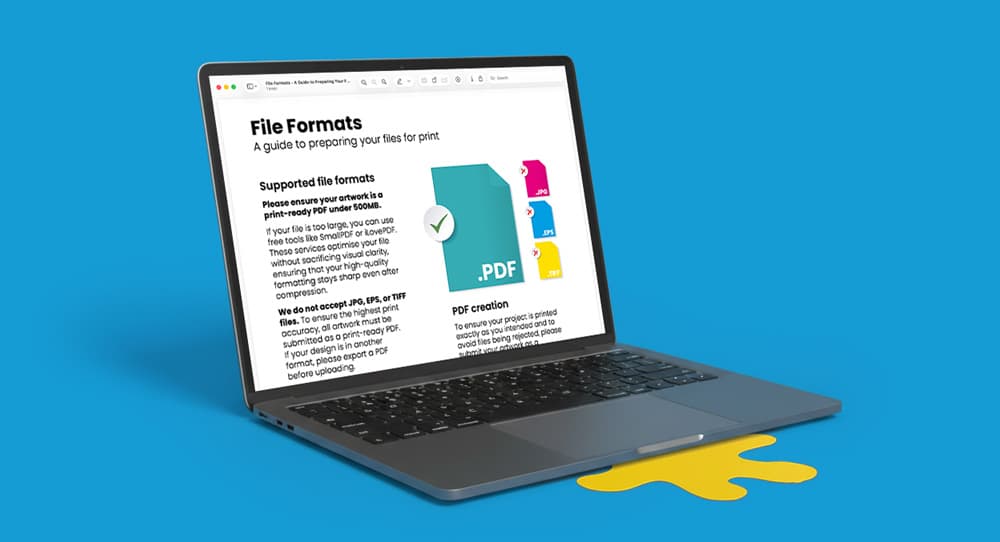
Before ordering, you can also use our artwork technical check tool to identify common artwork problems, including low resolution images, missing bleed, incorrect dimensions and RGB colour profiles.
You can also browse our full range of print products, including banners, business cards, flyers, posters and large format printing solutions.
Discover premium hardback book printing with durable covers, high quality print finishes and professional binding options for books, portfolios, publications and branded projects.