Prices
Printing costs can add up fast, especially when you are juggling multiple campaigns, tight timelines, and changing priorities. The good news is you can often bring the total cost down with a few smart choices during configuration, without sacrificing how your print looks or feels. In this guide, we will share four practical ways to stretch your budget further while ordering on WTTB.
If your order is not urgent, switching to Saver production is one of the quickest ways to cut the cost. You're simply trading a faster turnaround for better value, with the same spec and the same finished result.
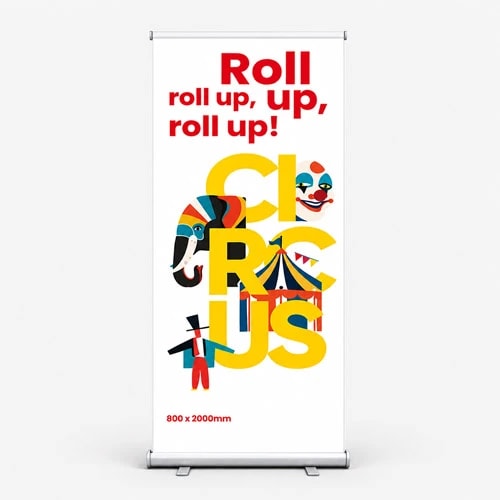
Say you're ordering roller banners for a trade show next month. If you order early and pick Saver production at checkout, you can bring the price down without changing the materials, size, or finish. It's the same banner, just on a longer schedule.
If you know you'll need more than one batch, the quantity table is where you can often save the most. As quantities go up, the unit price usually comes down, so you pay less per item overall.
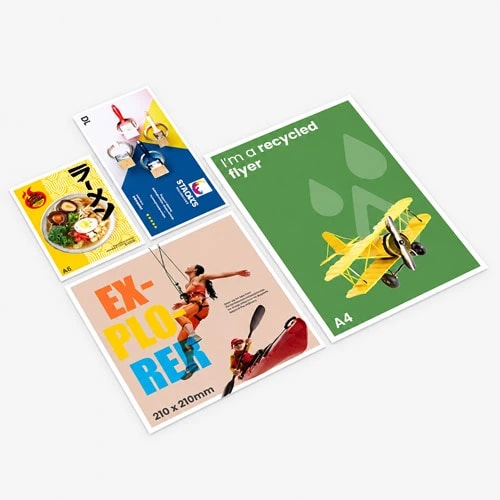
Say you're printing A5 flyers for a monthly promotion. You start at 1,000, but the next tier up brings the unit price down. If you'll use the extra flyers for your next drop, or to top up the same campaign, ordering 2,000 now can work out cheaper than ordering 1,000 twice.
Paper choice can make a bigger difference to price than most people expect. If you're looking to save, try switching to a slightly lighter weight or a different stock. You'll often bring the cost down while keeping the overall look professional.
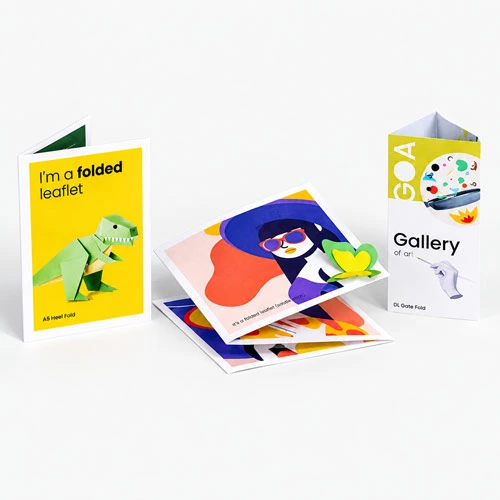
Say you're printing folded leaflets for menus or price lists. Try a lighter weight, or a different finish that still feels clean and easy to read. You'll keep it looking polished, but you could shave a chunk off the total cost.
If you're printing a set of designs, Versions can save you time and money. It lets you bundle multiple artworks into one order, so you get an instant discount while keeping everything on the same spec. Versions is available on selected products, with up to 15 Versions per order
Say you're printing leaflets for three branches, each with its own address and contact details. Add each artwork as a Version on the product page and place one combined order. You'll keep the same paper and finish across the set, and you'll save compared to placing three separate orders.
If you're placing print orders throughout the month, Rewards helps you get more out of the same spend by building savings you can use on future orders.
Tier discounts can lower prices while you're logged in, so your day-to-day orders cost less.
Cashback credits are added when your order is dispatched, then you can use them to reduce the cost of your next order. You can redeem credits against up to 75 percent of an order value, and they'll expire after 45 days, so they're best used regularly.
Print Perks points give you extra value on top, worth £2.50 each. You can use them on things like Artwork Technical Checks, which can help avoid costly print mistakes.
One of the easiest ways to protect your budget is making sure your files are print ready before you upload. A small setup issue can lead to delays or reprints, which quickly cancels out any savings.
Quick checklist before you upload
If you need a hand, our Support Guides walk you through the details, including checklists and how to set up your files for different products.
If you're trying to stretch your budget further, a few small choices can make a real difference.
Give a few of these tweaks a try next time you order. You’ll be surprised how much a simple change like adjusting your volume or swapping the finish can impact your total project budget.
Posted on February 27, 2026 by WTTB
Related topics: