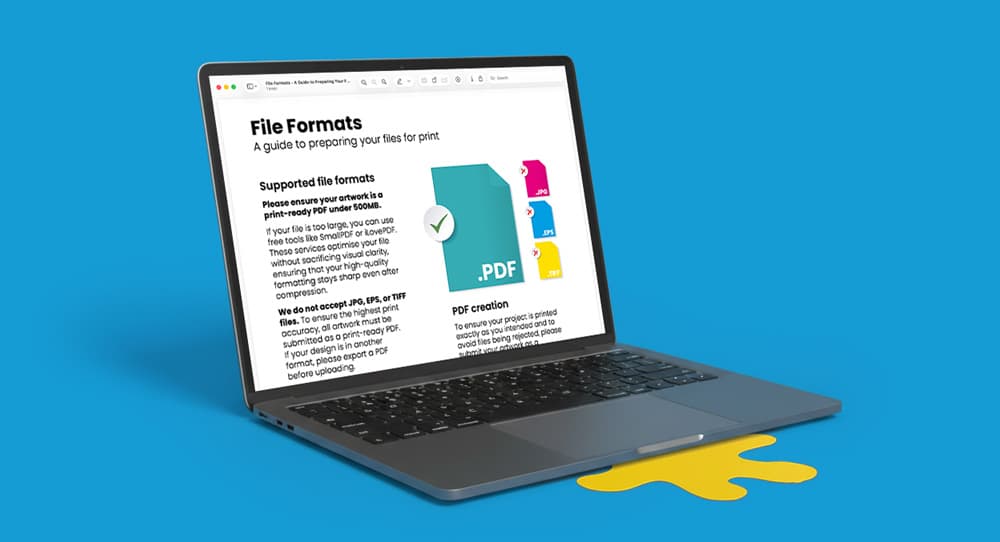
Print-Ready PDF Guide

Checklist for Supplying Print-Ready Artwork
To ensure your printed materials are crisp and high-quality, all images must meet professional standards before export.
Resolution: All images should have a resolution of 300dpi or higher.
Quality: Low-resolution images may appear pixelated or blurry once printed.
To prevent layout issues or missing characters, your fonts must be properly processed.
Embedding: Ensure all fonts used in your artwork are embedded within the PDF file.
Outlines: Alternatively, you can convert all text to outlines to ensure the design remains intact regardless of the printer's software.
Type 3 fonts: We do not accept Type 3 fonts - these can cause unexpected issues during the printing process. If you have used any Type 3 fonts in your artwork they must be either flattened, or converted into outlines.
Screen colours (RGB) do not translate directly to ink. Correcting your document setup is vital for colour accuracy.
CMYK Setup: Your document colour mode must be set to CMYK.
Automatic Conversion: Any artwork submitted in RGB or Pantone will be converted to CMYK automatically, which may result in a slight colour shift.
Precise finishing requires specific markings and extra artwork area to avoid white borders after trimming.
Bleed: Bleed must be included within your exported artwork. Depending on the product type this may be 1mm, 3mm, 20mm. Although most of our products have a 3mm bleed, please ensure you check the product template you are creating artwork for the correct bleed measurement.
Crop Marks: Export your file with crop marks shown to indicate exactly where the artwork should be trimmed to its finished size.
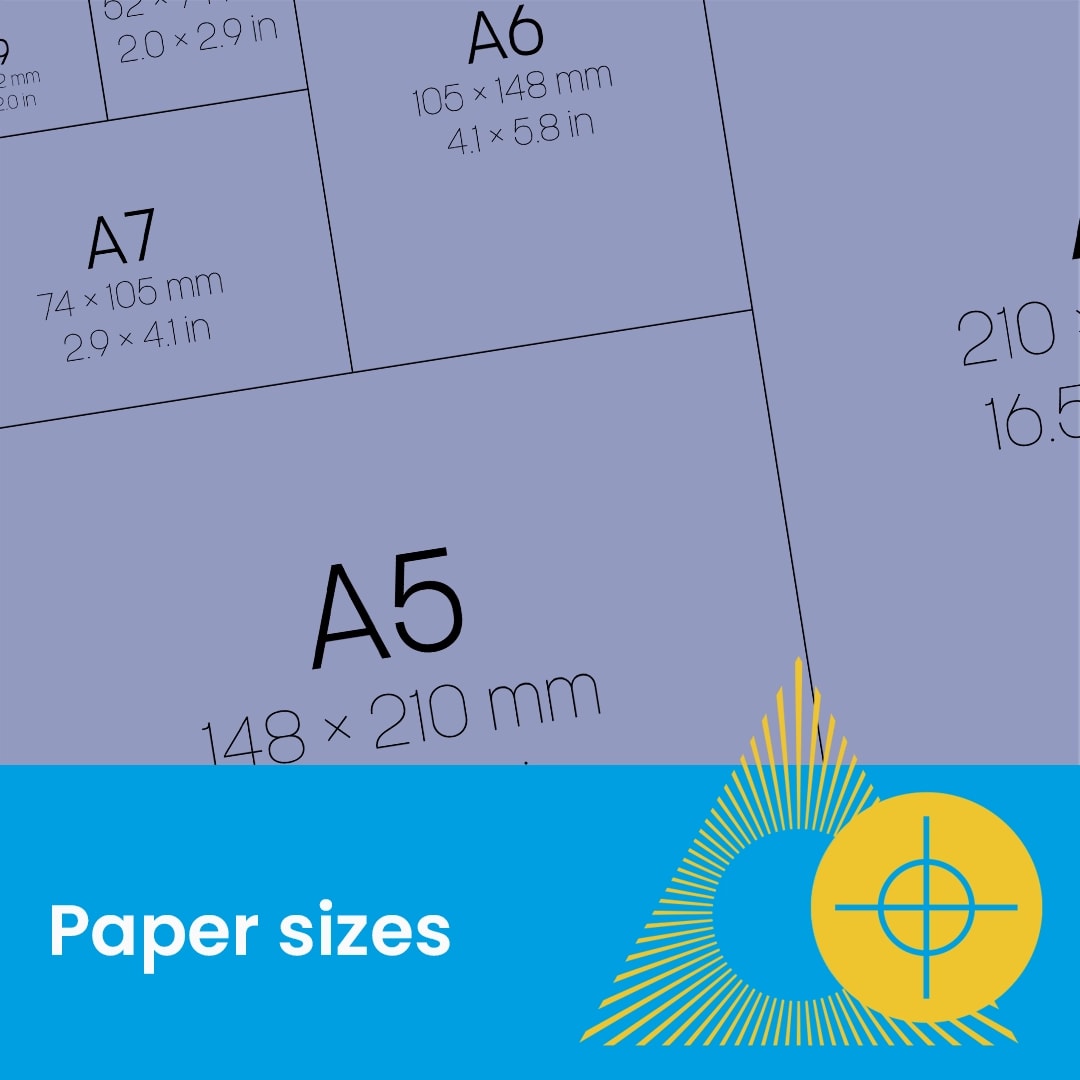
Matching Specifications: Ensure your artwork matches the exact dimensions and orientation of your order.
Files that do not match these technical specifications will be rejected to avoid printing errors. Please double-check your PDF against this checklist before uploading.