||

Prices


 Unparalleled knowledge,
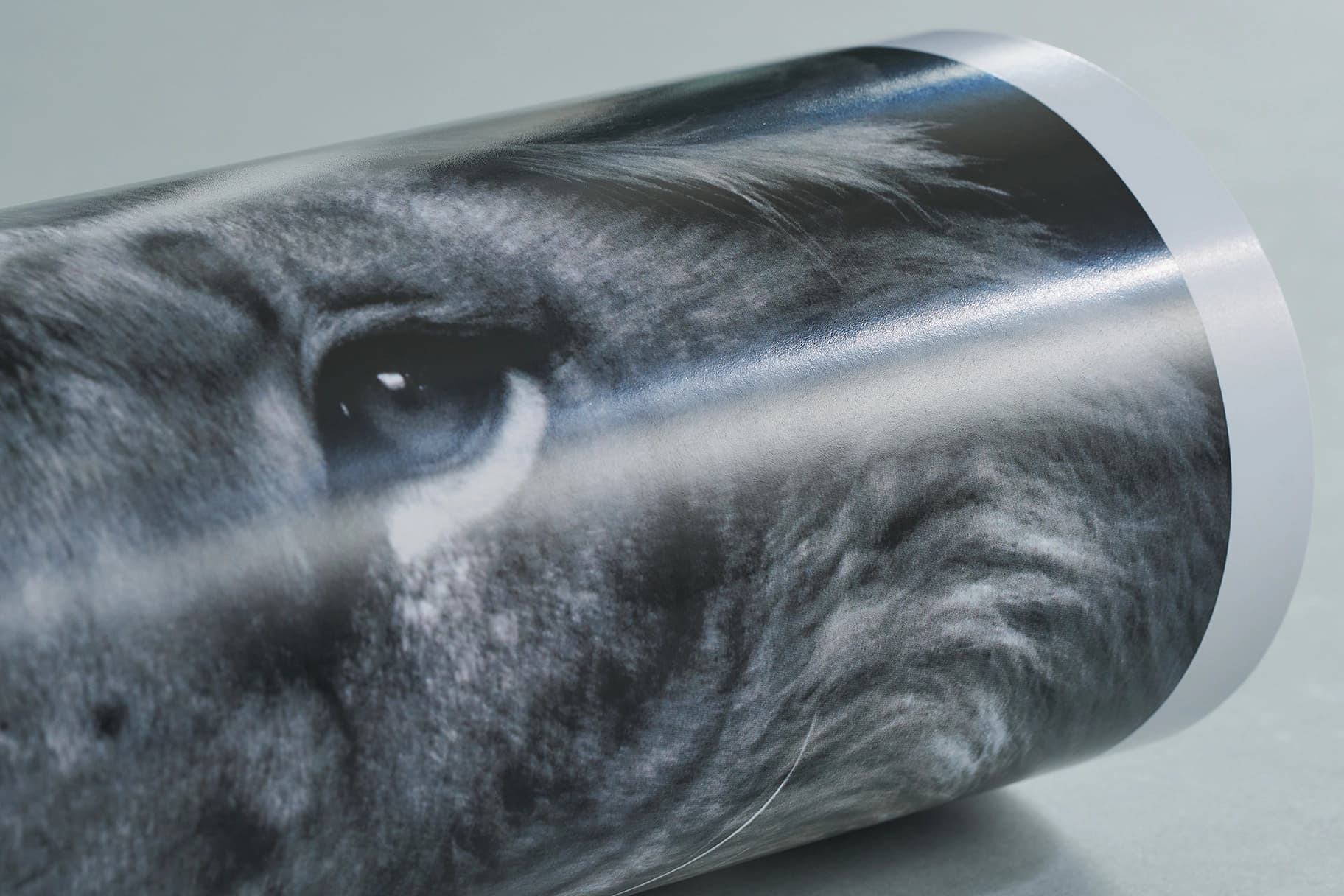
Silk paperFor a slight silk sheen to your print.
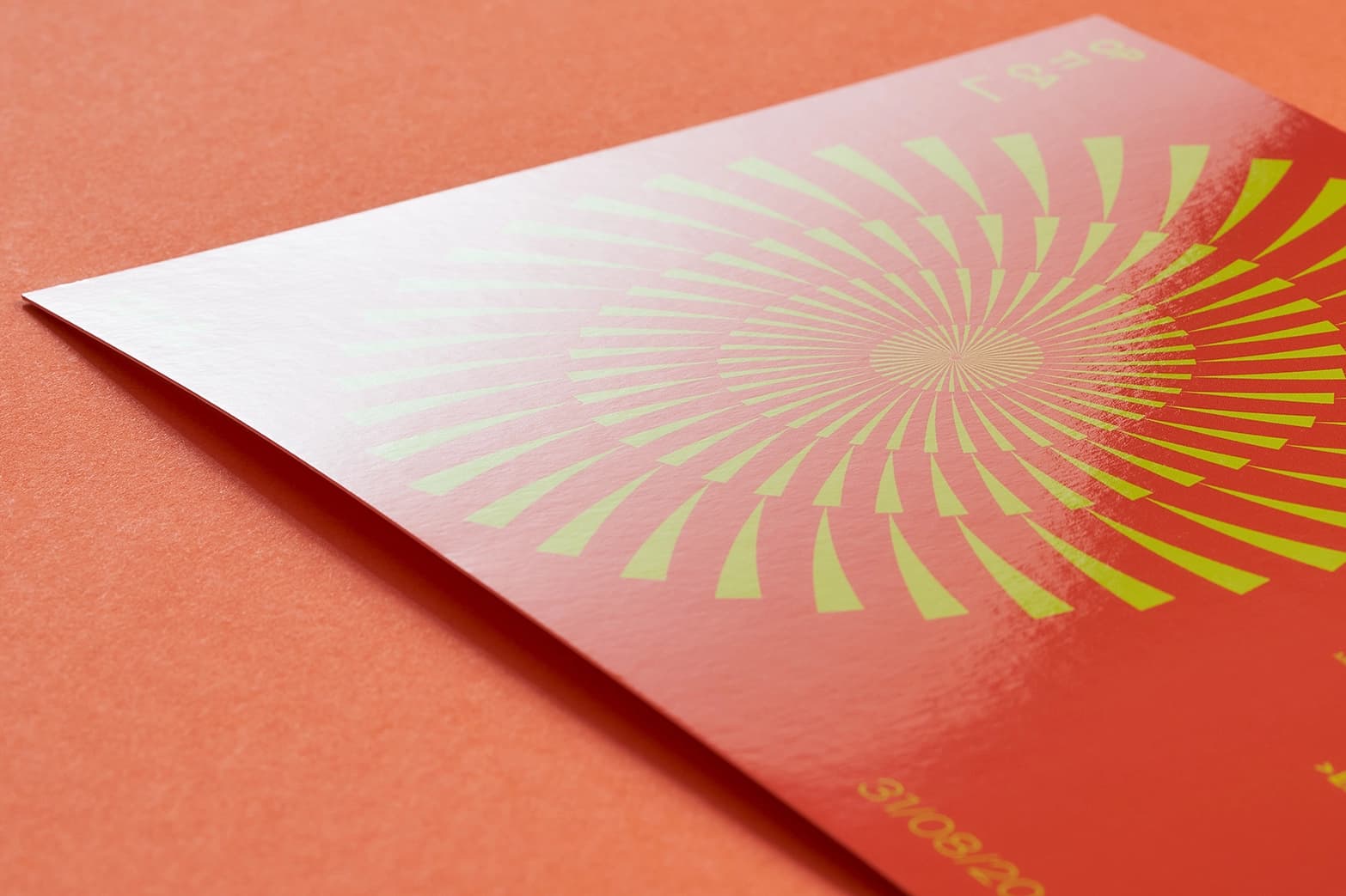
Gloss laminationEnhance your print with a ‘glass look’ shine and a layer of protection with our durable gloss lamination.
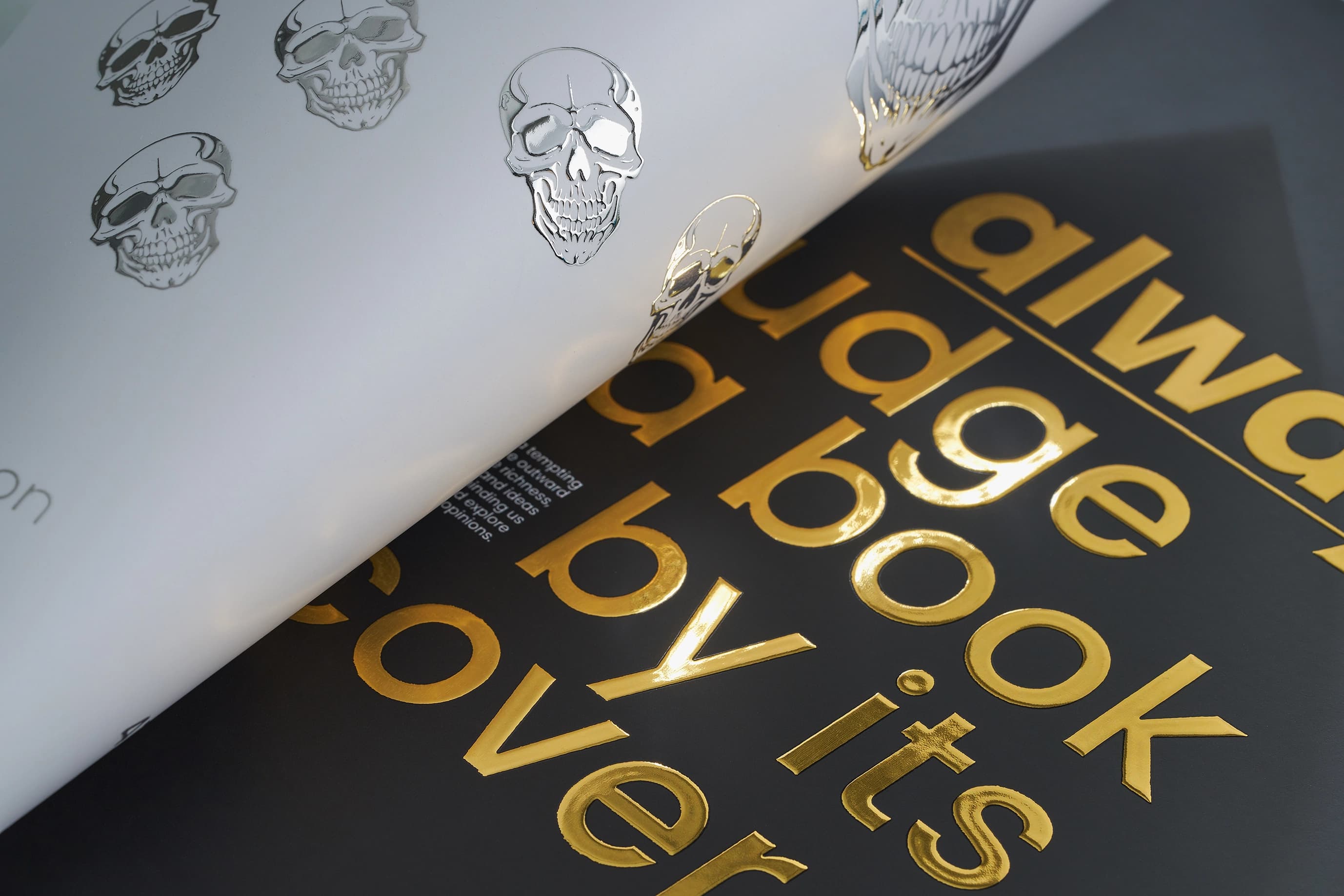
Scodix© gold or silver foilingA beautiful metallic gold or silver foil finish to enhance specific areas of your design.
Product description
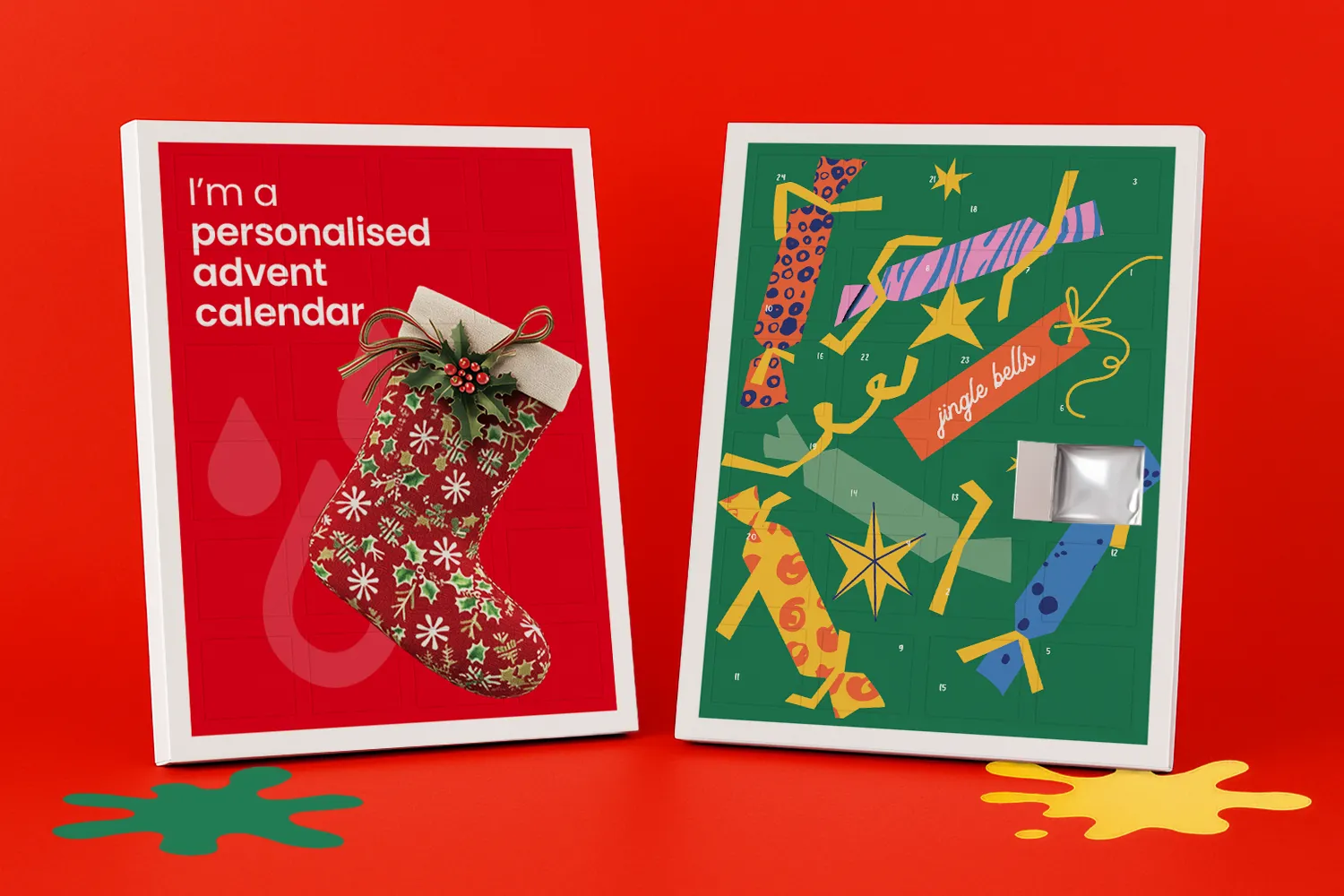
The sleeves are designed to fit a Cadbury Dairy Milk 90g Advent Calendar, allowing you to purchase the chocolate calendars separately and insert them yourself. This gives you the flexibility to source your own chocolates while we take care of the high-quality personalised printing. Please note: chocolates are NOT included. The product supplied by WTTB is the flat printed Advent Calendar sleeve only. The sleeve is not cut to shape, taped or assembled. For an extra-special festive finish, you can add luxurious gold or silver foil detailing to your design. Optional boarded envelopes are also available, making it easier to protect your finished calendars when sending them to customers, colleagues, friends or family.
Technical specifications
Supplied as a flat printed sheet only
250 x 327mm constructed size
Printed on premium 400gsm silk stock Gloss laminated
Choice of silver or gold foil finishes
Designed to fit a Cadbury Dairy Milk 90g Advent Calendar
Chocolate Advent Calendar not included
Customer assembly required
Optional boarded envelopes available
Uses Corporate gifting, Christmas promotions, branded merchandise, client gifts, promotional giveaways and personalised festive gifts.
Important
WTTB does not supply the chocolates or Cadbury Dairy Milk Advent Calendar.
You will need to purchase your own Cadbury Dairy Milk 90g Advent Calendars separately and insert them into your personalised printed sleeves.
Top tip
Elevate your custom advent calendars with double-sided printing. Add a personal touch by placing messages or images inside each door or behind the windows, creating a truly engaging and memorable festive gift.
Looking for more ways to make your holiday greetings stand out? Explore our festive Christmas range today.
Design guidelines
To make artwork setup simple, we recommend downloading the relevant template from the 'Product Templates' section above. Don’t forget to follow the template instructions and delete the 'guide' layer before exporting your design to a PDF.
For best printing results, ensure your artwork and images are CMYK. If you use RGB, Pantone or spot colours in any element of your artwork, we will automatically convert them to CMYK which may change your colour profile.
If you require colour matching for your print order, please submit a bespoke quote request here. Colour matching is not included as standard with online orders.
To eliminate any font issues, make sure all fonts are ‘embedded’ or ‘converted to outlines’ before creating your PDF print file. To ensure legibility, we recommend using a minimum font size of 10pt.
For optimal image print quality, ensure all images are 300dpi to 450dpi. Anything lower than 300dpi will give poor image quality. Images higher than 450dpi will result in high file sizes and may cause longer upload times.
To avoid alignment issues during cutting, be sure to include ‘crop marks’ (offset 10mm) and ‘document bleed’ when exporting your artwork file to PDF. Refer to our product templates for the required bleed specifications.
To meet our print requirements, ensure your file is exported in Adobe PDF (Print) format, ideally as PDF/X-1a: 2001.
Need further guidance? Our support guides are here to provide the answers.
How to print with Canva
We provide free Canva templates for many of our products to make artwork setup quick and print ready. If this product displays a Canva icon above, click it to open the correct template in Canva. Each template includes the correct dimensions, bleed and safe zones to help you set up your artwork correctly from the start.
Once your design is complete, download your artwork and return here to place your order.
If this product does not currently include a Canva template, you can still browse our full collection of Canva-compatible templates to find suitable alternatives.
When opening a template, it will launch in a new tab with all guides preloaded for you. Remember to remove any template guide layers before exporting your final artwork.
Need help getting started with WTTB Canva templates? Read the WTTB Canva template guide or watch our YouTube tutorial on how to use WTTB Canva templates.
For the most accurate print results, always set your design to CMYK colour mode where possible. Canva designs are usually created in RGB, which may cause slight colour shifts when converted for print.
We recommend checking colours carefully before exporting to help avoid unexpected results in your final print.
Need help setting up colours correctly? Read the print colour guide or watch our YouTube tutorial on how to get accurate print colours in Canva.
Use Canva fonts at a minimum size of 10pt to help maintain legibility when printed. Keep all important text within the safe area to prevent anything being trimmed during production.
For images, always use high resolution files at 300 DPI or higher. Low resolution images can appear blurry or pixelated once printed.
Need help preparing artwork for high quality print? Read our artwork resolution guide or watch our YouTube tutorial on how to export Canva designs for high quality print.
Extend any backgrounds, colours or images fully into the bleed area to avoid unwanted white edges after trimming. Keep important text, logos and key design elements safely inside the designated safe zone. Correct bleed setup is essential for achieving a professional print finish.
Need help setting up bleed correctly? Read our bleed setup guide or watch our YouTube tutorial on how to set up bleed in Canva for print ready designs.
When exporting from Canva, choose PDF Print as your file format and ensure 'Crop Marks and Bleed' is selected before downloading your artwork.
Once your artwork has been finalised, upload the completed PDF when placing your order with WTTB.
Need help exporting your artwork? Visit our Canva Hub for step by step guides on creating and exporting print ready designs in Canva, or watch our YouTube tutorial on how to export Canva designs for print with WTTB below.
Personalised advent calendars are custom-printed calendars designed to be filled with chocolates or other treats, creating a festive countdown to Christmas. They can be personalised with your own images, branding, logos or messages, making them ideal as a unique gift or promotional item.
Please note: chocolates are NOT supplied with our advent calendars. The calendars are supplied ready for you to assemble and fill with your own chocolates or treats.
Yes, the key is to make clear that they are supplied flat and cut to shape, but with the tape already applied for assembly.
Our advent calendars are supplied flat, printed and cut to shape, with the required tape already applied. This allows them to be transported safely while making assembly quick and easy for customers.
Once assembled, customers can simply add their own chocolates or other contents to complete the advent calendar.
Yes, you can print inside the advent calendar doors. Choose the double-sided option when configuring your product, and follow our template to ensure your design is aligned correctly when the doors are opened.
Our personalised advent calendar sleeves are designed to fit a Cadbury Dairy Milk Chocolate 90g Advent Calendar, which must be purchased separately by the customer. WTTB does not supply the chocolate advent calendar or any chocolates. For convenience, our artwork template includes the nutritional information for the Cadbury Dairy Milk Chocolate 90g Advent Calendar, along with a best-before date of March 2027.
The nutritional information currently provided for the 90g Cadbury Dairy Milk Advent Calendar is:
For allergens see highlighted ingredients. Contains Milk. May Contain Nuts. Milk**, Sugar, Cocoa Butter, Cocoa Mass, Vegetable Fats (Palm, Shea), Emulsifiers (E442, E476), Flavourings, **The equivalent of 426 ml of Fresh Liquid Milk in every 227g of Milk Chocolate, Milk Solids 20% minimum, actual 23%, Cocoa Solids 20% minimum, Contains Vegetable Fats in addition to Cocoa Butter
Typical values | Per 100 g | Per piece (3.75 g) | *Reference Intakes |
Energy | 2239 kJ | 84 kJ | 8400 kJ / |
Fat | 31 g | 1.2 g | 70 g |
of which Saturates | 18 g | 0.7 g | 20 g |
Carbohydrate | 56 g | 2.1 g | 260 g |
of which Sugars | 56 g | 2.1 g | 90 g |
Fibre | 2.1 g | <0.1 g | - |
Protein | 7.3 g | 0.3 g | 50 g |
Salt | 0.24 g | <0.01 g | 6 g |
*% reference intake of an average adult (8400 kJ / 2000 kcal)
The deadline for uploading artwork is 22nd November. To ensure timely delivery for distribution, we advise placing orders well before this date.
Gloss: This paper has a reflective, shiny finish that enhances colour vibrancy and makes images stand out.
Gold / Silver foil: This finish provides a metallic sheen to select areas, giving your design a luxurious and distinctive appearance. Applied with Scodix technology.
Colour matching is not available on standard online orders. If your print requires a specific colour match, please submit a bespoke quote request here, and our team will review your requirements.
The turnaround time for advent calendar printing depends on your chosen product specification and finishing options. For faster delivery, we offer express production upgrades at an additional cost. To ensure your order is delivered on time, it is important we receive your artwork by the cut-off time indicated on both the product page and basket.
Please note: If your file is submitted after the cut-off time or if corrected artwork isn't provided before the next cut-off time following rejection, it will delay delivery by one working day.
We offer free standard delivery, with optional upgrades available for expedited service, including pre-10:30 AM and pre-12:00 PM for an additional cost.
Yes, we offer international delivery. Contact our Bespoke team for a shipping quote.
Yes, we can arrange split deliveries. Contact our Bespoke team to let us know how you'd like your order sent.
Uploading advent calendar artwork is a breeze. After placing your order, click the upload button on the confirmation page. You can also upload your artwork through the Orders tab of "My Account".
Most orders are sent in boxes. For larger quantities, we may secure your order on a pallet (kerbside delivery). If your location doesn’t have tail-lift access, please contact us after placing your order so we can help arrange the best delivery option. Be sure to have your order number to hand.