WTTB
Resources
Print Services
Bespoke PrintingBook Printing HubEvents & Exhibitions HubCharity Printing HubLeaflet DistributionVideo QR Codes
Trade Print Services
Print Reseller HubMarketplace Print HubPrint API *ᴺᴱᵂ*Image LibraryPrint ToolsReseller BlogsSample Pack
Benefits
RewardsDeals & Discounts
Help & Support
FAQsPrint BlogSupport GuidesArtwork CheckPrint Materials HubPrint DictionaryContact Us
‎ ‎ Canva
Canva Print Hub
Canva Templates
Canva Tutorials
Canva Checklist
Canva Blogs
Loading...
Books & Brochures
Flyers & Leaflets
Display & Signage
Cards & Stationery
Packaging & Stickers
Promotional
Occasions
Best Sellers

Products

  • Banners
  • Booklets & Brochures
  • Business Cards
  • Flyers & Leaflets
  • Signage
  • Business Stationery
  • Bespoke Printing
  • View all products »

Resources

  • Print Reseller Hub
  • Sample Pack
  • Book Printing Hub
  • Charity Printing Hub
  • Canva Print Hub
  • Print Materials Hub
  • Marketplace Print Hub
  • Image Library

My Account

  • Track My Order
  • Dashboard
  • Print Tools
  • Rewards
  • Deals & Discounts
  • Register

Help & Support

  • FAQs
  • Support Guides
  • Print Dictionary
  • Artwork Check
  • WTTB Blog
  • Contact Us

Company

  • About WTTB
  • Meet The Team
  • Terms and Conditions
  • Privacy Policy
  • Cookie Policy
  • Sustainability

Connect

  • icon
    Facebook
  • icon
    Instagram
  • icon
    LinkedIn
  • icon
    Pinterest
  • icon
    TikTok
  • icon
    YouTube

Copyright © 2026 WTTB  All rights reserved

guaranteed safe & secure checkout powered by Stripe

Eyelet Artwork Guide

How to Prepare Files with Eyelets

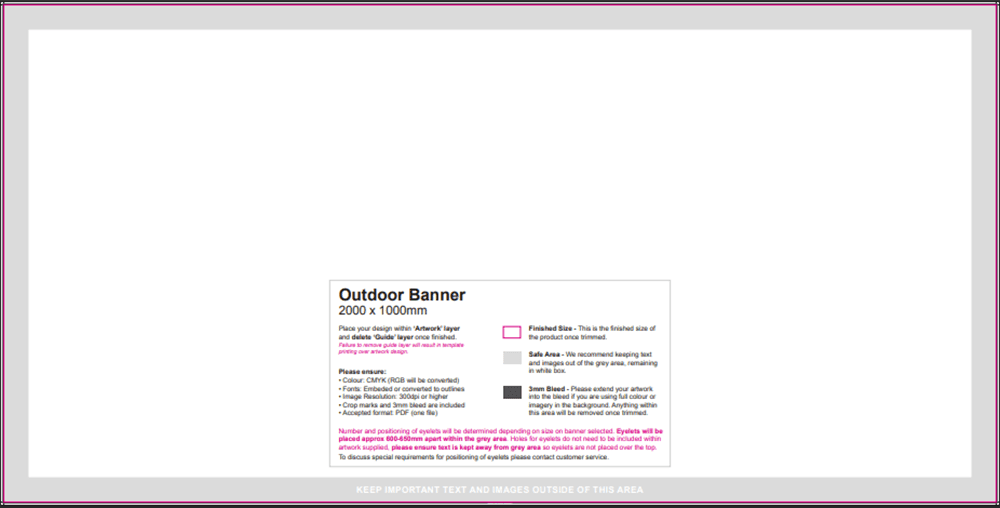
When ordering banners with eyelets, your artwork must keep all important content clear of the grey zone. Following these technical specifications ensures your text, logos and key details are not affected when eyelets are added during production.

What are eyelets

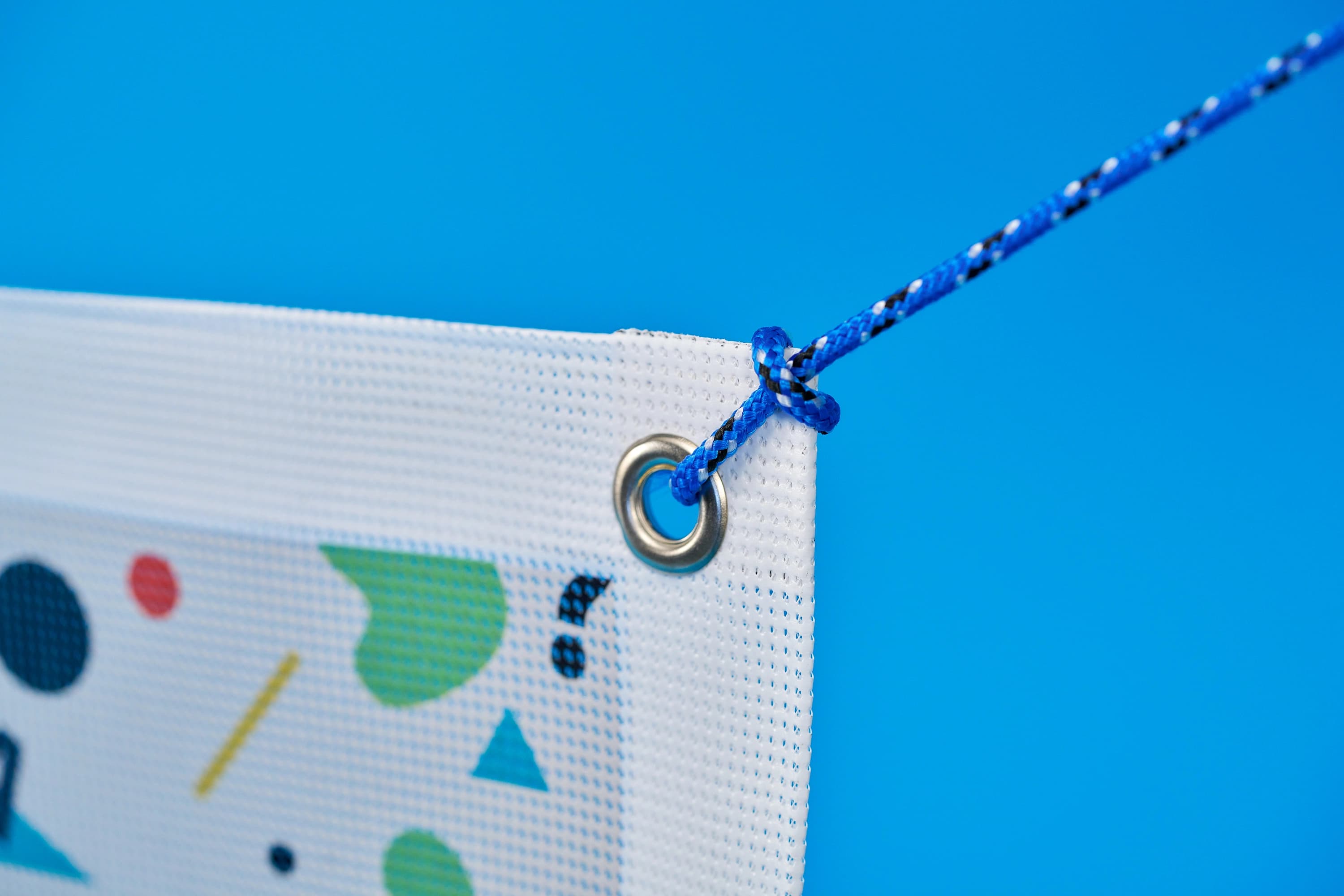
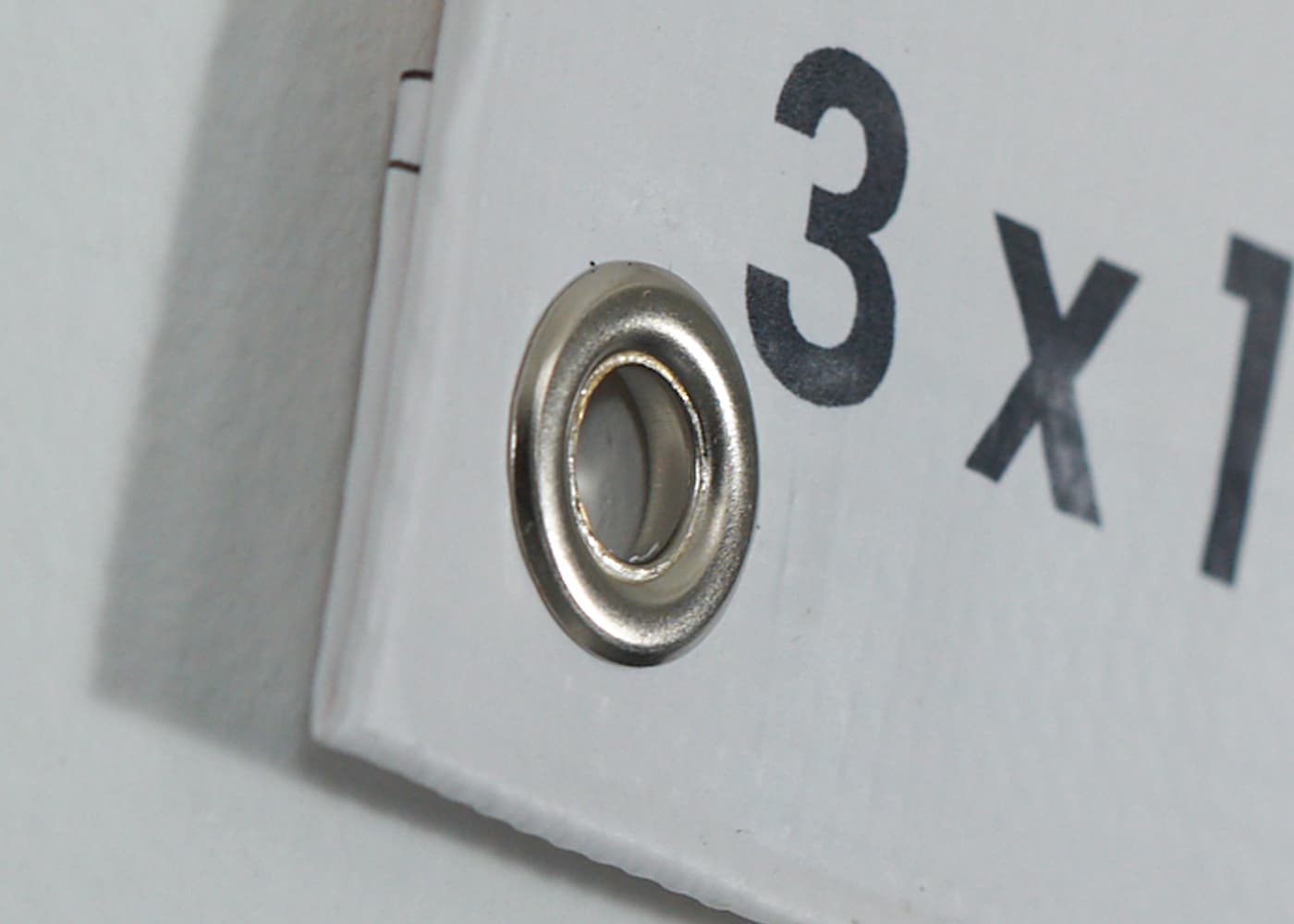
Eyelets are heavy-duty metal fixings that measure 18mm. They are inserted into a reinforced hem for long-term outdoor use.

When designing banners, ensure all text, logos and important information are outside the grey area on the template. Eyelets are placed within this grey area. If anything goes into this space, you risk an eyelet cutting through your important content, such as a phone number or brand logo.

Eyelet Positioning

The number of eyelets depend on the size of the banner you order. Eyelets are placed 600-650mm within the grey area.

Because their position varies depending on banner size, you must treat the entire grey area as a zone where an eyelet might be placed.

Check before you upload

When uploading your banner design to the site, be sure to check the following:

  • Is all text at least 50mm from the edge?
  • Is all important content outside the grey area?
  • Are the logos, phone numbers or websites away from the banner edge?

If yes, your artwork is set up correctly. Any eyelets will not interfere with your design.

Important: You do not need to mark or add holes in your design. Our team handles all eyelet positioning based on banner size and industry spacing rules. You just need to select eyelets and ensure all important content is out the grey area.

Do you have special eyelet positioning requirements?

If you require eyelets in specific positions to match existing fixing points, contact our bespoke service using our contact form before placing your banner order to discuss any requirements you might have.

PDF Guide: Eyeletting Artwork Guide

Download our step-by-step PDF to correctly prepare your banner design files for precise, professional eyelets.

Additional Print Support and Resources

Need more help? Explore our additional support guides for expert advice on artwork setup, print file preparation, bleed and crop marks, colour setup, large format artwork and troubleshooting common print file issues.

Our support guides also cover paper stock selection, premium print finishes including spot UV and Scodix, preparing print-ready artwork and understanding the best setup for a wide range of printed products.

Before ordering, you can also use our artwork technical check tool to identify common artwork problems, including low resolution images, missing bleed, incorrect dimensions and RGB colour profiles.

You can also browse our full range of print products, including banners, business cards, flyers, posters and large format printing solutions.
Related guides

Read Now
Read Now
Read Now
Read Now
Read Now
A close up of a colour swatch.
Close-up of a printed page with colourful doodles over a statue, text reads "File prep".
Two document icons labeled Portrait and Landscape with a 180-degree rotation symbol above them.
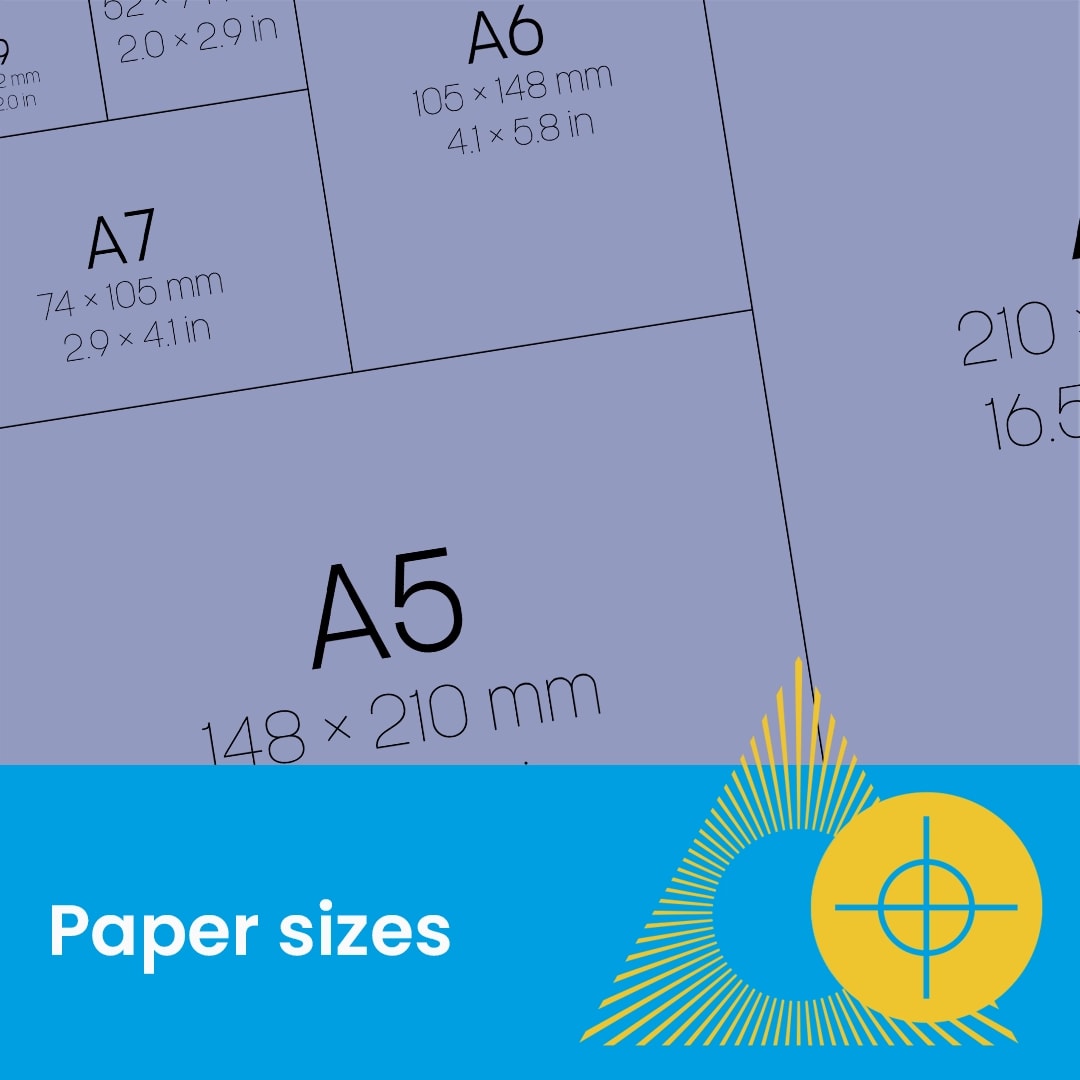
Diagram showing various A-series paper sizes with measurements, labeled "Paper sizes" at the bottom.
A close-up of a rolled, glossy printed paper with "Paper types" text and graphic overlay.
Four blank white directional signs point in opposite directions against a blue background.
Eyelets and hemming
Outdoor Banner Template image
outdoor-fence-banner-detail1
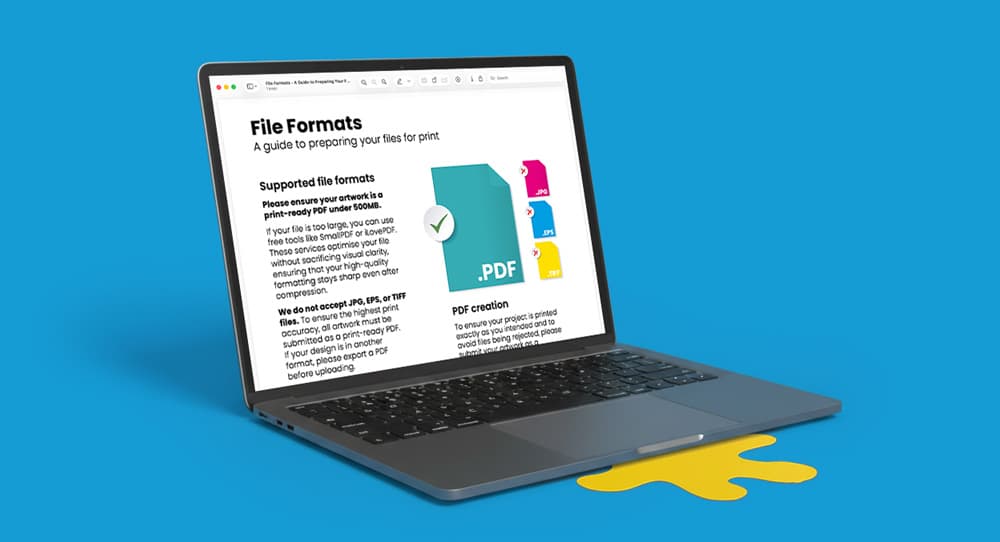
Laptop displaying a downloadable print guide, shown on a blue background.